How to get your Google review link (and put it on a tile)
Find the short link that opens your Google review form directly, test it, and put it behind a tap so customers never have to search for you.
By Shortfield 4 min read
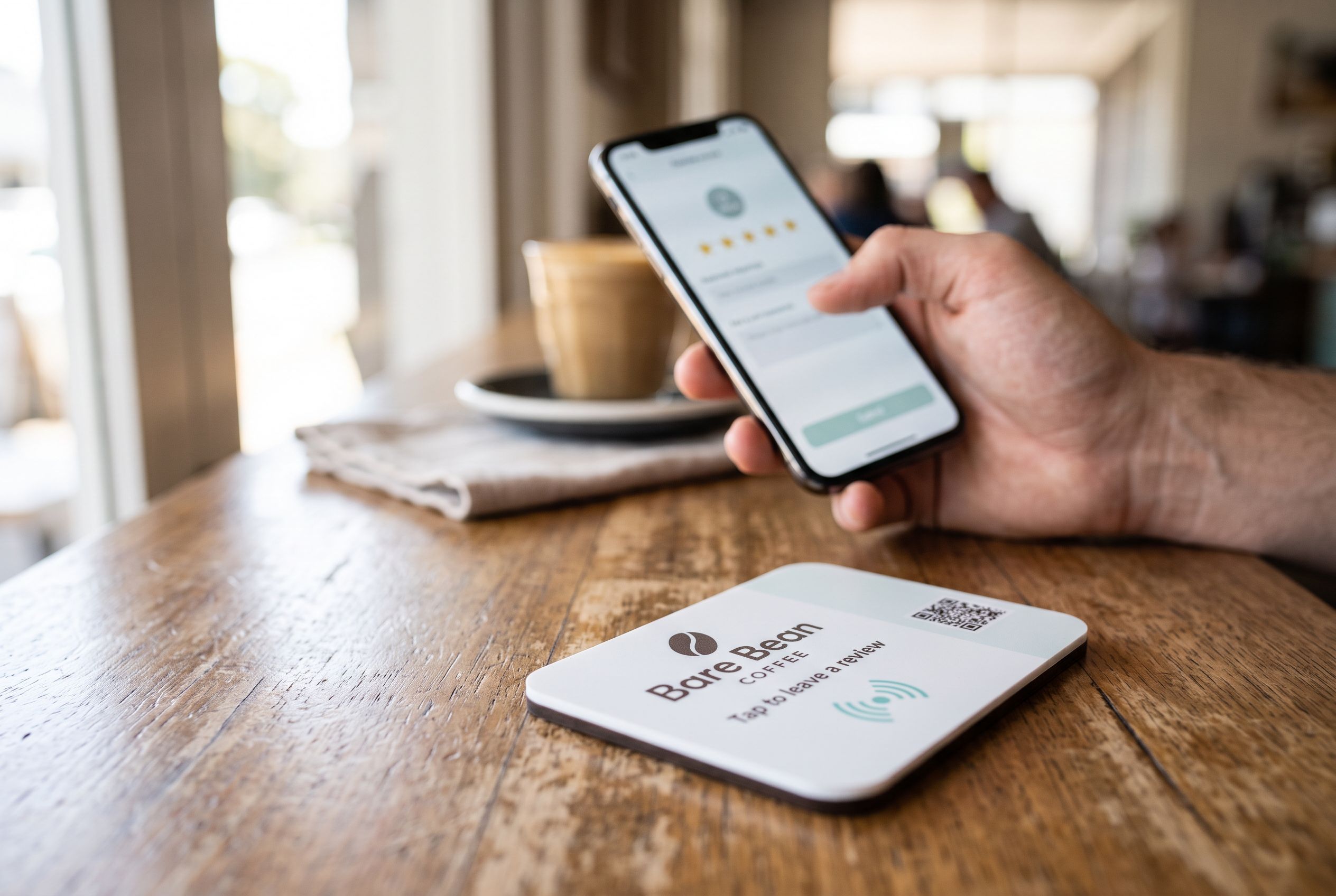
Most businesses ask for reviews the hard way. A staff member says “leave us a review on Google”, the customer nods, and by the time they are home they have forgotten your exact name, searched the wrong suburb, and given up at the sign-in screen. The fix is a link that opens your review form directly, with the stars already showing. Google gives every verified business one. Here is where it is, how to test it, and how to put it somewhere a customer can act on it in the moment.
Where the link lives
- Sign in to Google with the account that manages your Business Profile.
- Search Google for your business name, or open business.google.com. Your profile panel appears with management buttons along the top.
- Choose Ask for reviews. A box opens with a short link that starts with
g.page/r/and ends in/review. - Copy it. That link, opened on any phone, goes straight to the review form for your listing.
If you do not see Ask for reviews, the profile is not verified yet. Finish verification first; the link exists only once Google trusts the listing is yours.
Test it before you print anything
Paste the link into a message to yourself and open it on your phone while signed in to a personal Google account. You should land on a five-star form with your business name at the top, not on your Maps listing and not on a search result. If it opens a Maps page instead, you copied the profile link rather than the review link. Go back to Ask for reviews and copy again.
Test it on both an iPhone and an Android if you can. The form is the same, but it is worth seeing what your customer sees.
Why the link alone is not enough
A link is only useful if the customer has it at the moment they are happy. That moment is at the counter, at the table, or as they pick up their keys. Emailing a link a day later works for perhaps one customer in twenty. Putting the link on a card asks them to type or scan, and most do not.
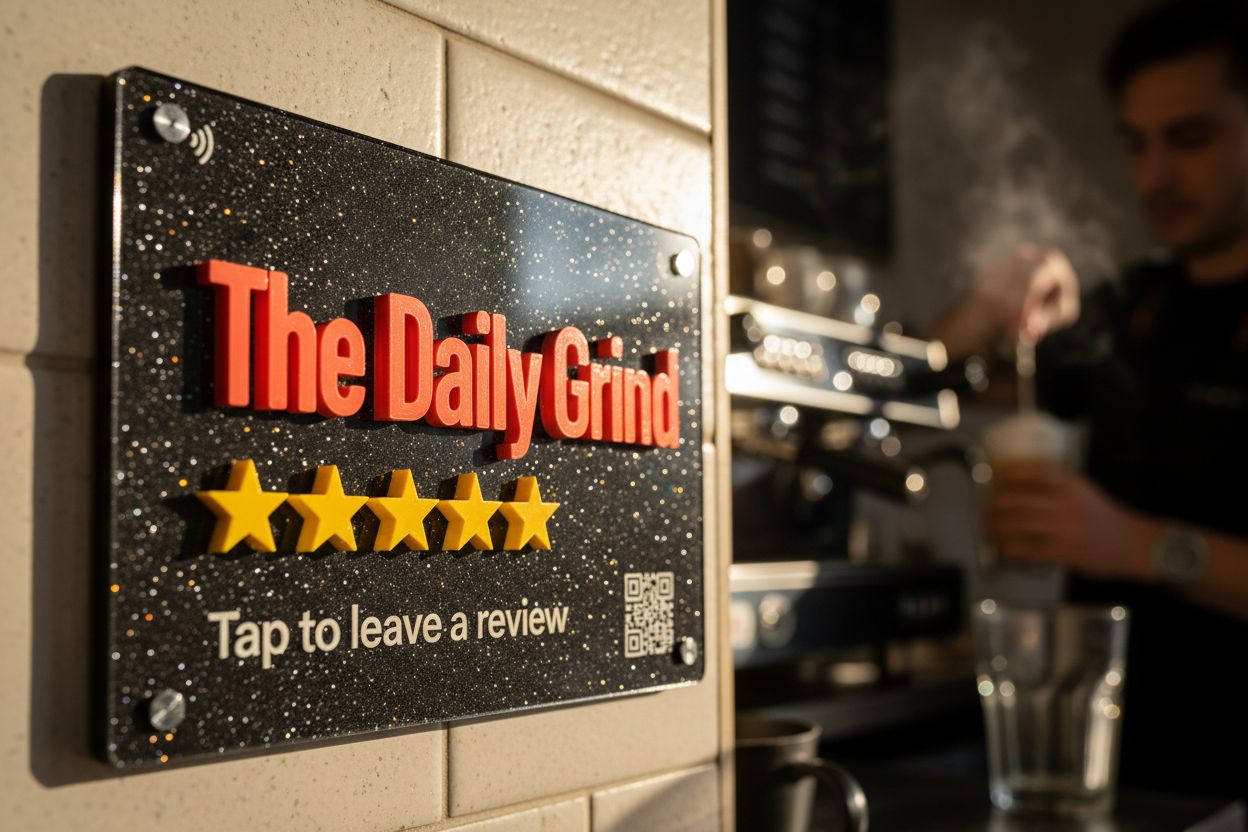
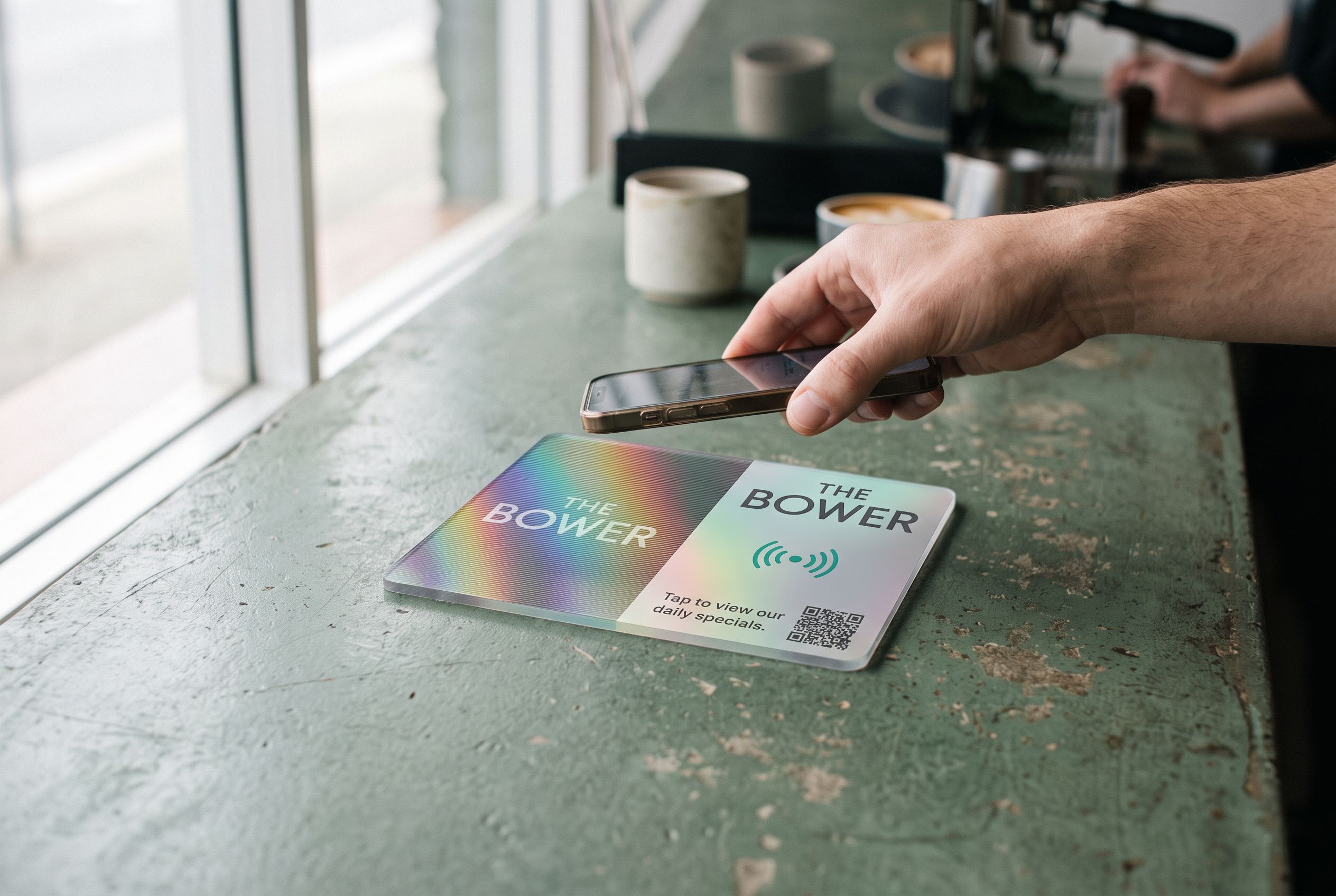
An NFC tap tile puts the link into a solid object on the counter. The customer holds their phone to it, the review form opens, and they tap the stars. No app, no camera, nothing to type. iPhones from the XR onwards and NFC-equipped Android phones read the tile from the lock screen. For anyone with an older phone, a QR code printed on the face points at the same link.
Setting up a review tile
Open the Google review tile and paste your review link into the design page. The tile points at a Shortfield address which forwards to your link, so if you ever move, rebrand or change listings, you change the destination from your account rather than reprinting the tile.
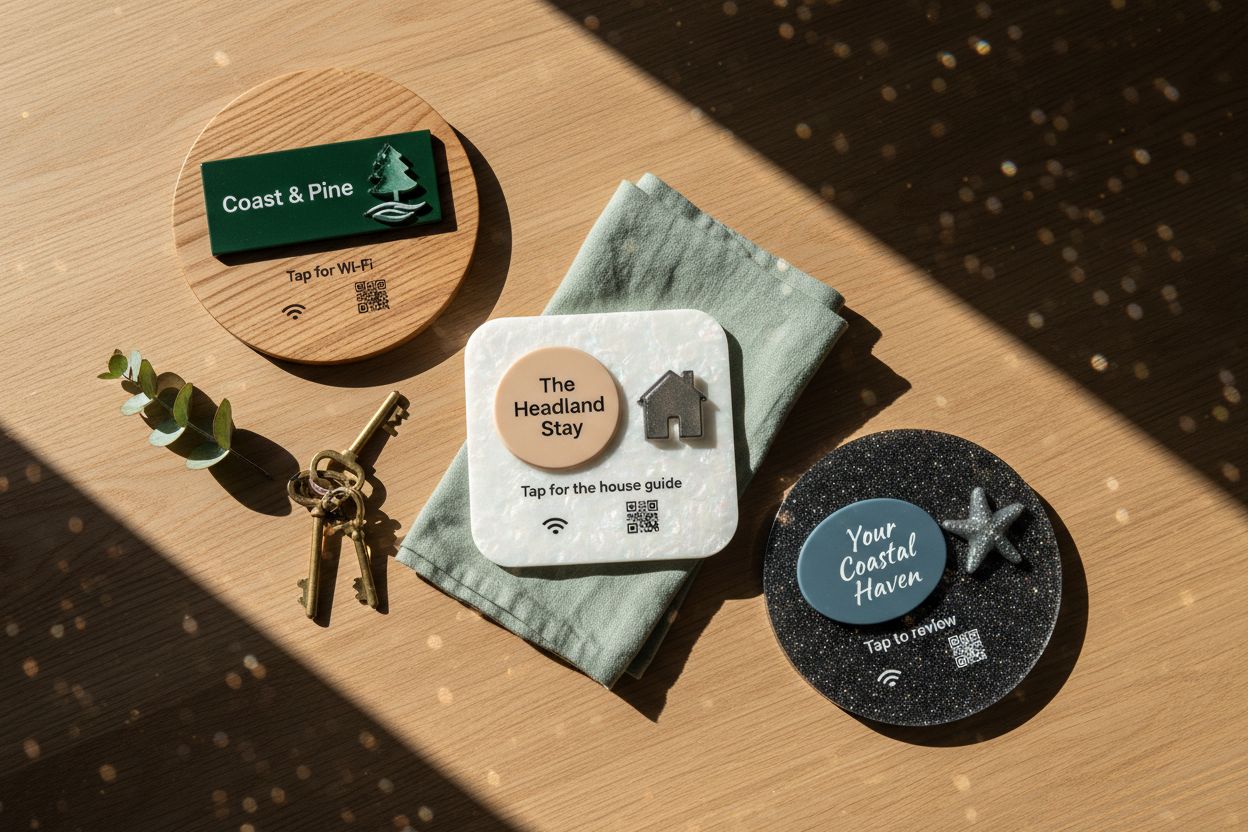
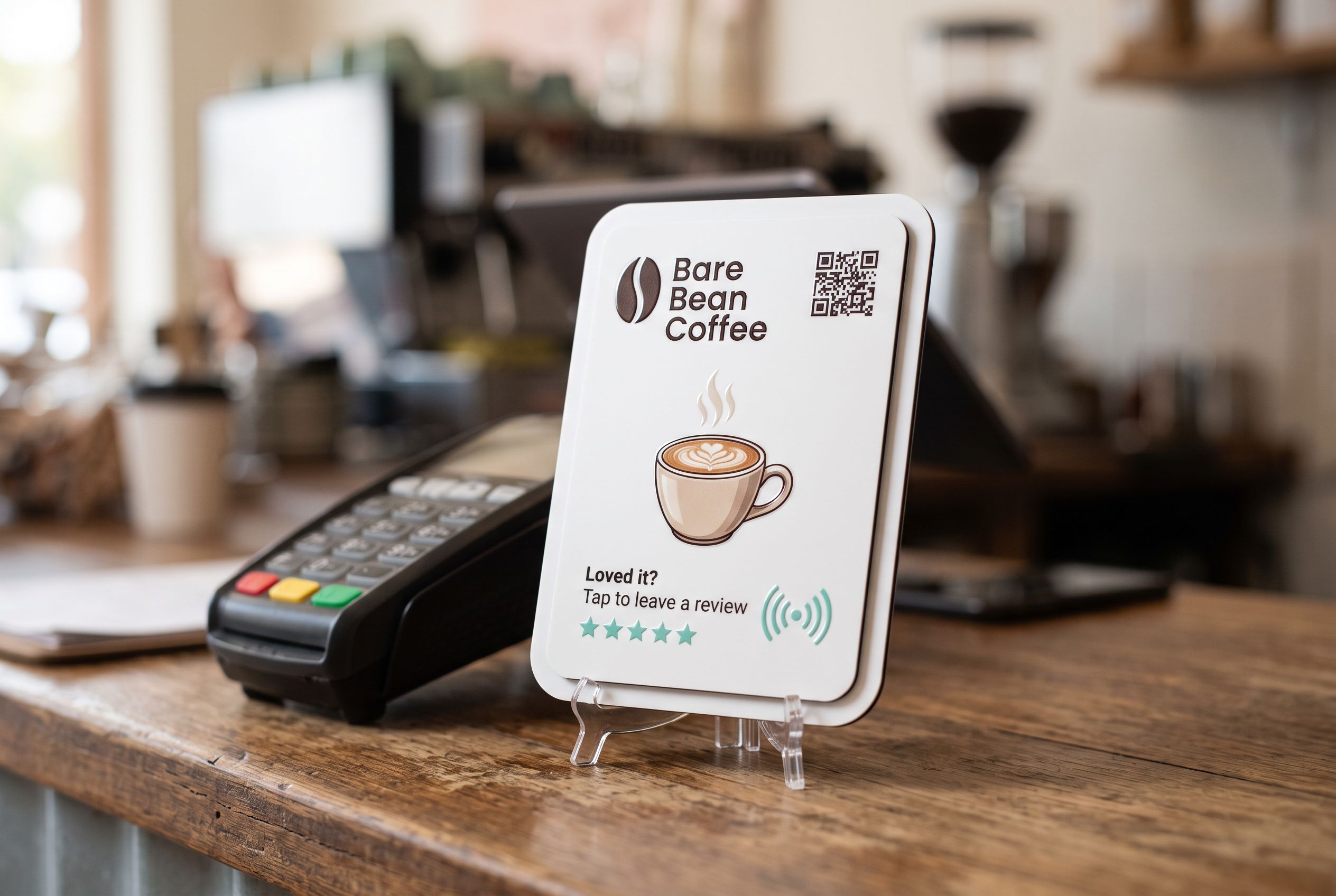
Design the face with your name, your logo, and a short instruction. “Tap to leave a review” is the phrase we see work best. Pick a contrasting colour so the tile reads from a metre away, and choose a size to suit where it sits: 106mm beside a card terminal, 147mm on a table or a wall.
You see the finished tile fully rendered before it is made, so what arrives is what you approved.
Where to put it
- Beside the card terminal. The customer is already holding their phone to pay. The tile is a second tap.
- On the table, for venues with table service. Ask staff to point to it when they clear the plates.
- At reception, for salons and clinics. A tap while the next appointment is booked.
- On the counter of a market stall or food truck, screwed or stuck flat so it survives being packed up.
What Google does and does not allow
Google is happy for you to ask for reviews and to make it easy. Two things it does not allow: offering a discount or gift in return for a review, and screening customers so only the happy ones are asked. Both can get reviews removed or a profile suspended. A tile that everyone can tap is the right side of the line.
Reply to every review you get, good or bad. Google shows reply rate on your profile, and customers read the replies as closely as the reviews.
Frequently asked
Does a review from a tap count the same as any other? Yes. The customer signs in to their own account and writes the review themselves. The tile only saves them the search.
Can one tile serve two locations? No. Each Business Profile has its own review link, so each location needs its own tile. Bulk runs of ten or more are priced on the bulk orders page.
What if I change my business name? The review link stays the same as long as the profile does. The tile carries your logo, so a rebrand means a new tile, but the link behind it keeps working.