Airbnb house guide template: what to include (with a free outline)
A section-by-section Airbnb house guide template: arrival, Wi-Fi, appliances, rules, local tips and checkout, plus how to put it behind one tap by the door.
By Shortfield 5 min read
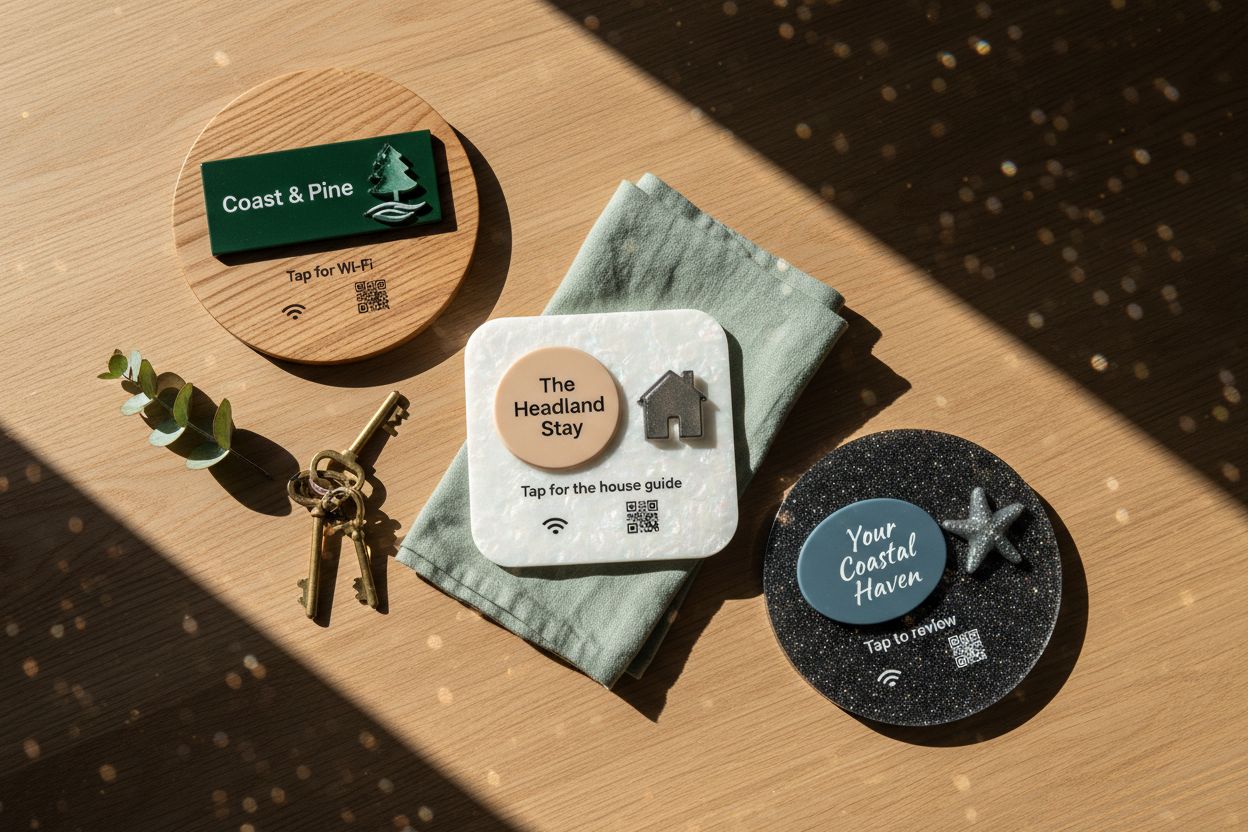
A good Airbnb house guide answers the questions guests would otherwise message you about, in the order they’ll have them: how to get in, the Wi-Fi, how things work, the house rules, what’s nearby, and how to check out. Keep each section short and scannable, write it as a web page or shared document rather than a printed folder, and put it where guests look first, ideally behind a tap tile or QR code by the front door. The template below covers the sections to include and what to write in each.
What should an Airbnb house guide include?
Copy this outline into a Google Doc, a simple web page or your listing platform’s guidebook tool, then fill it in.
1. Welcome
Two or three sentences. Your first name, a line about the place, and how to reach you. Put your contact number here, not buried at the bottom.
2. Arrival and access
- Check-in time and early check-in policy.
- How to get in: lockbox location and how it opens, smart lock instructions, or where to collect keys.
- Parking: where, which bay, permit rules, height limits for garages.
- A photo of the front door or gate, if the place is hard to find at night.
3. Wi-Fi
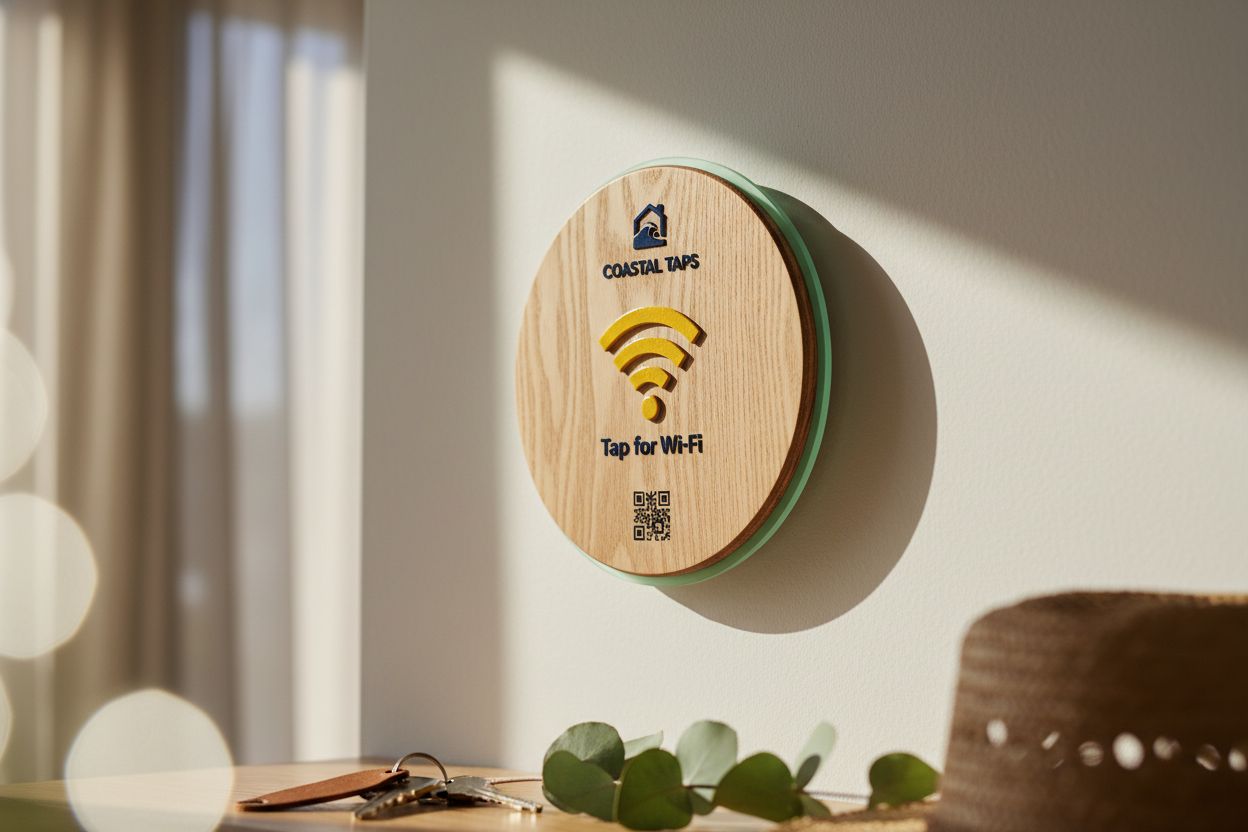
Network name and password, written out clearly, with a copy button if your format allows it. Say where the modem is in case it needs a restart. See how to create a Wi-Fi QR code if you want a code that joins in one scan.
4. How things work
This is the section that saves the most messages. One short paragraph or a few bullets each:
- Air conditioning and heating, including which remote does what.
- TV and streaming: which input, where the remotes are, whether guests should log in to their own accounts.
- Hot water: how long it takes, any gas pilot to check.
- Kitchen: coffee machine, dishwasher tablets, oven quirks.
- Washing machine and dryer, and where the pegs and line are.
- Bins: which bin is which, and collection night.
- Pool, spa, fireplace or barbecue, including safety notes.
A short video link for anything fiddly beats three paragraphs.
5. House rules
The same rules as your listing, repeated plainly: quiet hours, smoking, pets, parties, maximum guests, shoes off if that matters. Include anything your strata or neighbours care about, like pool hours or visitor parking.
6. Safety and emergencies
- Emergency number (000 in Australia) and the property’s street address, written out in full.
- Nearest hospital or after-hours clinic.
- Where the first aid kit, fire blanket and extinguisher are.
- Where the fuse box and water mains are.
- Your number and a backup contact.
7. Local guide
Your genuine recommendations, not a list copied from a tourism site: the café that opens earliest, the supermarket, the bakery, a dinner spot for a special night, the nearest beach or walk, the bottle shop. Include a sentence on why you like each one. Link each to its Google Maps page so guests can navigate.
8. Checkout
- Checkout time and late checkout policy.
- What to do before leaving: dishes, bins, towels, lights, air conditioning off, windows shut.
- Where the keys go.
- A thank-you, and a gentle mention that you’d appreciate a review.
Printed folder or digital guide?
Digital, with a small printed card as backup. A printed folder goes out of date the day you change the Wi-Fi password or the bin night, and guests rarely read a binder cover to cover. A digital guide can be updated from your phone between bookings, opens on the guest’s own screen, and can hold links, maps and videos.
Airbnb has its own guidebook feature, and plenty of hosts use a Google Doc, a PDF or a simple website. Any of them works. What matters is that the guest can find it the moment they walk in.
How do I get guests to actually read it?
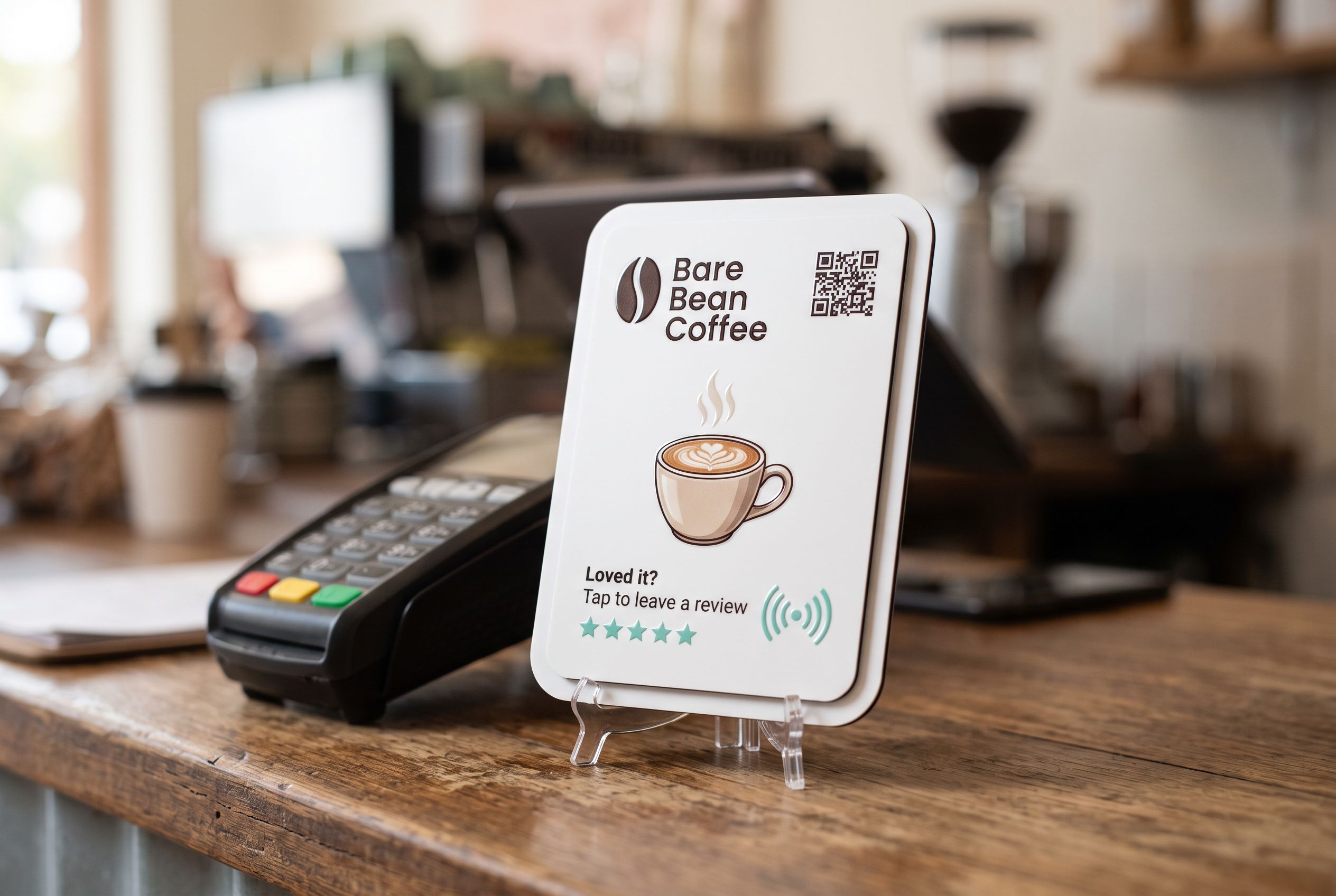
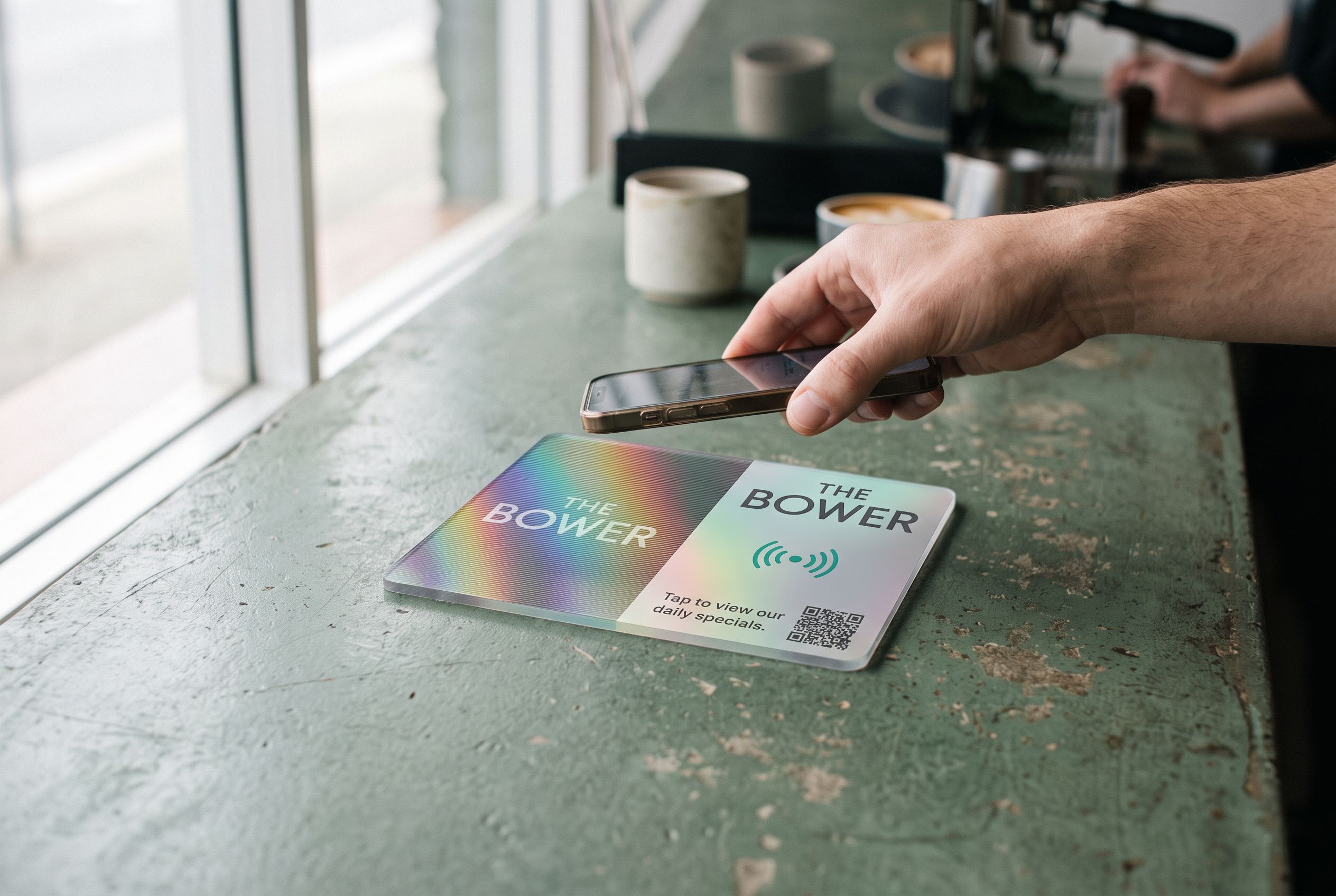
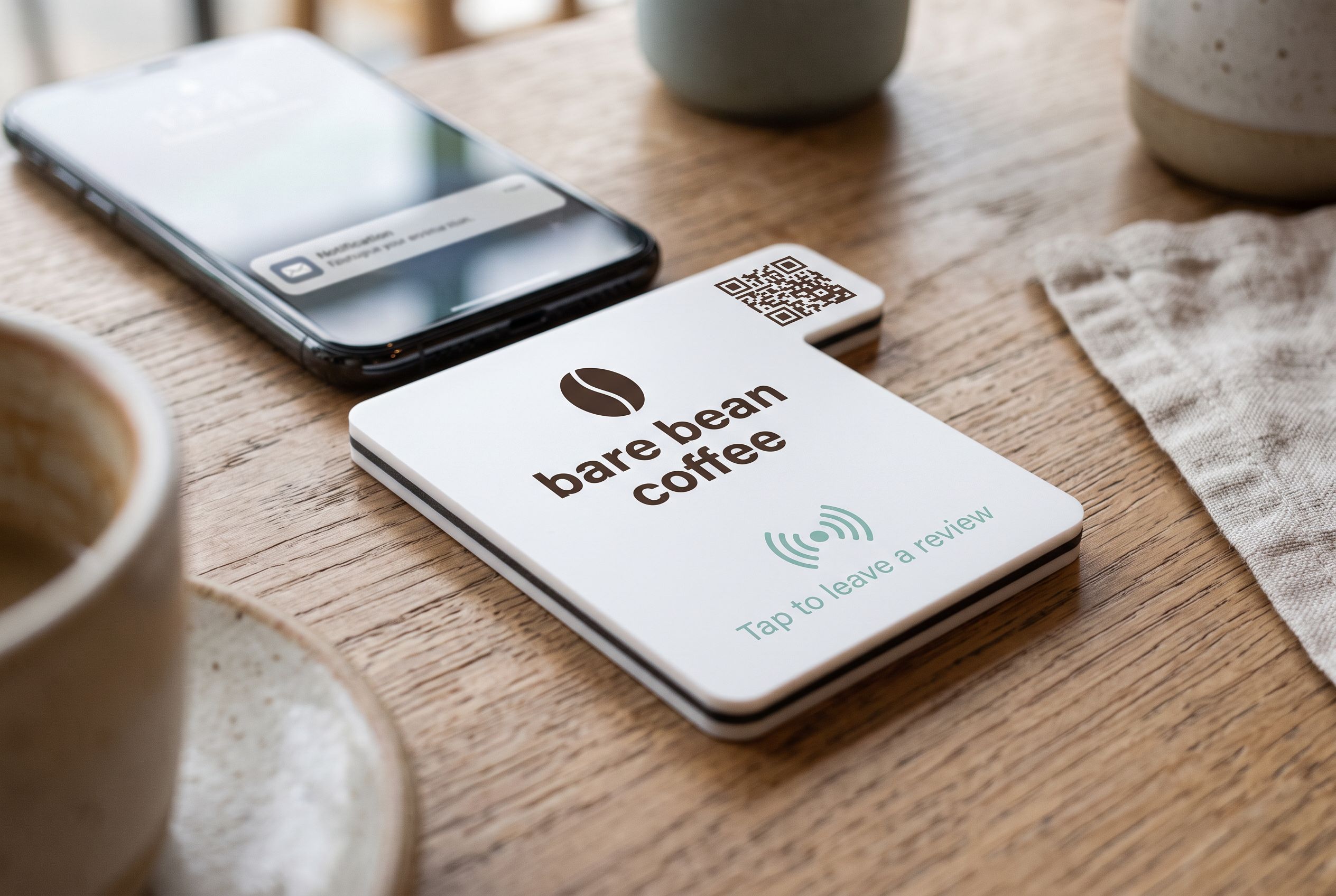
Put it where they look, and make it one step. A house guide tile by the front door or on the kitchen bench opens the guide with a tap: the guest holds their phone to it and the guide is on their screen. Anyone whose phone doesn’t tap scans the QR code printed on the same tile. A second tile on the bedside table can open the same guide or just the Wi-Fi details.
Because every Shortfield tile points at a Shortfield address, you can move your guide from a Google Doc to your own site later, or swap it for a seasonal version, and the tile follows. No reprinting. The Airbnb house guide QR code page shows the options, and Airbnb hosts covers where tiles earn their place in a rental.
Tips for writing the guide
- Write for someone tired, at night, with luggage. Arrival and Wi-Fi first.
- Short sentences, bullet points, bold for the one thing that matters in each section.
- Test it. Ask a friend to follow the guide without asking you anything. Every question they ask is a gap.
- Date it. A “last updated” line helps you and your cleaner keep it current.
- Keep private details out. Door codes that change per booking are better sent in the booking message than printed in a guide anyone can open.
Frequently asked
How long should an Airbnb house guide be? As long as it needs to be, but each section should be skimmable in under a minute. Most good guides fit on a few phone screens.
Should I include the door code in the guide? Only if the code never changes and the guide isn’t shared publicly. For per-booking codes, send them in the booking message.
Can I use one guide for several properties? Use a template, but give each property its own guide. Appliances, parking and bins always differ.
What if my guest can’t tap the tile? Every tile can carry a QR code pointing at the same guide, so any phone with a camera gets there.