A Wi-Fi QR code sign guests can tap or scan.
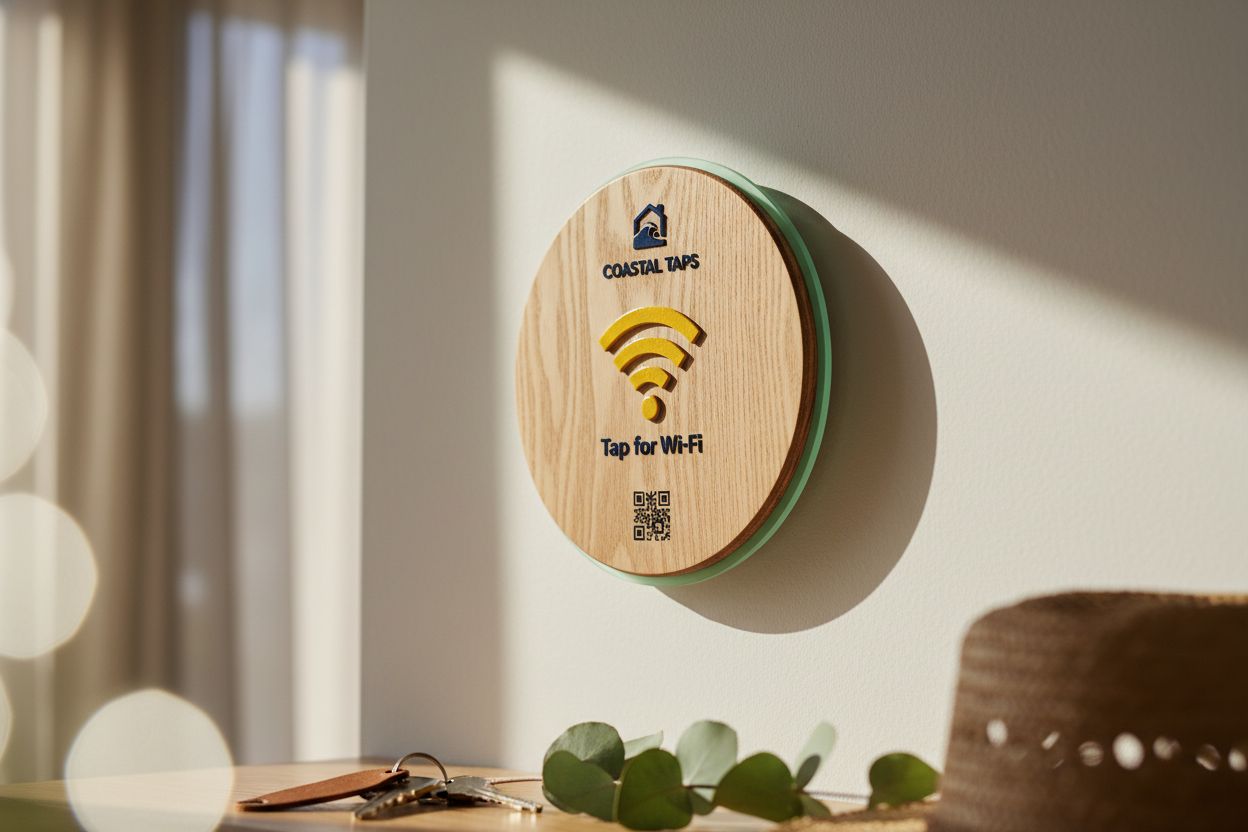
A custom sign with a QR code on the face and an NFC chip inside. Both open one page: your network name and password, each with a copy button.
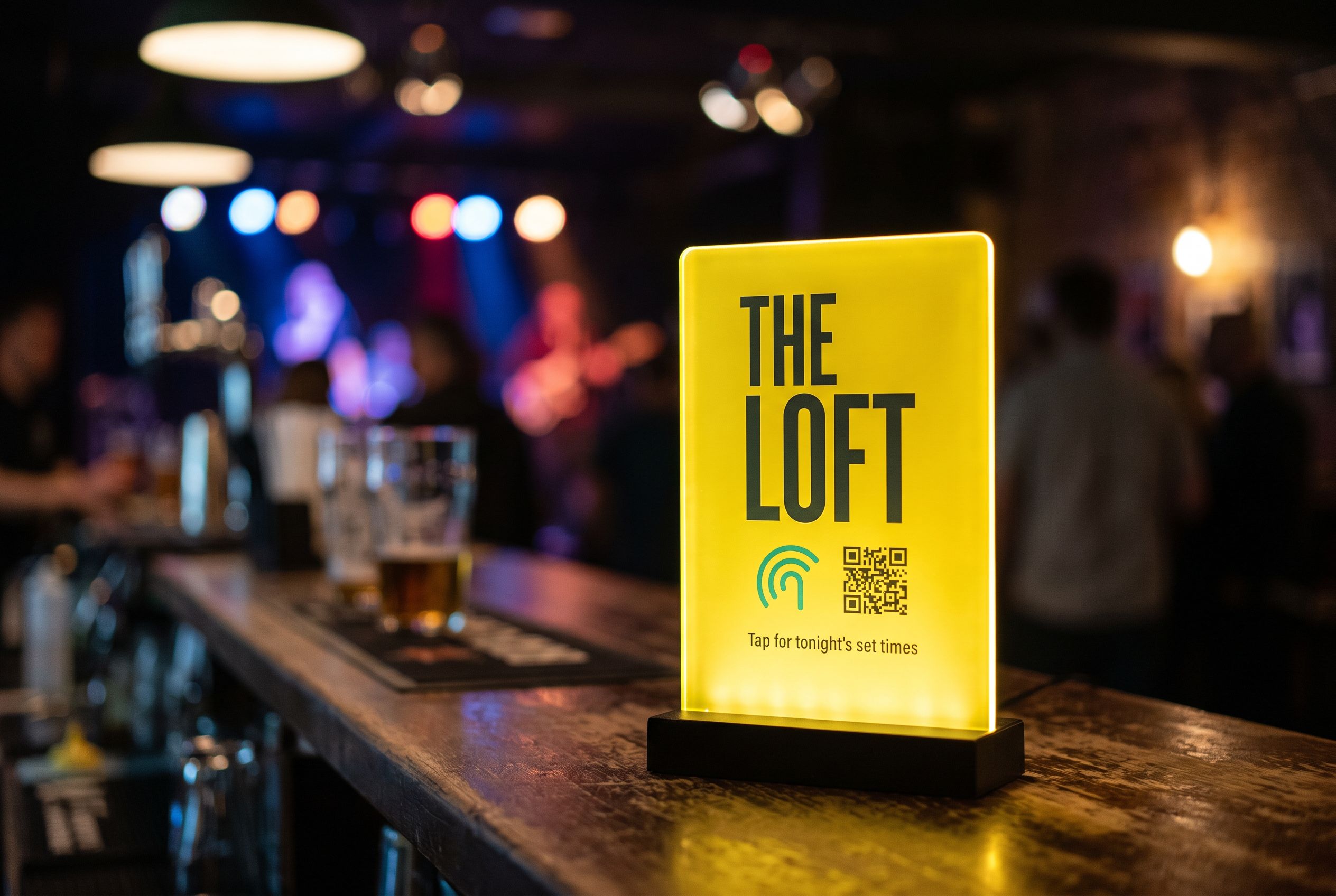
Tap or scan, same page
The printed QR code and the NFC chip point at one link, so every guest gets the same network details however they open it.
Password changes are an edit
The password lives on the page, not in the code. Change it in your account and the sign on the counter stays put.
Made to your brand
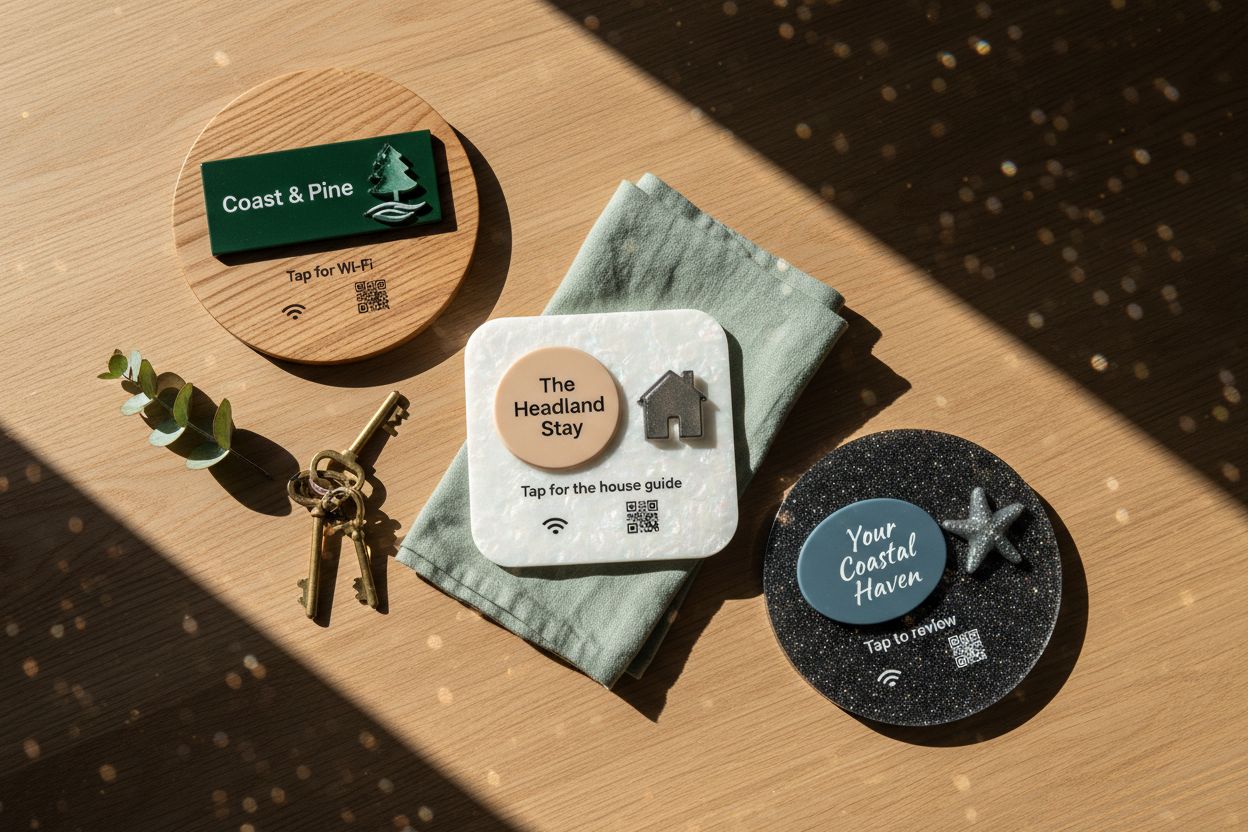
Your logo, colours and wording on acrylic or wood, in four sizes, circle or square. You see the finished render before you buy.
No app, no battery
Phones read the chip from the lock screen. Any phone with a camera scans the QR code.
A Wi-Fi QR code sign is meant to end the question “what’s the Wi-Fi?”. Most of them only half do. The free generators online bake your network name and password into the pattern of the code, so the day you change the password, the sign is wrong and you are back to reading characters off the router. Ours works differently, and it is worth knowing how before you print anything.
How our Wi-Fi QR code sign works
Each sign is a laser-cut tile with an NFC chip sealed inside and, if you want it, a QR code printed on the face. Neither the chip nor the code holds your password. Both point at a Shortfield address, and that address opens your Wi-Fi page: the venue name, the network name and the password, each with a copy button.
A guest with a recent phone holds it to the sign and the page opens, no app, straight from the lock screen. Anyone else points their camera at the QR code and gets the same page. They tap copy, open Wi-Fi settings, paste, and they are on. The page loads over their mobile data, so it works before they have joined anything.
Because the details live on the page, you can change the password every month, or switch to a new router, and the sign on the counter never changes. That is the main reason to choose this over a printed code. There is more on the difference in dynamic vs static QR codes.
Designing a custom Wi-Fi sign
Start in the Wi-Fi tile designer. Pick acrylic or wood, a size from 106mm to 237mm, and a circle or square. Add your logo and keep the wording plain: “Tap or scan for Wi-Fi” tells people exactly what to do. Print the QR code large enough to scan from where people stand, which on a counter sign means one of the two bigger sizes.
Stand it on the counter in a clear stand, or fix it to a wall with adhesive or screws. Cast acrylic is weatherproof and UV-stable, so it suits an outdoor courtyard; wood is better under cover.
A Wi-Fi sign for a café
In a café the sign earns its place in two spots. One by the register, where people ask as they pay. A second on the wall near the tables where people settle in with a laptop. Staff stop being interrupted mid-order, and a regular who has forgotten the password since last month can find it without asking.
Put only your guest network on the page. Keep the network the EFTPOS terminal, printer and cameras use off it. If your router supports a guest network, this is the moment to turn it on.
For short-stay hosts
The same sign suits a holiday rental. Guests arrive tired and want the Wi-Fi before anything else. The Airbnb host kit pairs a Wi-Fi tile with a house guide and a review request, so the one thing guests look for first sits beside the other things you want them to find.
What you pay
The tile is a one-off purchase, from $39 to $430 depending on material, finish and size. The hosted Wi-Fi page with copy buttons is part of the Starter plan at $9 a month, with a 30-day trial; see pricing. Tap counts show in your account, so you can see how often the sign is used.
Questions, answered.
No. A standard Wi-Fi QR code stores the network name and password inside the code itself. Ours points at a page that shows them, which is why a new password never means a new sign.
The page shows the network name and password with copy buttons; the guest copies the password and pastes it into Wi-Fi settings. iPhones don't let a web page join a network directly.
Yes. Any text, logo or photo prints on any material, and the online designer shows the sign fully rendered before you order.
Tiles run from $39 to $430 AUD inc. GST depending on material, finish, size and print. The hosted Wi-Fi page is part of the Starter plan at $9 a month, with a 30-day trial.
Yes. Order from 10 tiles and get 5% off, 10% off from 50, with a render of every variant within two business days.