How to make a PayID QR code customers can pay from
Bank-app PayID QR support varies. A QR code or tap tile that opens a page with your PayID and a copy button works with every Australian banking app.
By Shortfield 4 min read
The most reliable way to make a PayID QR code is to have the code open a simple web page showing your PayID (your mobile number, email or ABN), your business name and a copy button, rather than trying to encode a payment into the code itself. The customer scans or taps, copies the PayID, opens their own banking app and pays. That works with any Australian bank that supports PayID, whatever app the customer uses. Some banks also offer their own payment QR codes inside their apps, but support differs from bank to bank, so you can’t rely on every customer’s app reading them.
Here is how PayID works, the options for turning it into a code, and what it costs.
What is PayID?
PayID is an easy-to-remember identifier, such as a mobile number, email address or ABN, that you link to your bank account. Instead of giving customers a BSB and account number, you give them the PayID. Their banking app looks it up, shows them the account name it’s registered to, and sends the money through Australia’s fast payments system, usually arriving within a minute or so. Banks may hold some first-time payments for checks, so it isn’t always instant.
The name shown when the customer enters your PayID is a useful safety feature: they can see they are paying “Harbour Florist Pty Ltd”, not a stranger.
How do I set up a PayID?
In your banking app or online banking, look for PayID in the settings or payments menu, choose the identifier you want to use (for a business, an ABN or business email usually makes sense), and link it to the account you want paid into. Each identifier can only be registered to one account at a time. Your bank’s help pages will have the exact steps.
How do customers pay a PayID?
- They open their own banking app.
- They choose Pay, or Pay someone, and select PayID.
- They enter or paste your PayID.
- The app shows the registered name; they check it matches.
- They enter the amount and a reference, and pay.
The slow step is typing the PayID correctly. That is exactly what a code and a copy button fix.
Can I make a QR code that opens a PayID payment directly?
Sometimes. Some banking apps can generate a payment QR code for your account or scan one to pre-fill a payment, and the feature set changes as banks update their apps. The problem is the other side: a customer with a different bank may find their app doesn’t read your code, and their phone camera won’t know what to do with a bank-specific code either. Check with your bank what it offers, but don’t make it your only option.
A plain web link works for everyone. The QR code opens a page; the page shows:
- Your business name and logo.
- The PayID, large, with a copy button.
- The account name customers will see, so they can check it.
- What to put as the reference, such as an invoice number or table number.
- Optionally, the amount, if it’s fixed.
How do I build that page?
Two ways:
- Do it yourself. A page on your website, a note in a free page builder, or even a Google Doc with the details. Put the link into a free QR generator.
- Use a hosted PayID page. On Shortfield’s Starter plan ($9/month, 30-day trial), a PayID page with your branding and a copy button sits behind your tile. You can change the details any time without touching the tile.
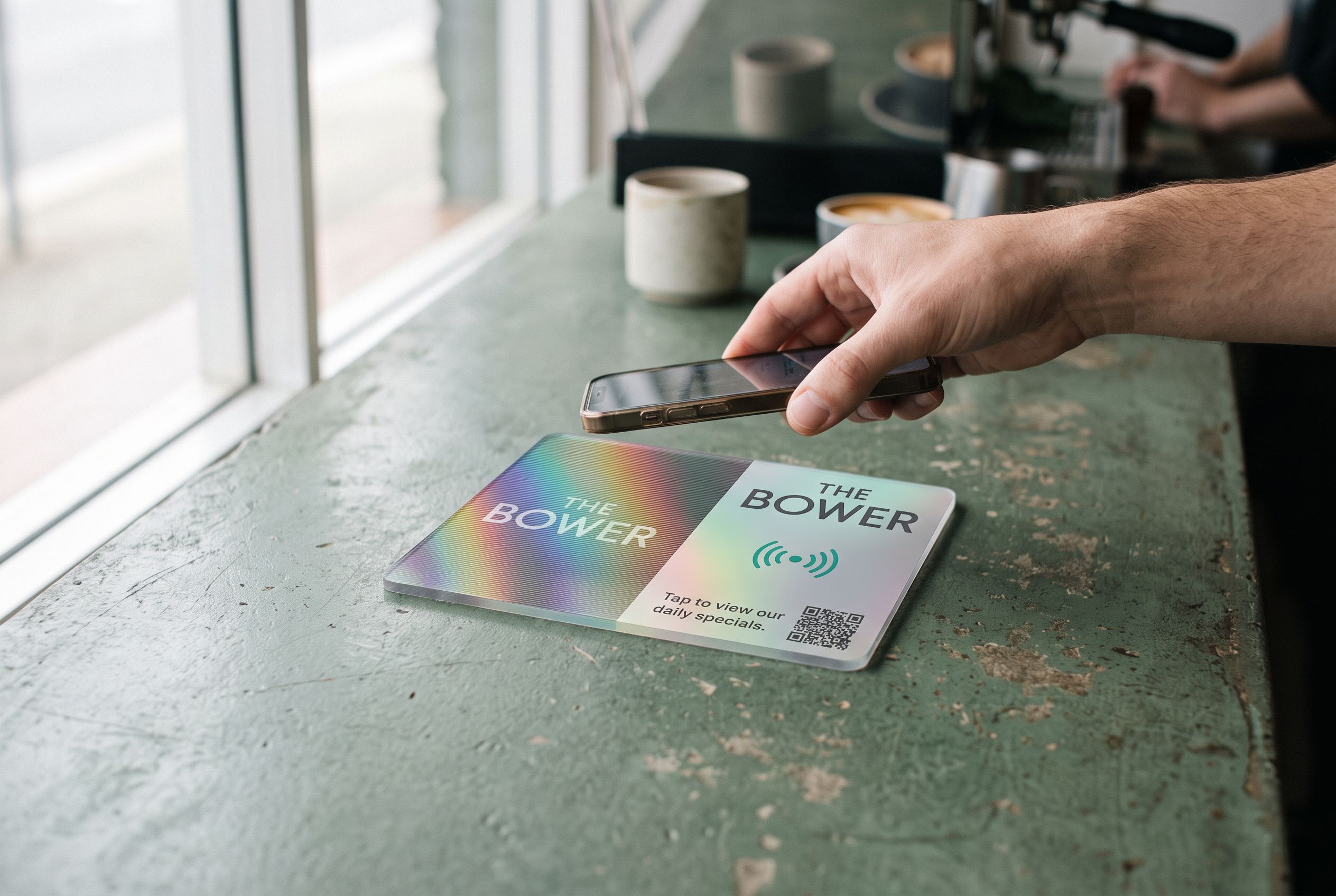
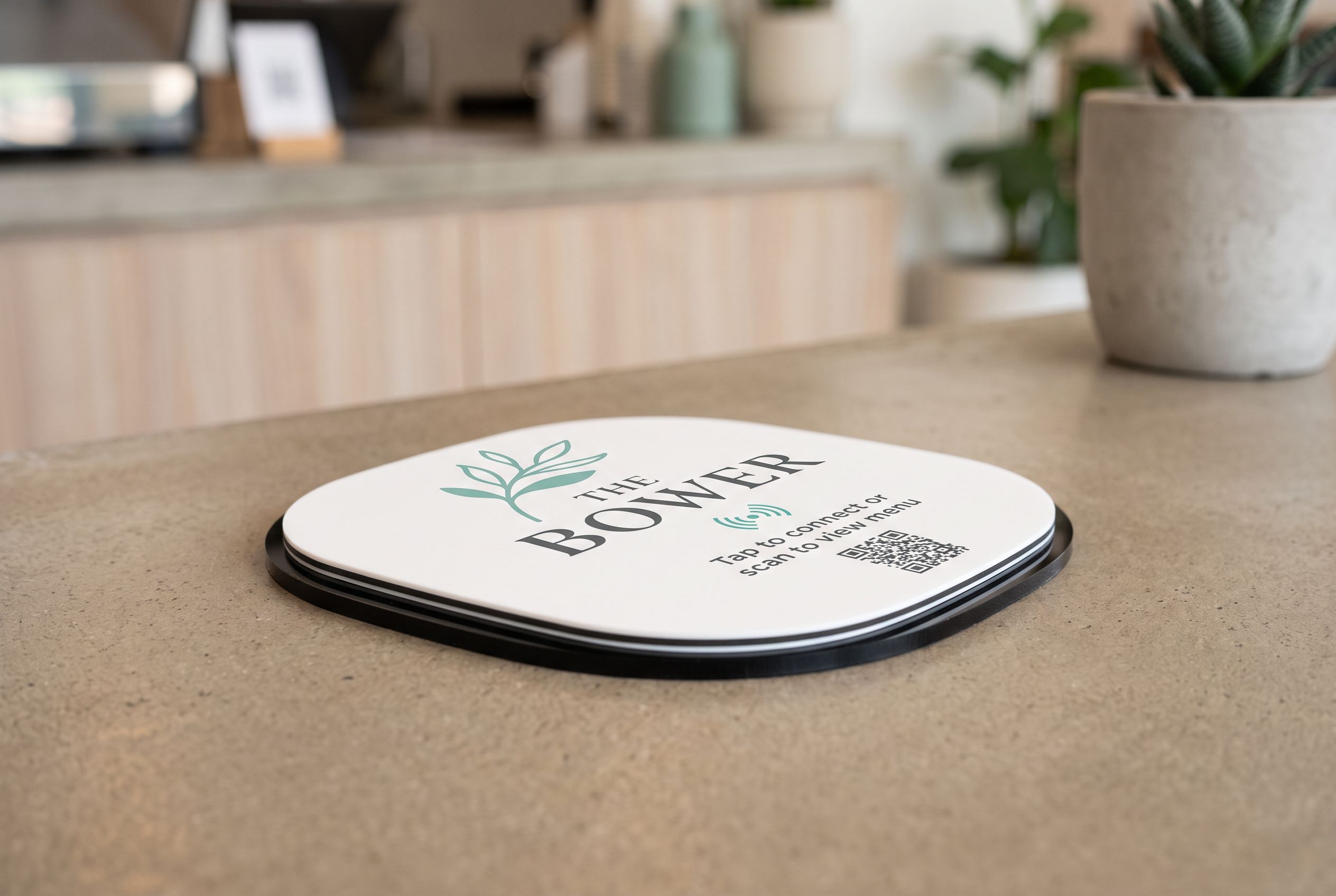
Then put the link on a PayID tile. The NFC chip and the printed QR code both open the page: customers with an iPhone XR or newer, or an NFC-equipped Android phone, tap; everyone else scans. The PayID QR code sign shows it on a counter.
Does PayID cost anything?
Most banks don’t charge for sending or receiving PayID payments on personal accounts. Business accounts can be different: some banks include PayID payments free and some have transaction fees on certain account types. Check your account’s fee schedule.
The Shortfield side is a flat subscription if you want a hosted page (Starter, $9/month), or nothing extra if you point your tile at a page you host yourself. The tile itself costs from $39 to $430 depending on material, size and print, with no subscription required.
If you’d rather take cards, Apple Pay and Google Pay too, the Managed plan ($15/month) adds a payment portal, with 1% on card payments on top of Stripe’s fee. The tile can point at a Stripe, Square or Beem payment link as well.
Where does a PayID sign make sense?
- Market stalls and food trucks that want to avoid card fees on small sales. See market stalls.
- Tradies being paid on completion; a tile on the van or a card handed over. See tradies.
- Tips at a café or salon; see the tip QR code sign.
- Clubs, churches and fundraisers collecting small amounts; see tap to donate.
Frequently asked
How do I know a PayID payment has arrived? Check your banking app or turn on payment notifications. Don’t hand over goods on a screenshot alone for larger amounts; confirm it has landed.
Is it safe to display my PayID publicly? A PayID lets people pay you; it doesn’t let anyone take money out. Many businesses use an ABN or business email rather than a personal mobile number.
Can I put a fixed amount on the page? Yes, if the price is fixed. The customer still types the amount into their own banking app.
What if a customer’s bank doesn’t support PayID? Show your BSB and account number on the same page as a fallback.