Tap to donate for churches and charities: how to set it up
Three ways to take tap-to-donate gifts at a church, op shop or fundraiser: a PayID page, a card payment portal, or your existing donation link. Costs and receipts.
By Shortfield 5 min read
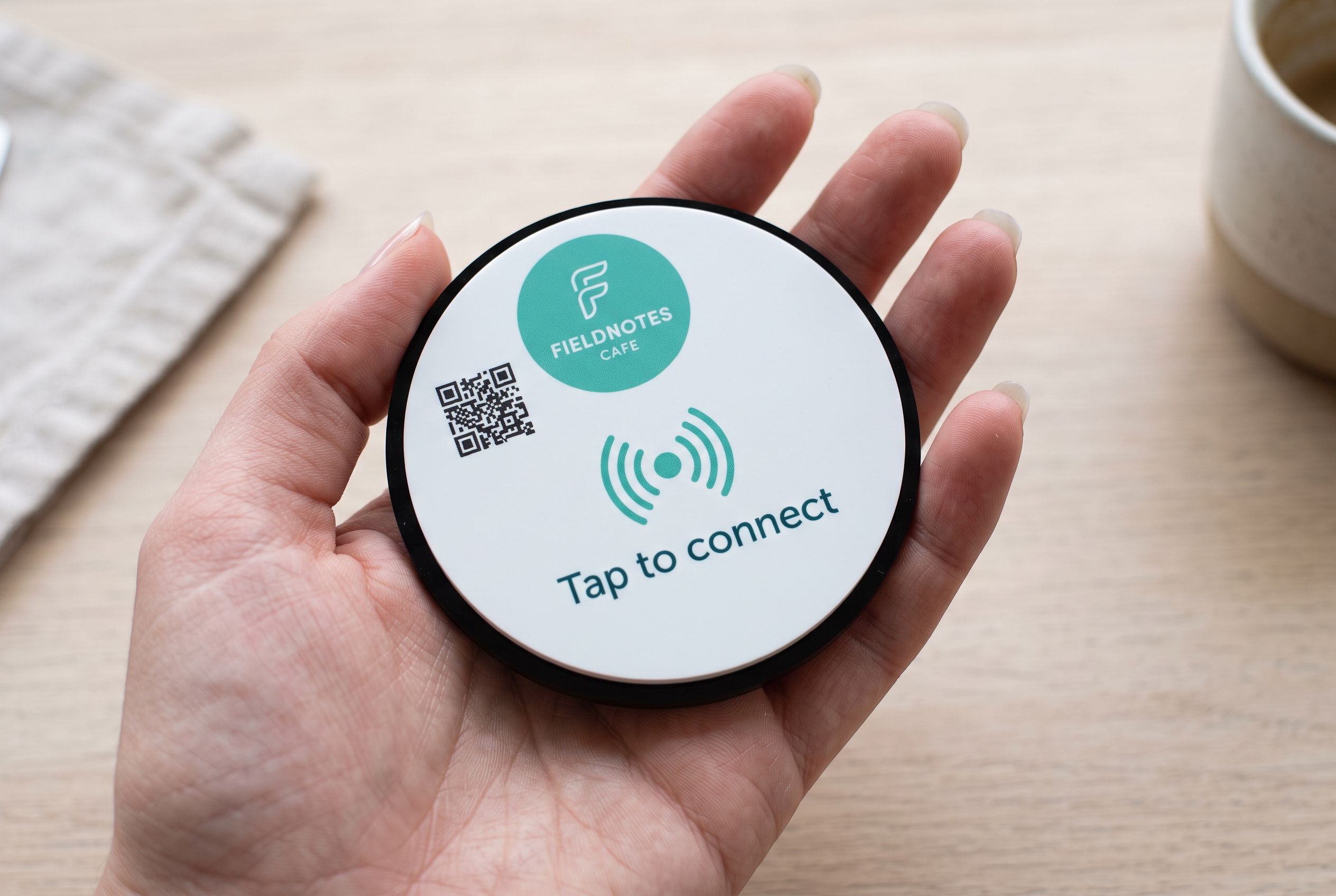
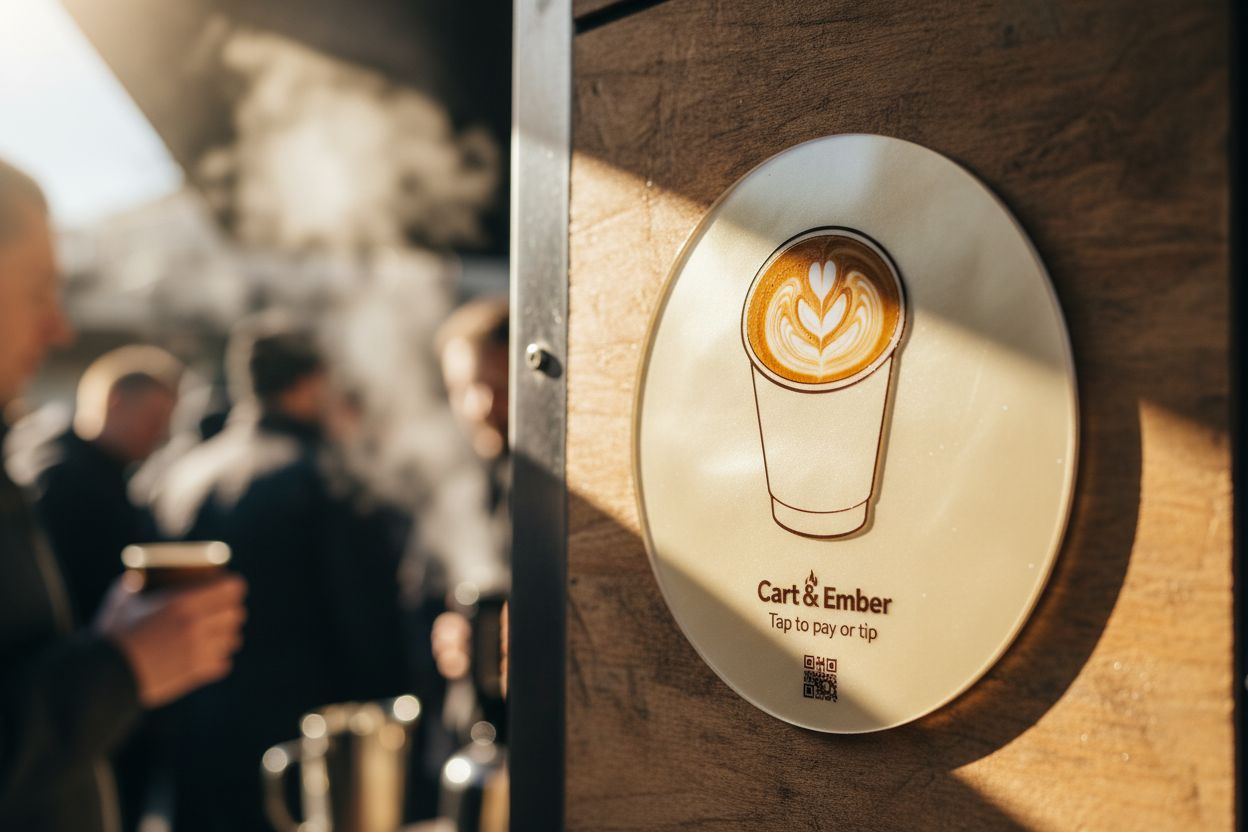
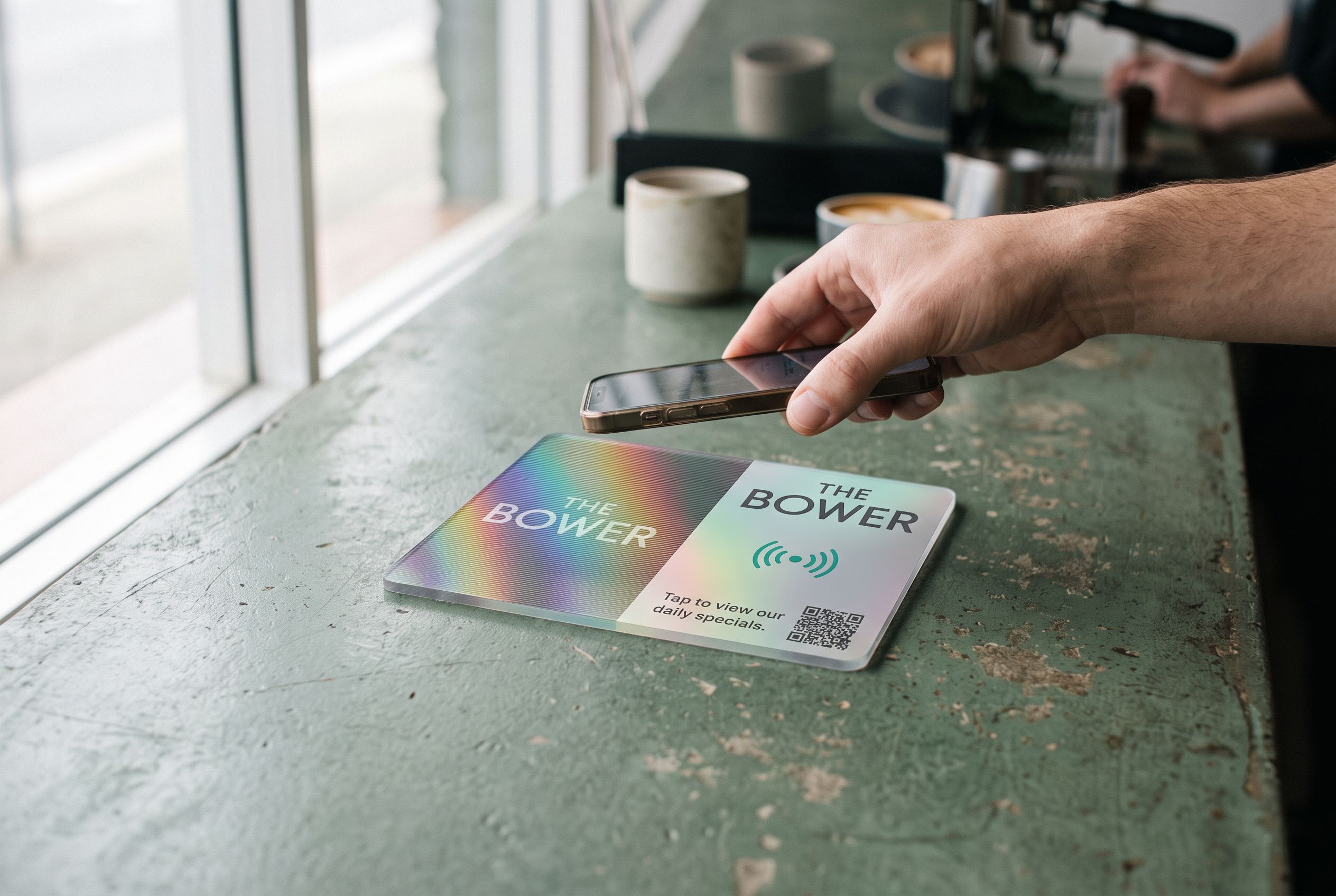
Tap to donate lets people give by holding their phone to a tile or scanning its QR code, which opens a donation page where they pay by card, Apple Pay, Google Pay or bank transfer. For a church, charity or community group, the simplest setups are: a page showing your PayID with a copy button, a card payment portal, or a link to the donation platform you already use. The tile itself doesn’t take money; it opens the page that does. Tax-deductible receipts, where they apply, come from your donation platform or your organisation’s own receipting process, not from the tile.
Here is how each option works, what it costs, and where to put the tiles.
Why tap to donate?
Fewer people carry cash. Collection plates, donation tins and raffle buckets come back lighter than they used to, and the people who would give often simply have nothing to put in. A tile beside the plate, on the pew, at the op shop counter or on the fundraiser table gives them a way that uses the phone already in their pocket.
It also works outside the service or event: on a noticeboard, in the foyer, on a bulletin handed out on Sunday.
Option 1: A PayID donation page
People open a page showing your organisation’s PayID, account name and a copy button. They copy it, open their banking app and send any amount.
- Pros: most banks don’t charge for PayID transfers, so the full gift typically arrives; donors choose the amount.
- Cons: a few extra steps for the donor, who has to switch to their banking app; no automatic receipt.
- How: on Shortfield’s Starter plan ($9/month, 30-day trial), a hosted PayID page with your branding sits behind the tile. Or point the tile at a page you host yourself. See how to make a PayID QR code.
Check your organisation’s bank account for fees on incoming transfers; business and not-for-profit accounts vary.
Option 2: A card and digital wallet payment portal
People tap the tile, choose an amount and pay with Apple Pay, Google Pay or a card. This is the fastest for donors: a couple of taps and done.
- Pros: quickest for the donor; familiar; works for visitors who don’t bank with PayID.
- Cons: card processing fees on each gift.
- How: Shortfield’s Managed plan ($15/month) adds a payment portal that takes Apple Pay, Google Pay and cards. The fee is 1% on card payments on top of Stripe’s fee.
Option 3: Your existing donation link
If you already use a donation or giving platform, a Stripe, Square or Beem payment link, or a fundraising page, point the tile at that. Nothing new to set up. Whatever that platform does for recurring gifts, receipts and reporting keeps working.
- Pros: uses your existing system, receipting and reporting.
- Cons: the platform’s own fees and checkout apply.
Because every Shortfield tile points at a Shortfield address, you can change between these options from your account any time. Start with your current giving link, move to a payment portal later, point it at a building appeal for a month, and every tile follows.
What about tax-deductible receipts?
This is general information, not tax advice. In Australia, donations are generally only tax deductible if the organisation has deductible gift recipient (DGR) status and the gift meets the ATO’s conditions. Receipts for deductible gifts need to come from your organisation or its donation platform, with the details the ATO requires.
The tile doesn’t issue receipts. If you need them:
- Use a donation platform that issues DGR receipts automatically, and point the tile at it.
- Or, for PayID and card portal gifts, ask donors to add their name or email in the reference, and send receipts through your usual process.
Check with your treasurer, accountant or the ATO’s guidance on what your organisation needs.
Where to put donate tiles
- Beside the collection plate or donation box. People reaching for cash they don’t have find the tile instead.
- On the back of pews or on welcome tables, for services where the plate is passed around.
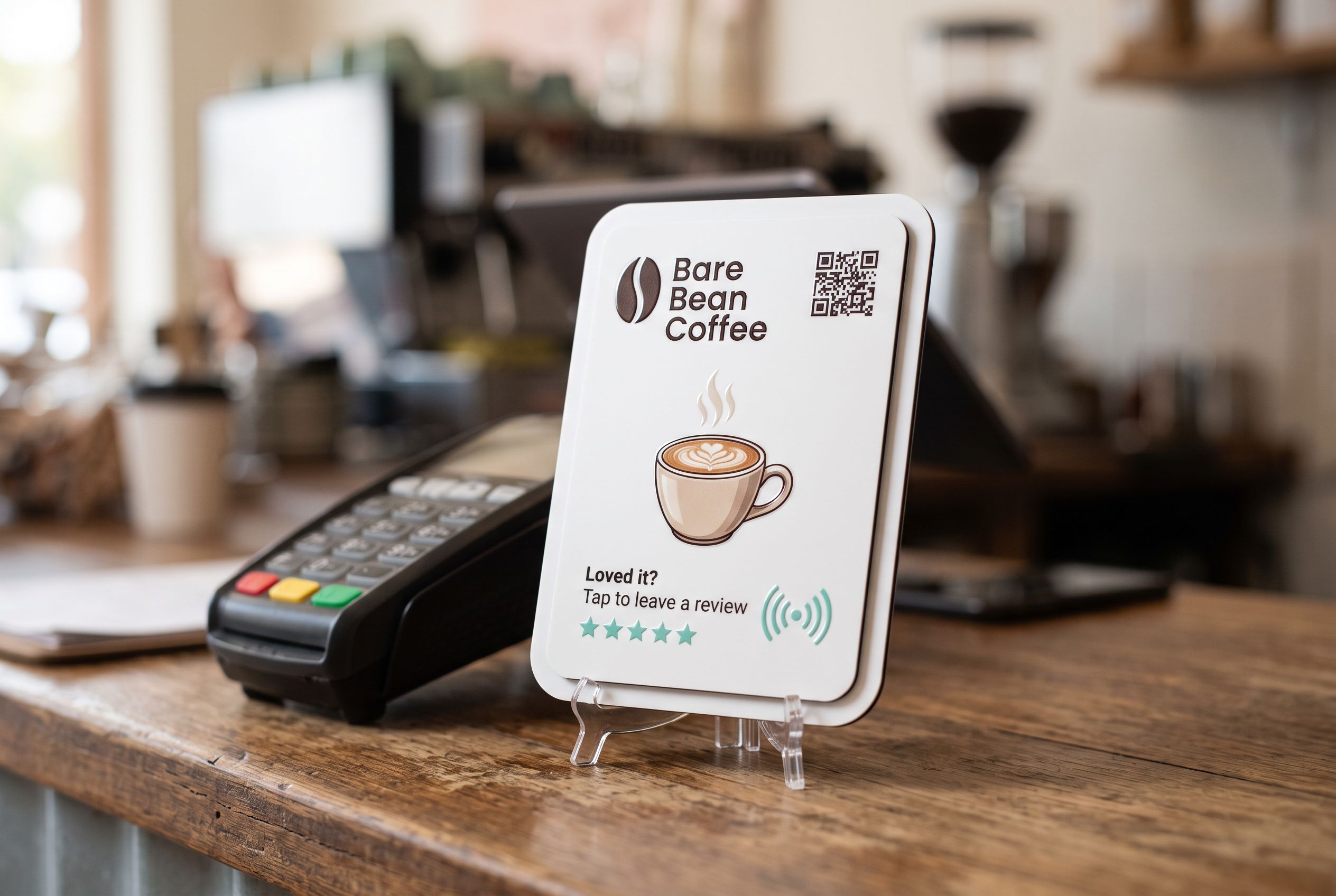
- At the op shop counter, beside the terminal, for customers who want to add a donation.
- At fundraisers, sausage sizzles and fetes, on the table.
- In the foyer or on the noticeboard, for visitors between services.
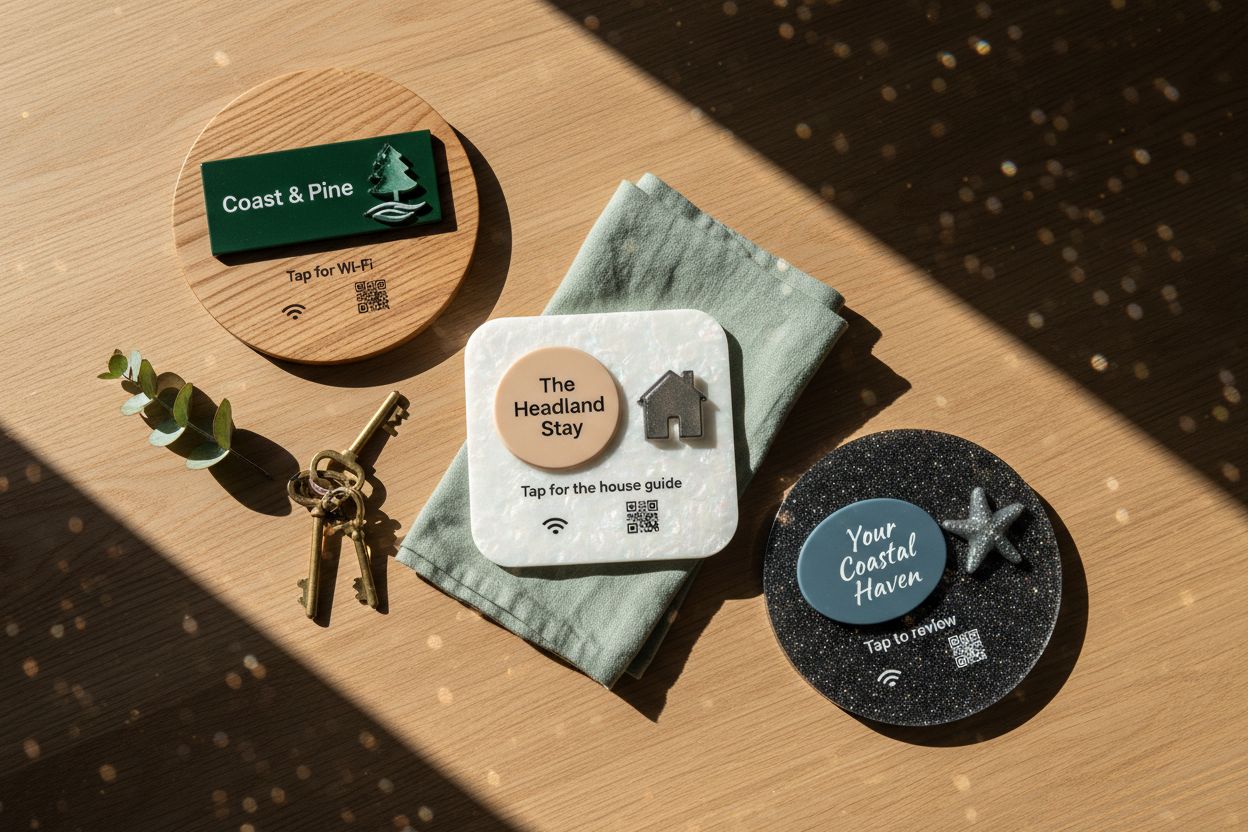
- On the church or hall door, facing out. NFC reads through standard glass, and a weatherproof acrylic tile handles an outdoor noticeboard.
Print a clear instruction and the cause: “Tap or scan to give” and “Supporting the building appeal”. See the tap to donate sign page for examples, and churches and charities for other uses such as rosters, volunteer sign-ups and newsletters.
How much does it cost to set up?
Tiles cost from $39 to $430 each depending on material, size and print, with no subscription required to point a tile at a link you already have. Starter ($9/month) adds a hosted PayID page; Managed ($15/month) adds the card portal, with the 1% card fee on top of Stripe’s. Parishes, dioceses and charities with several sites can use bulk orders, with 5% off 10–49 tiles.
Frequently asked
Can people give a regular amount? Recurring gifts depend on the platform behind the tile. Many donation platforms support them; a PayID page relies on the donor setting up a recurring transfer in their own bank.
Do donors need an app? No. Phones read the tile or QR code without an app. They pay in their banking app, or with Apple Pay, Google Pay or a card.
Can I see how many people gave? Your account shows how many times each tile was tapped. Actual gifts and amounts come from your bank or payment platform.
Does the tile work during an outage? The tile needs no power, but the donor’s phone needs a data connection to open the page and pay.