Getting more Google reviews: what works for a small business
The habits and the hardware that turn happy customers into Google reviews, from the moment you ask to the object on the counter that makes it a one-second job.
By Shortfield 4 min read
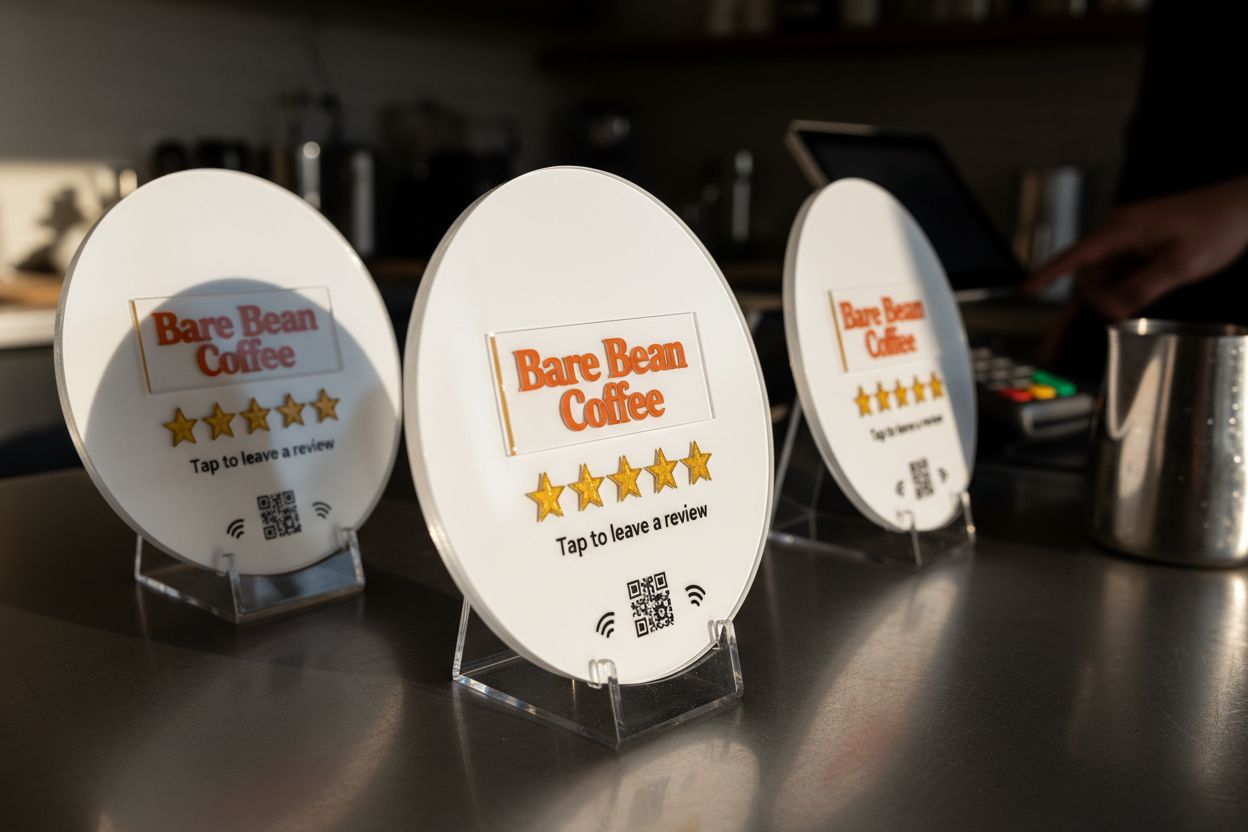
Reviews are the first thing a new customer reads about you and the thing that decides whether Google shows you at all. A café with 40 reviews at 4.7 stars outranks one with 8 reviews at 5.0, and the gap widens every month. Most small businesses do not have a reviews problem; they have an asking problem. The customers are happy. Nobody asks them at the right moment, or the asking is too much work. Here is what changes that.
Ask at the moment they are happy
The window is short. A customer is most likely to leave a review in the two minutes after the thing they liked: the coffee, the haircut, the fixed tap. An email that evening gets a fraction of the response. A follow-up text the next day gets less. The ask has to happen while they are still standing in front of you.
That means the ask lives at the counter, at the table, or at reception. It also means the ask has to take seconds, because the customer is on their way out.
Make the ask a gesture, not a task
“Leave us a review on Google” is a task: search for the business, find the right one, find the review button, sign in. Every step loses people. A link that opens the review form directly, with the stars showing, removes all of them; see how to get your Google review link.
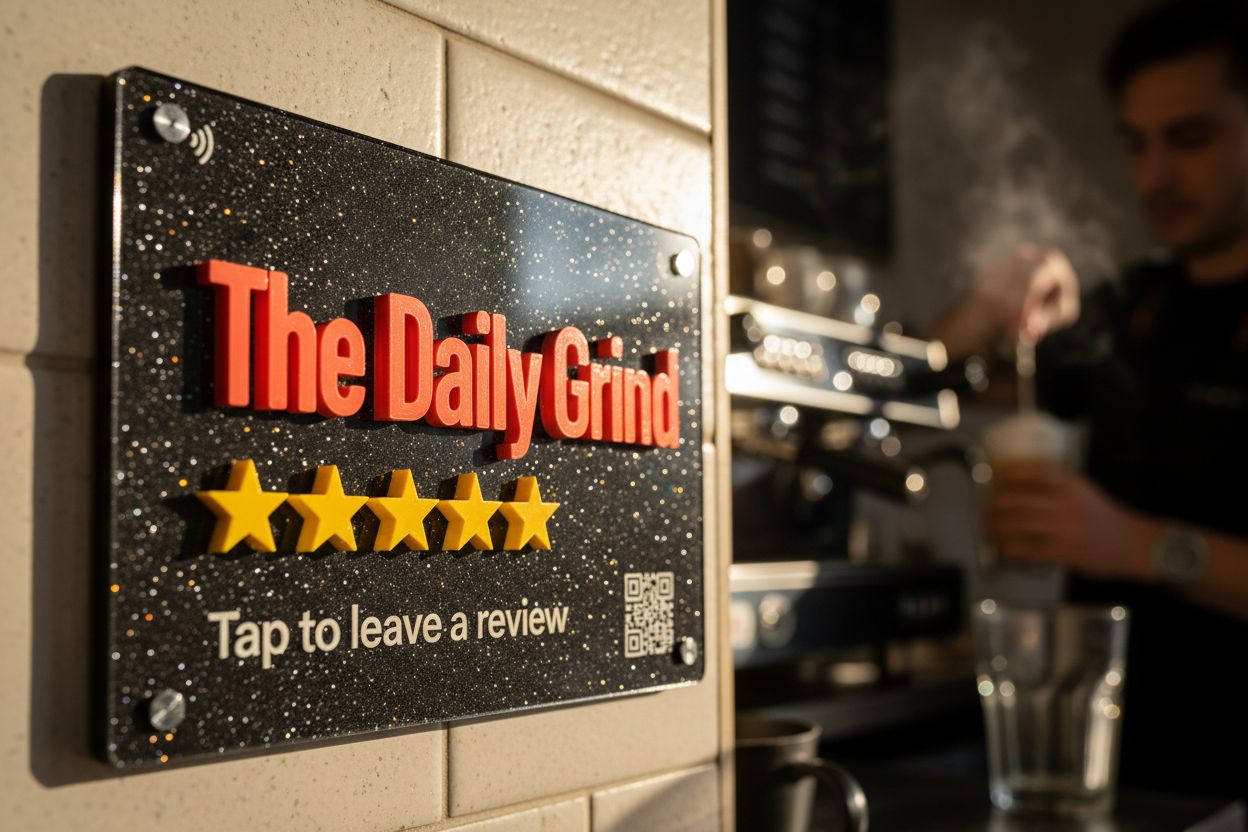
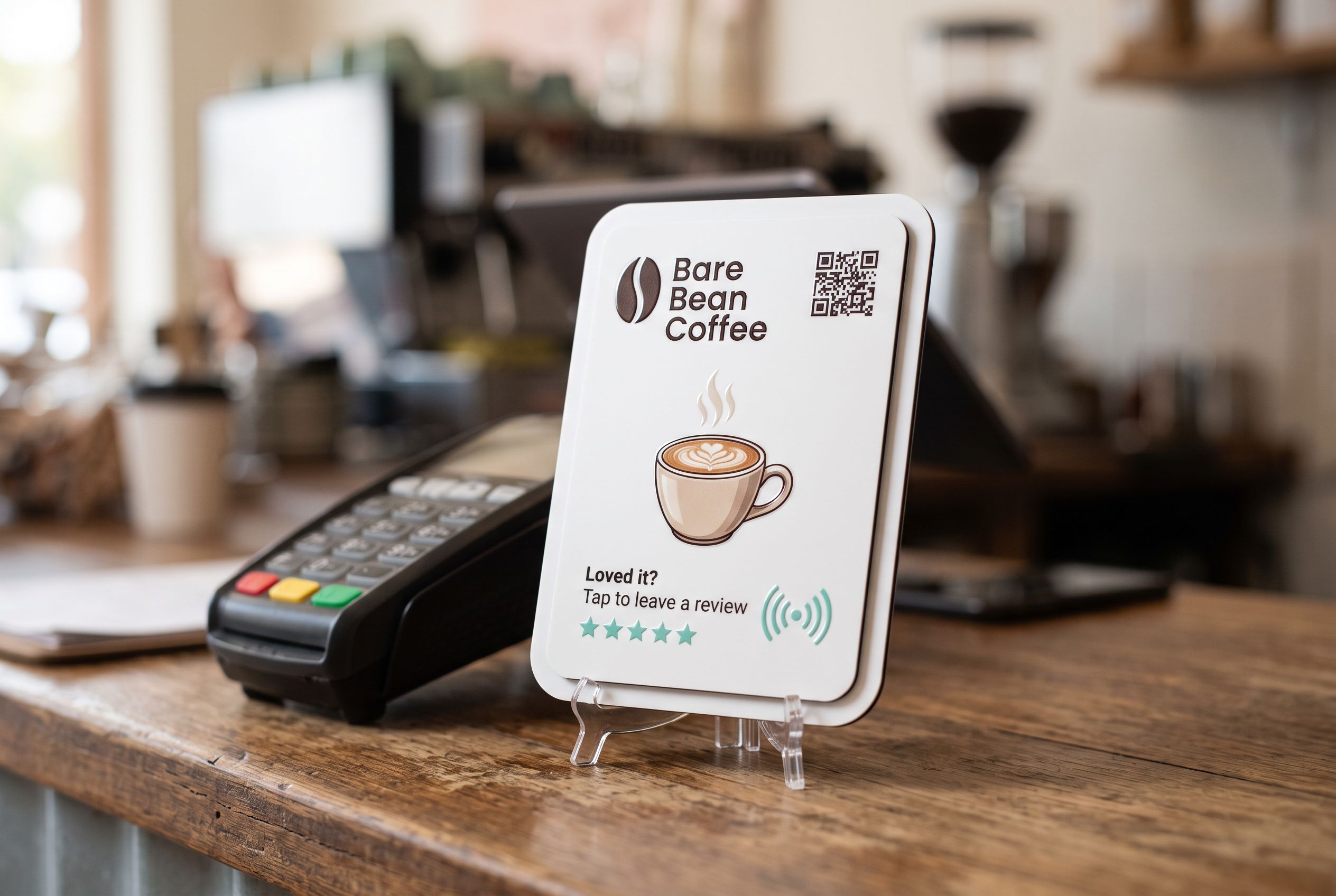
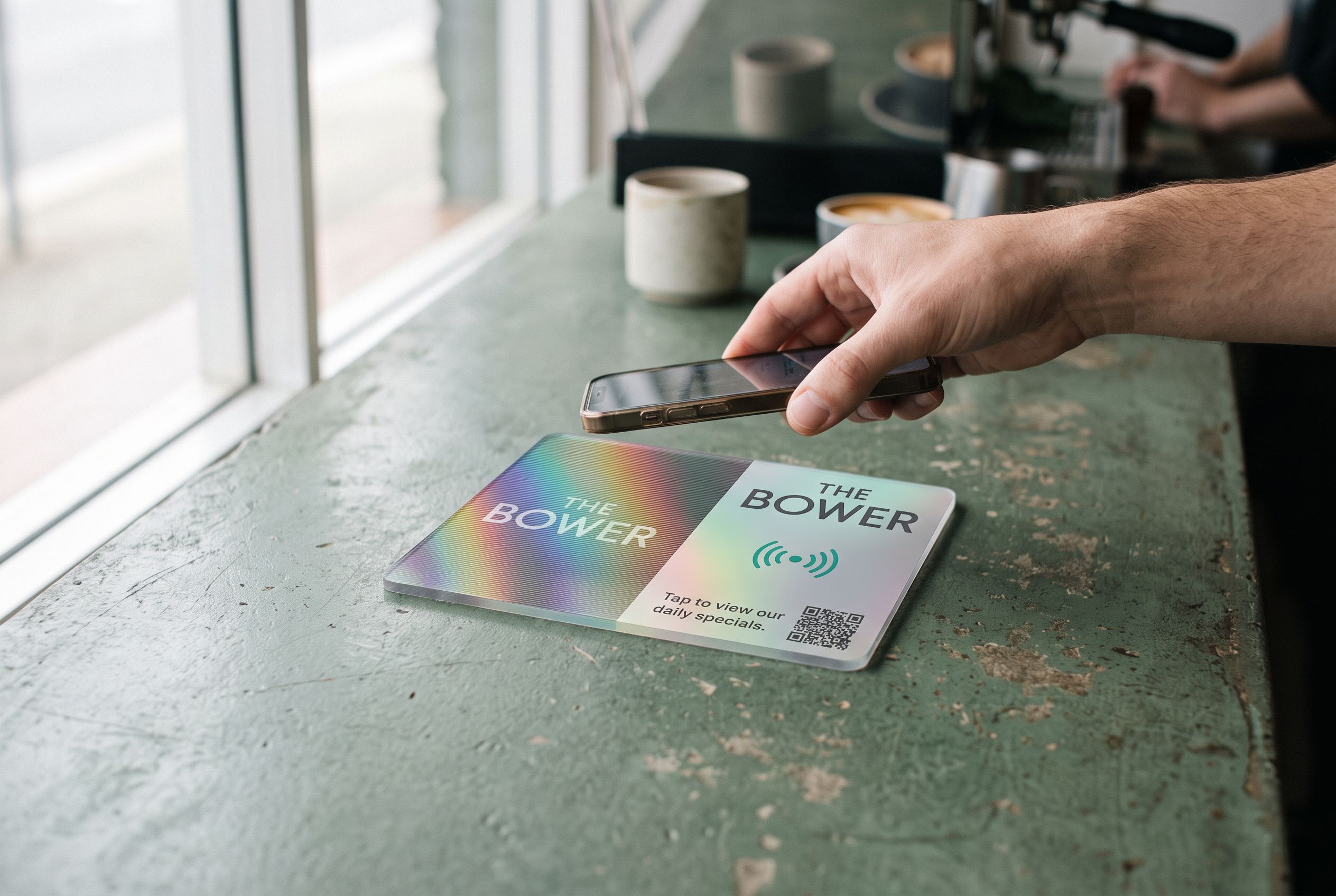
Then put the link into a gesture. A tap tile on the counter turns “leave us a review” into “tap your phone here”. The customer already makes that gesture to pay. The Google review tile opens the form in about a second; the customer taps four or five stars and writes a sentence if they feel like it.
Say the words
A tile on its own gets tapped by curious people. A tile plus a sentence from staff gets tapped by most people. Train the line: “If you enjoyed it, tap that with your phone and it opens our review page.” Say it while handing back the card or the change. It takes two seconds and doubles the tap rate.
Do not filter, do not pay
Google removes reviews it thinks were bought or steered, and it can suspend a profile for it. Two rules keep you safe:
- Ask everyone. Do not pick only the customers who seemed happy. A tile that sits on the counter for anyone to tap is, by design, asking everyone.
- Offer nothing in return. No discount, no free coffee, no draw. A thank-you is fine. A reward is not.
The same rules apply to your own staff and family leaving reviews. Do not.
Reply to every review
Google shows how often you reply, and customers read replies as closely as reviews. A reply to a good review is one sentence of thanks. A reply to a bad one is a calm sentence acknowledging it and offering to fix it, with no argument. The reply is for the next reader, not the reviewer.
What to expect
A café on a busy street with a tile by the register and staff who say the line will see somewhere between one and three new reviews a day. A salon or clinic with appointments sees a handful a week. A tradesperson with a tile on the van dashboard, shown to the customer at the end of the job, sees one for every two or three jobs.
In each case the number is many times what the business saw before, and the reviews are more recent, which Google weighs heavily.
Setting up the tile
- Get your review link from your Google Business Profile.
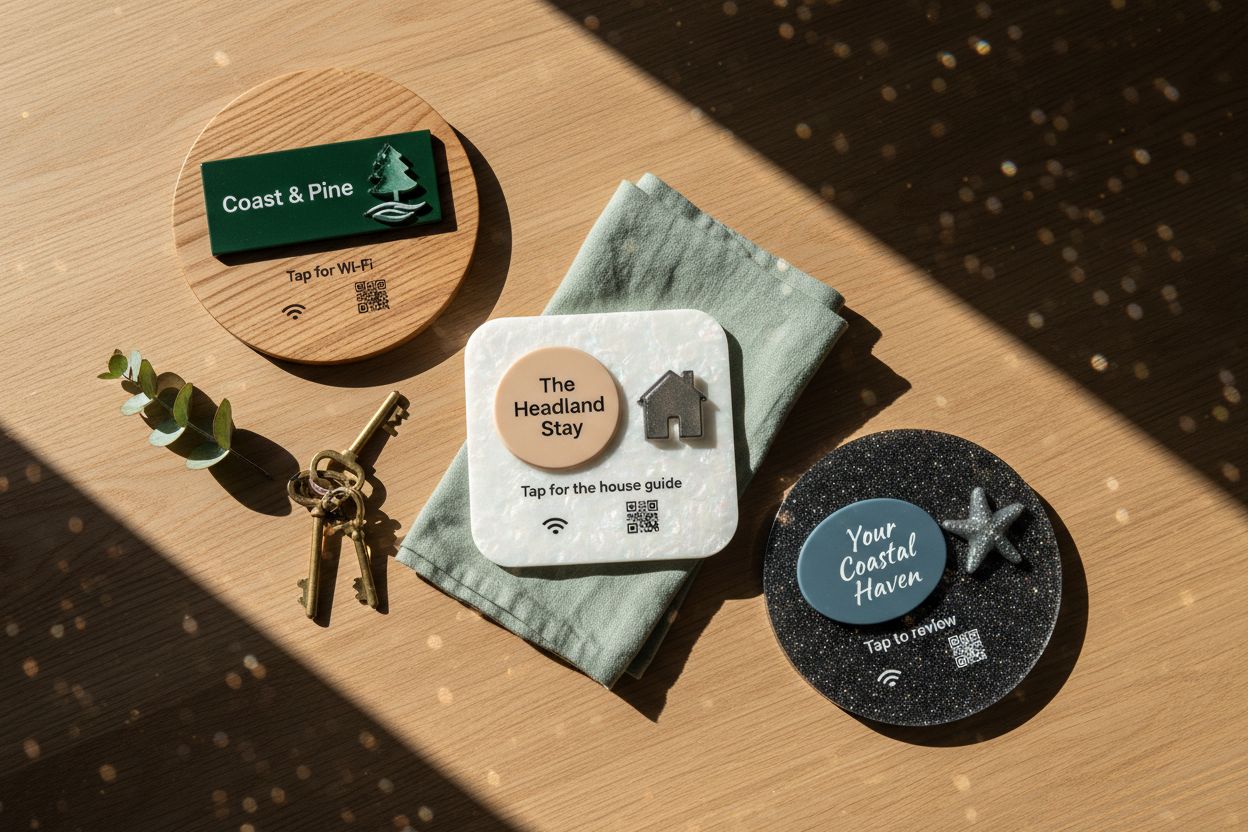
- Open the Google review tile, paste the link, and design the face: your logo, “Tap to leave a review”, a colour that stands out from the counter.
- Pick the size for where it sits. 106mm beside a card terminal; 147mm on a wall or a table.
- Approve the render and we make it and post it to you, anywhere in Australia.
- Stick or screw it beside the terminal, and teach staff the line.
If you change listings or rebrand later, you change what the tile points at from your account. The tile stays on the counter.
Frequently asked
Can I put the tile on the receipt instead? A tile is an object; a receipt gets a QR code. Both can point at the same review link. The tile catches people at the counter; the receipt catches the few who look at it later.
How many tiles do I need? One per point of sale. A café with one register needs one. A salon with three chairs and one reception desk needs one at reception. A restaurant benefits from one at the register and none on the tables, where the ask is better made by staff.
Does it work for Facebook or Tripadvisor reviews? Yes. Point the tile at whichever review page you want. Google is usually the one that matters for being found.