The easiest way to share Wi-Fi with guests and customers
Stop reading the password off the router. A tap tile shows your network name and password with a copy button, and you change the password without changing the tile.
By Shortfield 4 min read
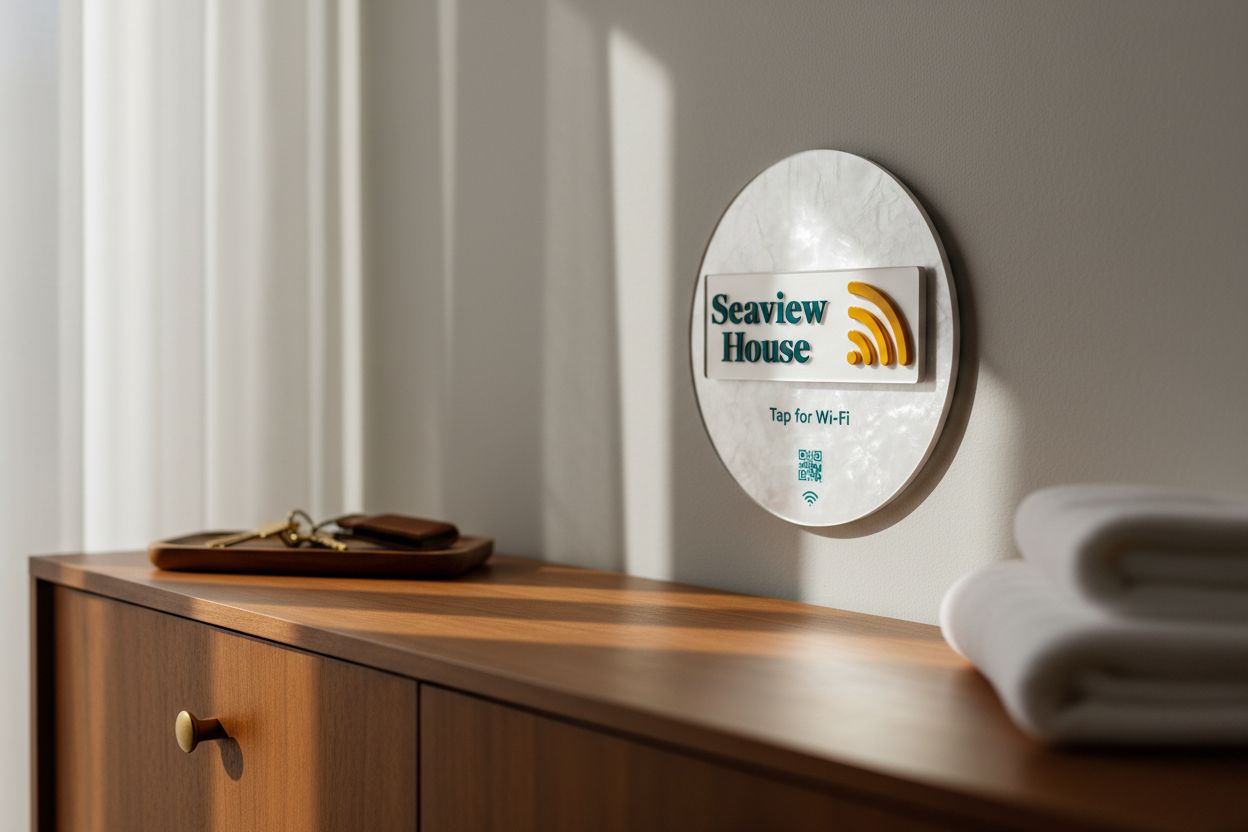
Every café, guesthouse, waiting room and office has the same small problem. Someone asks for the Wi-Fi, someone else reads a string of characters off a card or the underside of the router, and the first person types it in wrong. It costs a minute of a staff member’s time, several times a day, and it is one of the few things a guest will remember being annoyed by. Here are the ways to fix it, ending with the one we make.
The options
A card or a sign. Cheap. The guest still types the password, and a long random one gets typed wrong. When you change the password, you reprint.
A QR code. Phones can join a network from a Wi-Fi QR code, which is better than typing. The code encodes the password, so changing the password means a new code and a new sign. It also needs the camera open and enough light.
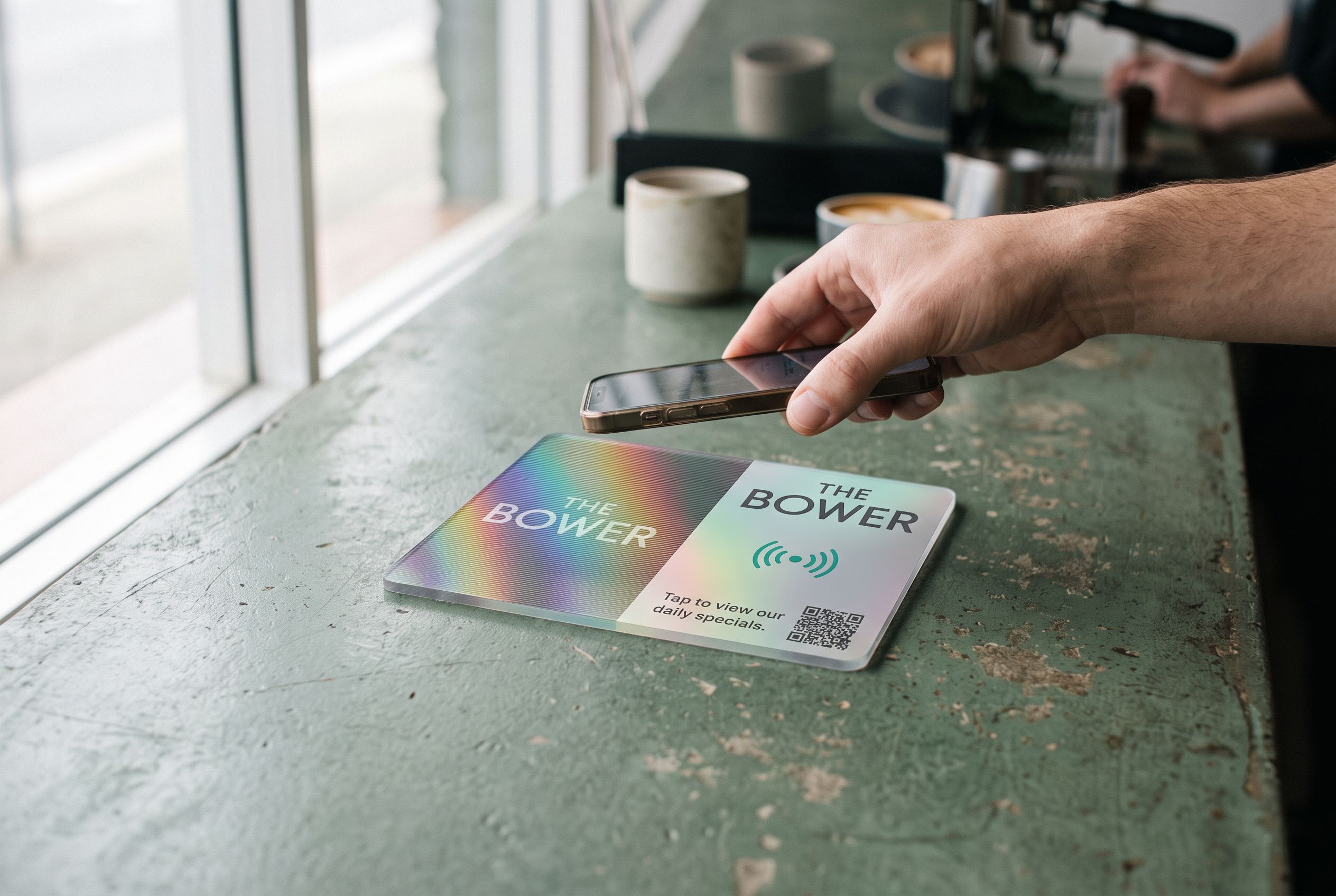
A tap tile. The guest holds their phone to the tile and a page opens showing the network name and the password, each with a copy button. They copy the password, open Wi-Fi settings, and paste. When you change the password, you edit the page from your account and the tile on the wall does not change. It works in the dark, through a phone case, and from the lock screen.
Setting up a Wi-Fi tile
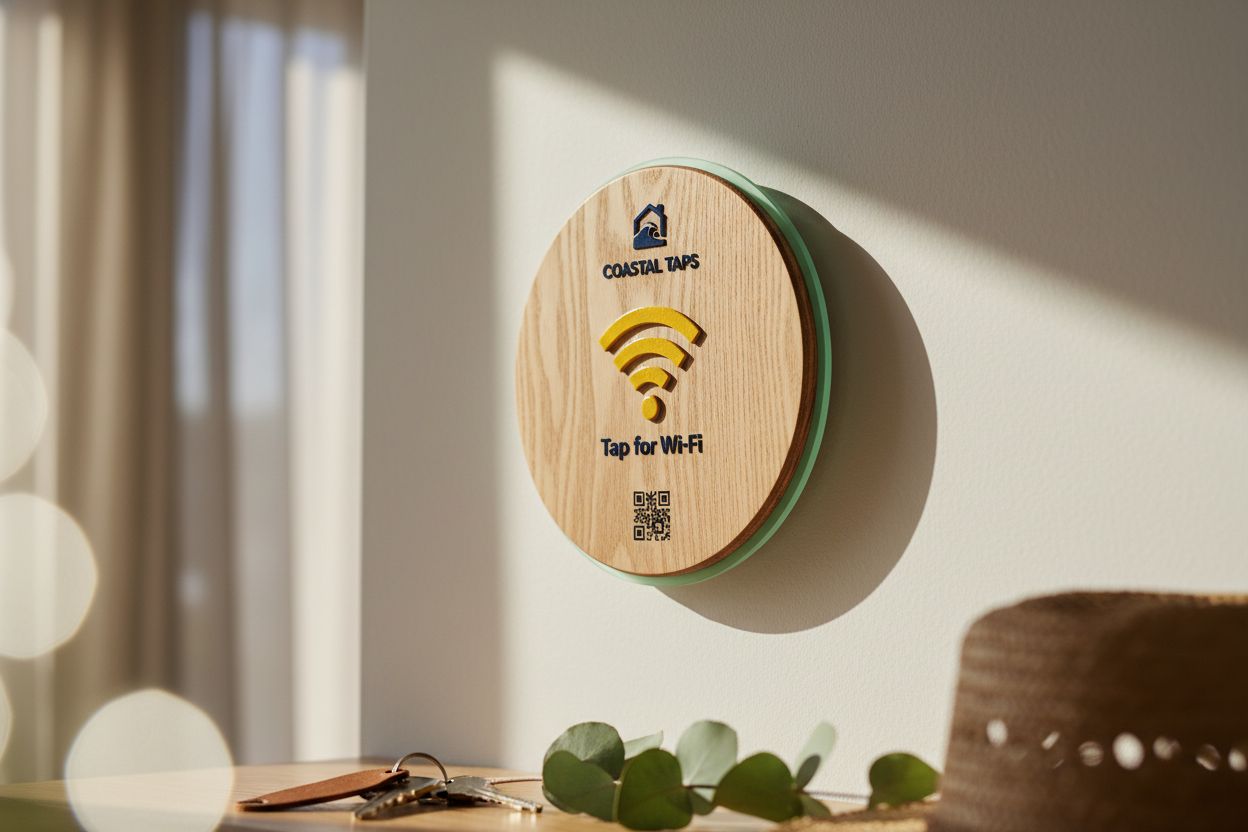
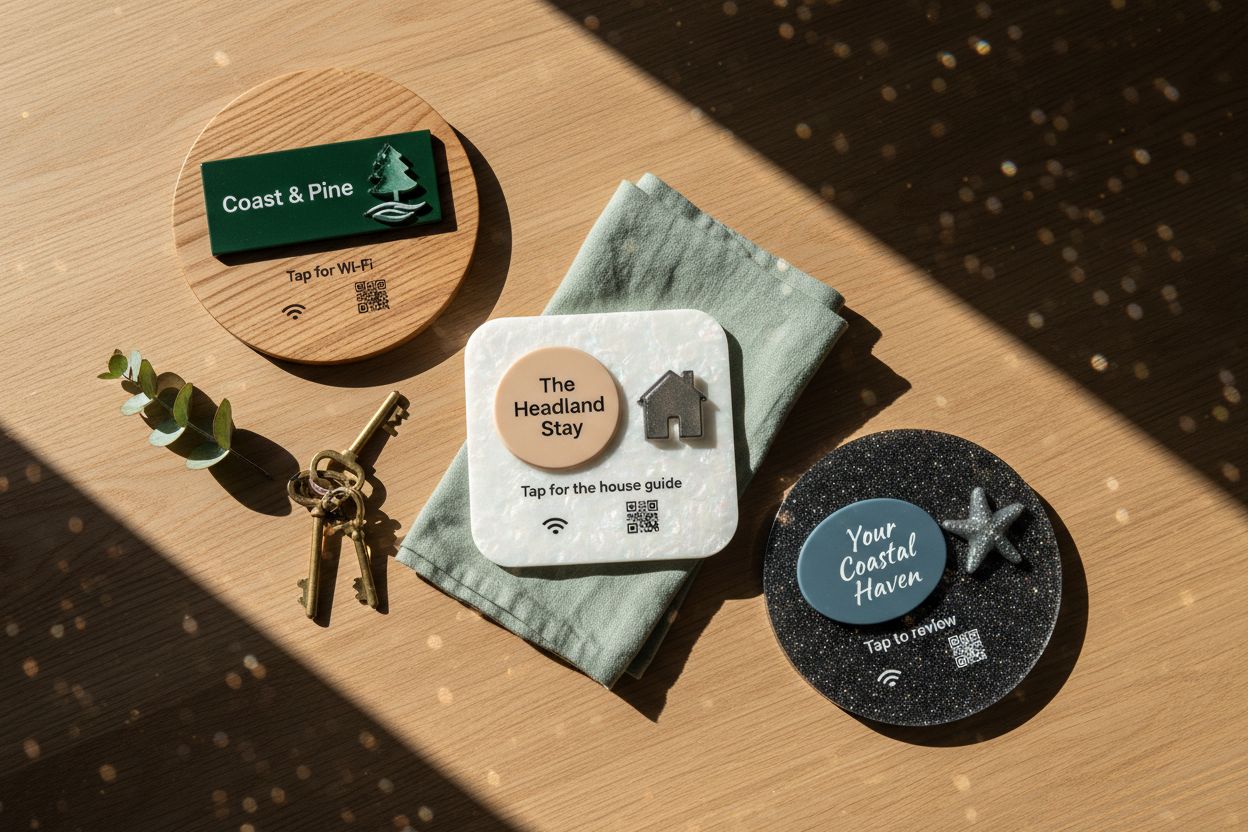
Open the Wi-Fi tile and design the face. Keep the words plain: “Tap for Wi-Fi” is what guests look for. Add your logo and pick a material that suits the spot. Wood on a guesthouse dresser, acrylic on a café wall; see acrylic or wood.
The tile points at a Shortfield page where you enter the network name and the password. That page is what opens on a tap. Nothing about the network is stored on the chip itself, so the tile can be made before you have decided on the password, and the password can change every month without touching it.
Where to put it
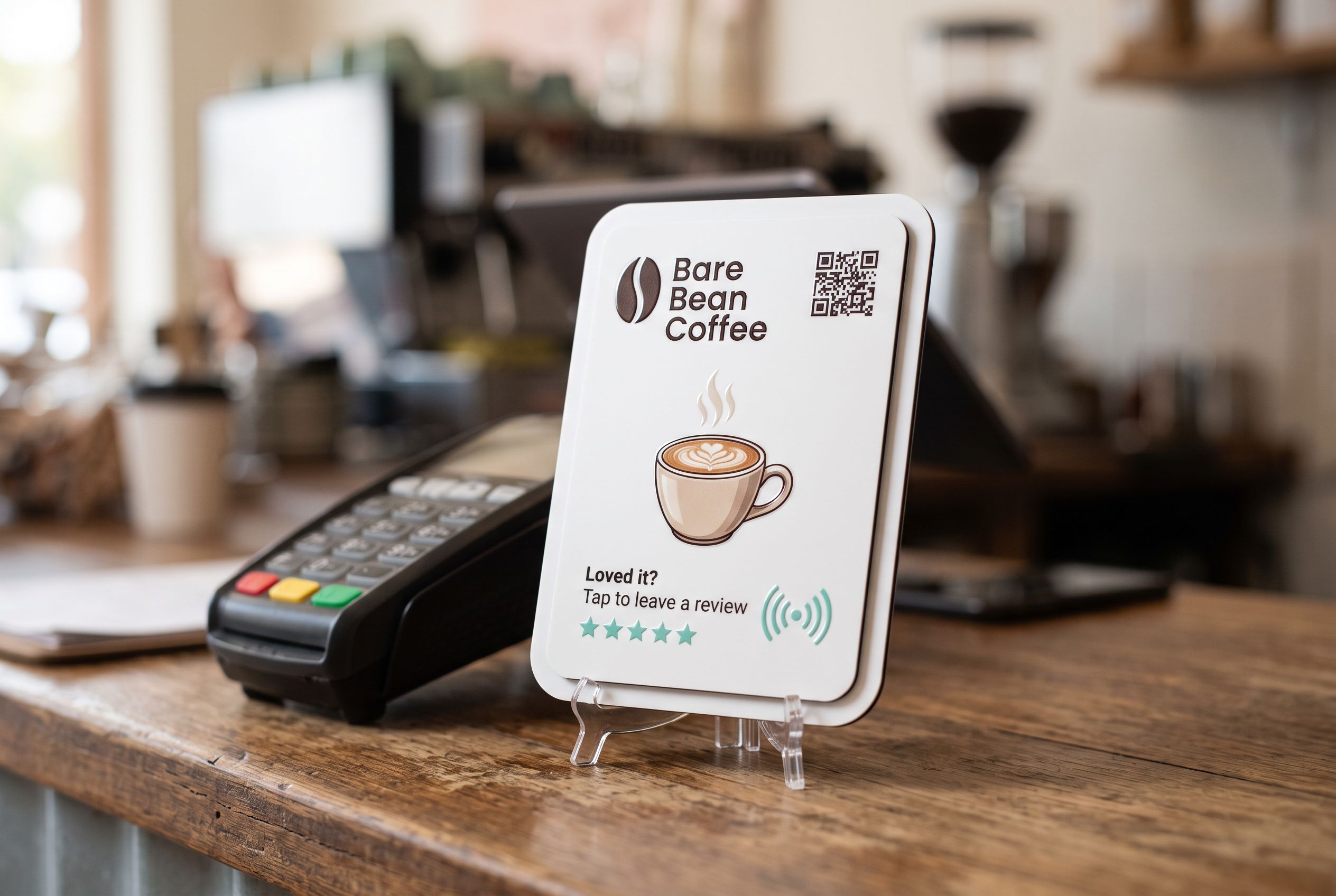
- Café or restaurant. By the counter where people order, or one per table in a room where people work over a coffee. A tile by the counter is tapped by most; tiles on tables are tapped by the people who stay.
- Guesthouse or Airbnb. Just inside the door, where guests put their bags down and reach for their phones. A second tile in the kitchen or living room for the second day. The Airbnb host kit bundles the Wi-Fi tile with a house guide and a review request.
- Waiting room. At reception, or on the wall beside the seating. People sit down and look for it.
- Office. In the meeting room visitors use, and at reception for contractors.
Keeping the staff network private
Show guests one network only. If your router offers a guest network, use it: it keeps visitors off the same network as your till, your printer and your cameras, and it lets you change the guest password without touching your own devices. Put only the guest network on the tile.
Change the guest password on a schedule if the venue is busy. Monthly is plenty for a café; between guests for a short-stay property if you want to be careful. Because the tile points at a page rather than carrying the password, each change is a thirty-second edit.
The page the tile opens
The Wi-Fi page is deliberately plain: your name, the network name, the password, two copy buttons. It loads in under a second on a phone and works without the guest being on any network yet, because it comes over their mobile data. You can add a line underneath, such as check-out time, the house rules, or a link to your menu.
Frequently asked
Can the tile join the phone to the network automatically? iPhones do not allow a web page to join a network, so the page shows the password with a copy button instead and the guest pastes it into settings. Some Android phones offer to join directly. Either way it is faster than typing.
Is it safe to display the password? It is the same password you would print on a card. Use a guest network so it never gives access to anything but the internet.
What if a guest has an old phone? A QR code on the face of the tile points at the same page. Anyone can scan it.
Can I see how often it is used? Tap counts appear in your Shortfield account. A busy Wi-Fi tile is a good sign that guests are finding it.