An Airbnb house guide QR code plaque that stays current.
Put your house manual, Wi-Fi and review link behind one welcome plaque. Guests tap or scan it; you update the guide from your phone.
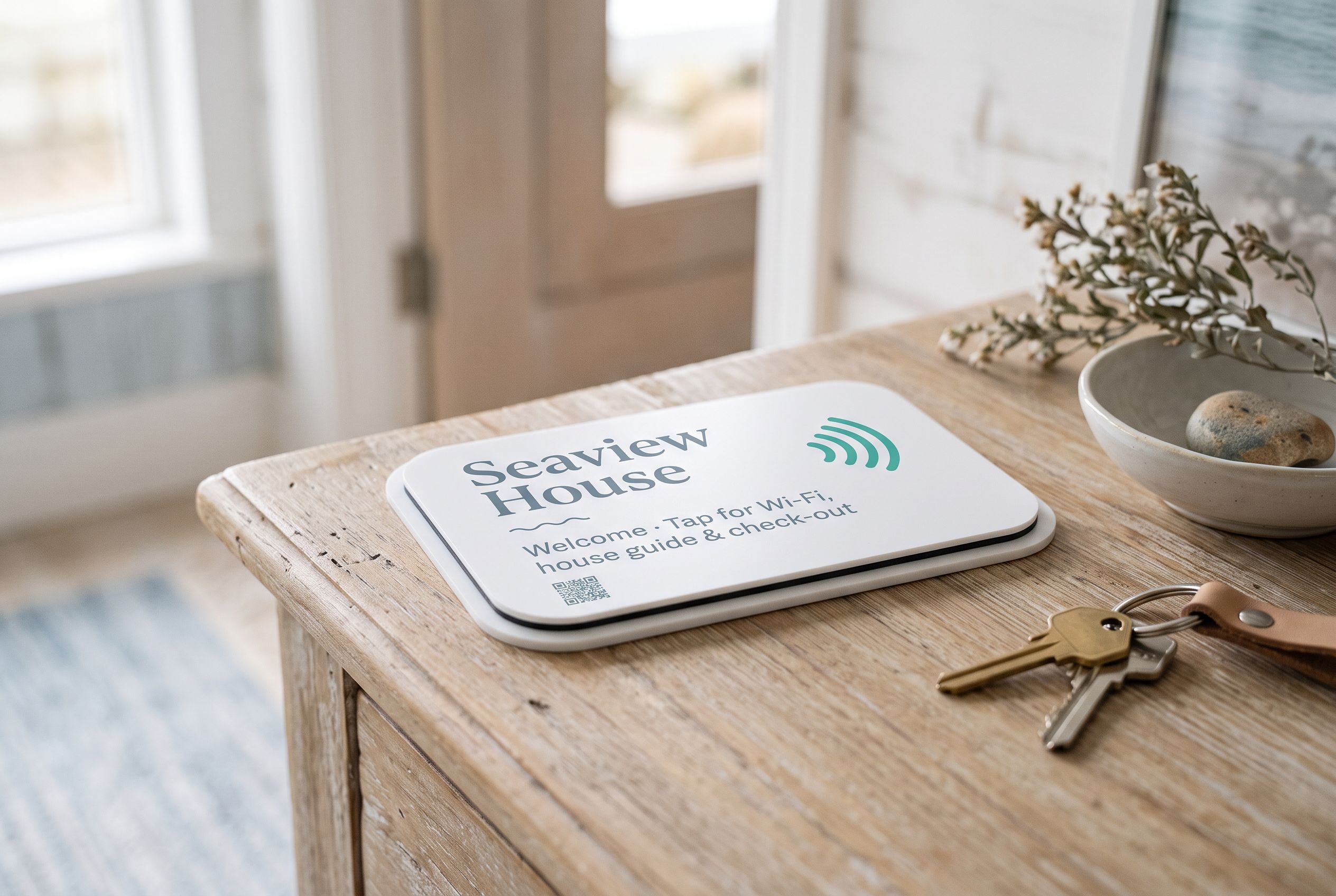
The guide lives online
Point the tile at your Airbnb guidebook, a Google Doc or a PDF. Edit it and the plaque shows the latest version.
Wi-Fi and review too
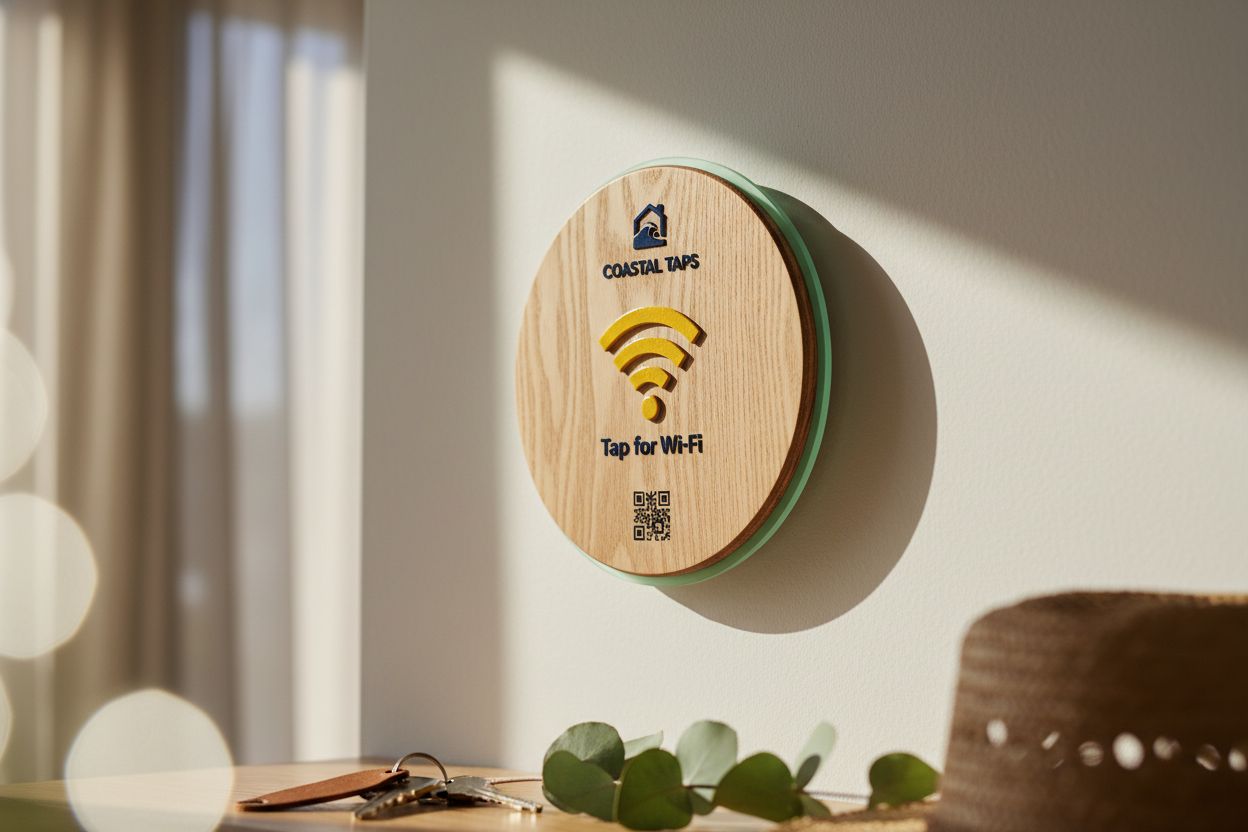
The host kit covers Wi-Fi by the door, the guide in the kitchen and a review request near the exit.
A welcome sign, not a label
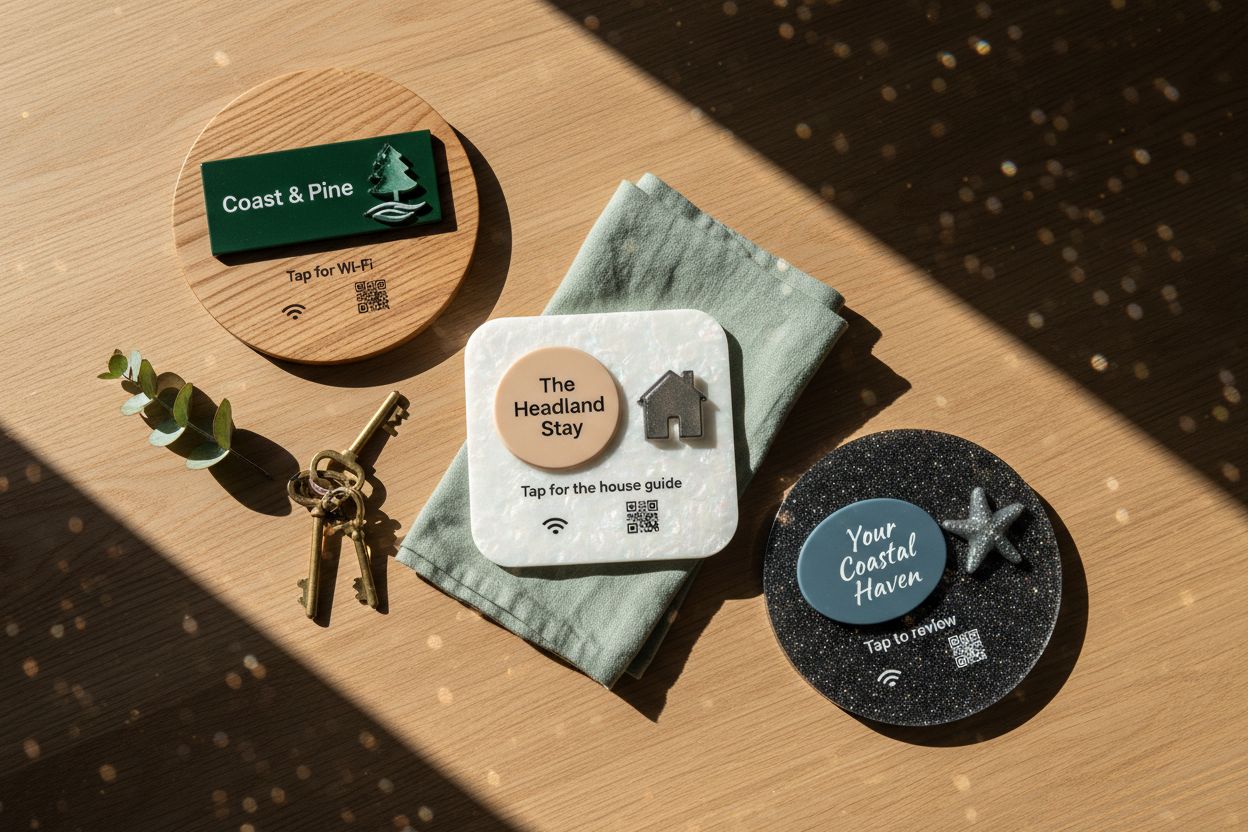
Your property name and artwork on wood or acrylic, made to order and rendered before you buy.
Tap counts per tile
See whether guests open the guide, and which tile they use most.
A printed house manual goes out of date the first time you change the bin night, swap the coffee machine or find a better café down the road. Guests then follow the old instructions and message you. Keeping the guide online and putting a welcome plaque in front of it means the version guests open is always the one you last edited.
How an Airbnb QR code plaque works
The plaque is a tile with an NFC chip sealed inside and a QR code printed on the face. Both point at a Shortfield address, and you choose where that address goes: your Airbnb guidebook, a Google Doc, a PDF, or a page on your own site. Guests hold their phone to the tile or scan the code, and the guide opens in the browser. No app.
When you change the guide, nothing happens to the plaque. If you move the guide somewhere else altogether, you change the destination in your account and the same plaque follows. That is the difference between this and a QR code generated once and printed on a card.
Writing the house guide
Keep it short and in the order guests need it: getting in, Wi-Fi, how the place works, house rules, getting out. Put the answers to the questions you get asked most at the top. Our Airbnb house guide template walks through each section, including what to leave out.
Where the tiles go
Think about where a guest is standing when each question comes up.
- By the door: Wi-Fi. It is the first thing they look for. A Wi-Fi tile shows the network and password with copy buttons, and you can change the password between stays.
- In the kitchen or living area: the house guide. This is where “how does the oven work” gets asked.
- Near the exit, or on the bedside table: a review request, for the last evening of the stay.
The Airbnb host kit brings these three together in one order, with matching design.
A welcome sign guests notice
Most welcome signs are decoration. This one does something, so it is worth designing well. Use the property name, a line of welcome and a clear instruction: “Tap or scan for the house guide”. Timber suits a coastal house or a farm stay; a mirror or pearl acrylic looks at home in an apartment. You see it fully rendered in the designer before you order.
Asking for reviews properly
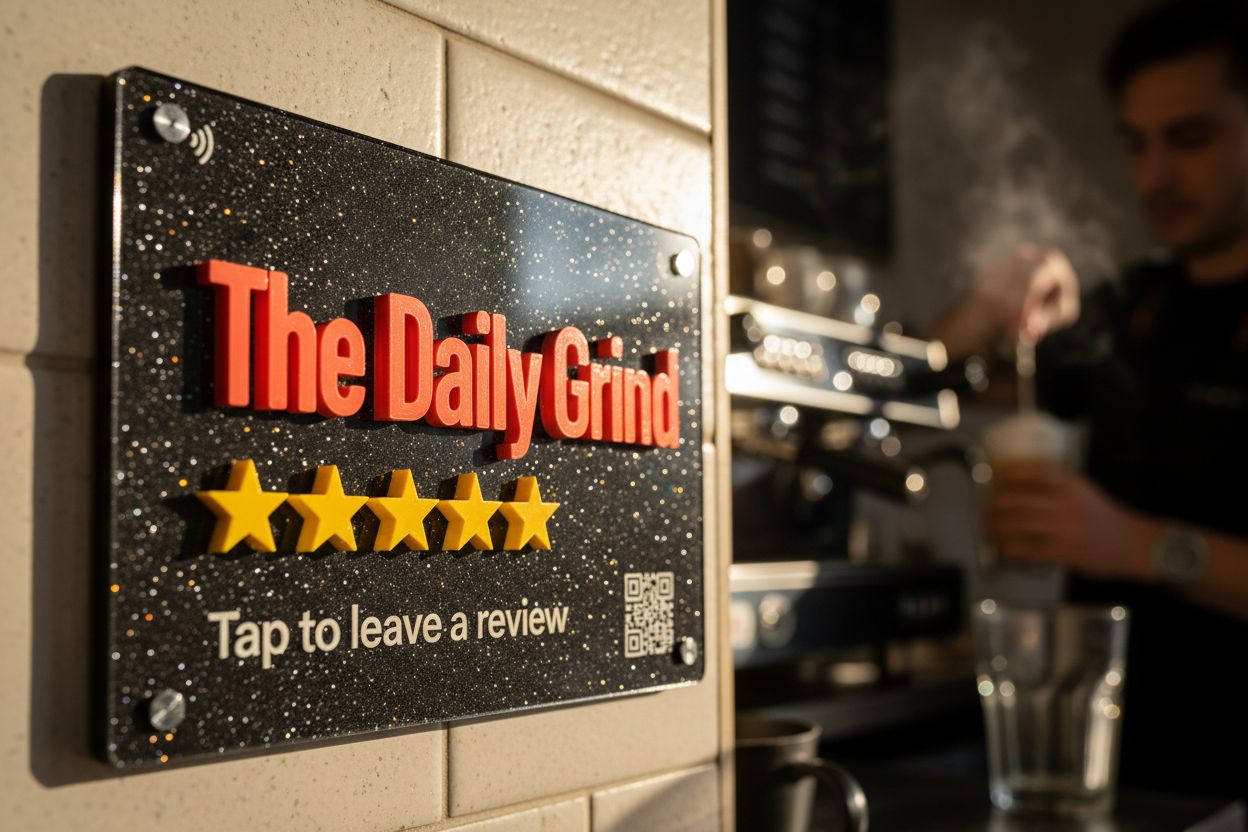
Airbnb prompts guests to review through its own app after check-out, and a friendly line in your guide reminding them costs nothing. If you also have a Google Business Profile for the property, a review tile near the door opens that review form directly, which is where people searching for places to stay in your area will see it. The review tile does exactly this.
Whichever platform, ask every guest the same way. Offering a discount or a late check-out in exchange for a review, or asking only the guests you think were happy, is against Google’s policies, and the ACCC treats incentivised or selectively solicited reviews as potentially misleading under Australian Consumer Law. Google review rules in Australia covers it in plain terms.
Costs
Tiles are a one-off purchase, from $39 to $430 AUD inc. GST. Pointing a tile at your own guide or Google Doc works on the free Basic account; hosted pages such as the Wi-Fi page are part of the Starter plan. See pricing.
Questions, answered.
Check-in and check-out times, Wi-Fi, how the heating, cooling and appliances work, bins, parking, house rules and emergency contacts. Local tips are a bonus. Our house guide template guide has a full list.
Yes. Any link works: an Airbnb guidebook, a Google Doc, a PDF or your own website. Swap it for a different one later from your account.
Airbnb asks guests to review in its own app after check-out. A tile works well for your Google review link if the property has a Google Business Profile; ask every guest, with no incentive attached.
No. A tap or scan opens an ordinary web page in the phone's browser.
Yes. Each tile carries its own property name and points at its own guide. Order 10 or more for bulk pricing.