How to turn on NFC on iPhone and Android (and where the NFC spot is)
iPhone XR and newer read NFC automatically with nothing to switch on. On Android, NFC is a toggle in Settings. Here's where to find it and where to tap.
By Shortfield 4 min read
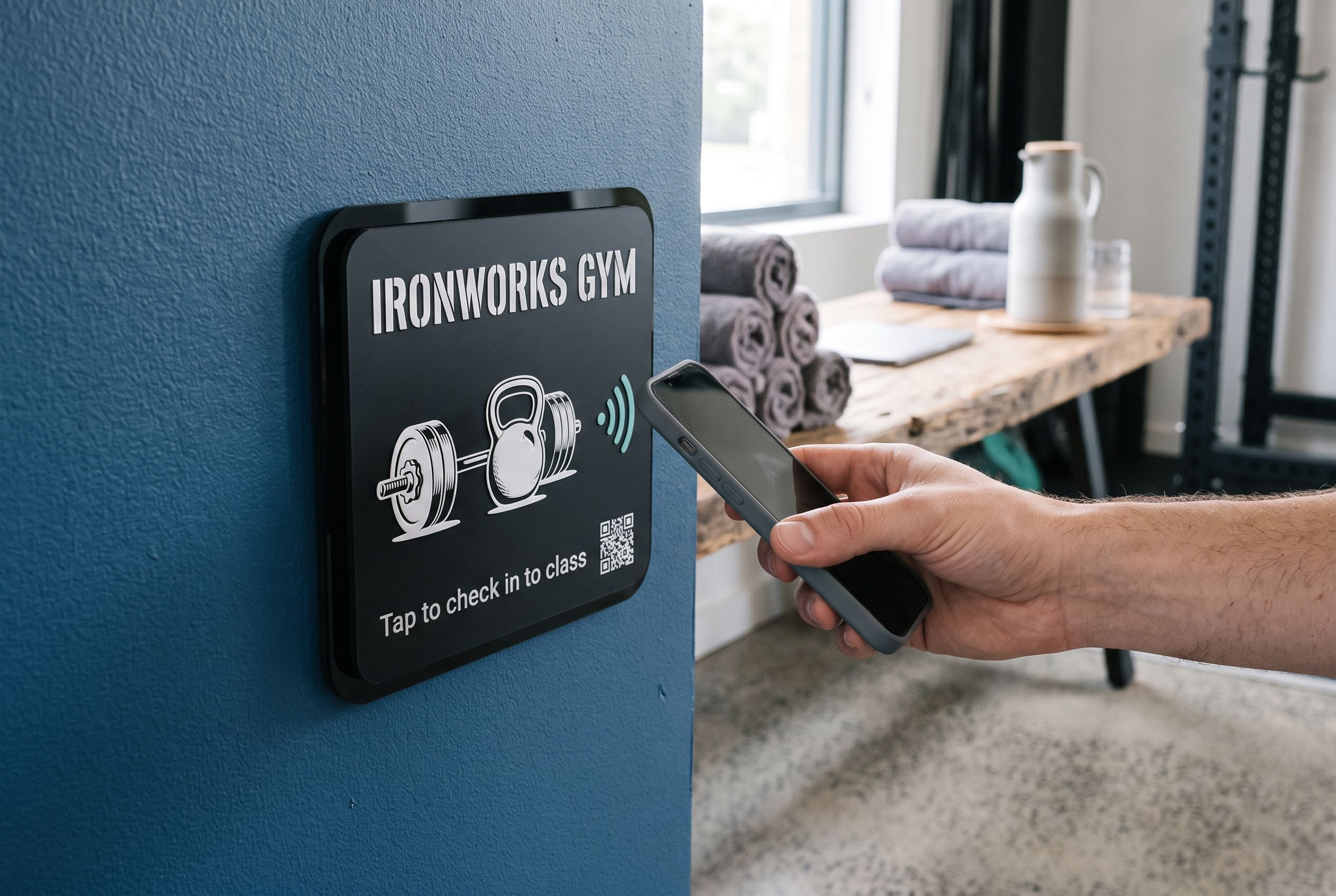
On an iPhone XR or any newer iPhone there is nothing to turn on: background NFC tag reading is always on, and the phone reads a tag whenever the screen is awake and the top edge is held near it. On Android, NFC is a setting. Open Settings, search “NFC”, and switch it on; on most phones it also sits in the quick settings panel you pull down from the top of the screen. Then hold the back of the phone, around the middle or upper half, against the tag.
That is the short version. Here is the detail for each phone, plus the most common reasons a tap does nothing.
Does my iPhone have NFC?
Every iPhone from the iPhone 7 onwards has an NFC chip, but what it can do depends on the model:
- iPhone XR, XS and every newer model, including the SE from 2020, read NFC tags in the background from the lock screen. No app, no setting.
- iPhone 7, 8 and X can read tags, but only with a reader opened first. On recent iOS versions there is an NFC Tag Reader control you can add to Control Centre. Most people with these phones find it easier to scan the QR code instead.
- iPhone 6s and older cannot read tags. Use the QR code.
There is no NFC switch in iPhone Settings, so if a tap is not working on a newer iPhone, the cause is almost always one of the blockers listed further down, not a setting.
Where is the NFC spot on an iPhone?
At the top edge, on the back, near the cameras. Hold the top of the phone to the tile, as if you were pointing the phone at it, not the middle or the bottom. A banner drops down from the top of the screen within about a second; tap it and the link opens.
How do I turn on NFC on Android?
The toggle lives in slightly different places depending on the brand, but these paths cover most phones:
- Samsung Galaxy: Settings → Connections → NFC and contactless payments.
- Google Pixel: Settings → Connected devices → Connection preferences → NFC.
- Oppo, Xiaomi, Motorola and others: usually under Connections, Connected devices or More connections. Menu names change between software versions.
The fastest route on any Android phone is to open Settings and type “NFC” in the search bar. Many phones also show an NFC tile in the quick settings panel; swipe down twice from the top of the screen and look for it.
If NFC does not appear anywhere in Settings, the phone does not have it. Some budget models leave it out. The phone can still scan the QR code with its camera.
Where is the NFC spot on an Android phone?
On the back, usually around the middle or the upper half. It varies more than on iPhones, so if the first tap does nothing, slide the phone slowly across the tile. Once you find it, it is in the same place every time. The screen needs to be on; the lock screen is fine.
Why won’t my phone read an NFC tag?
Work through this list:
- Wrong part of the phone. Top edge for iPhone, back middle for most Androids.
- Camera or Wallet open (iPhone). Background reading pauses while the camera, Wallet or Apple Pay is active. Close them and tap again.
- Airplane Mode. Turn it off.
- NFC off (Android). Check the setting above.
- A metal case or card wallet. A case with a metal plate or a magnetic wallet can block the signal. Take the phone out and try.
- Metal behind the tag. A tag stuck flat on steel can read poorly. See how long do NFC tags last for the fix.
- Too far away. NFC works at a centimetre or two. Standard phone cases and shopfront glass are fine; a thick glass tabletop may not be.
Still nothing? Scan the QR code. On a Shortfield tile it points at exactly the same page as the chip.
Does NFC drain the battery or put my phone at risk?
NFC uses very little power; the reader only wakes when the screen is on. Leaving it on is how most people use contactless payments anyway. As for risk, a passive tag can only offer a web address, and your phone shows you what it wants to open before you open it. It can’t install anything or read your data.
What customers see with a Shortfield tile
Tiles work with every iPhone XR and newer and NFC-equipped Android phones, from the lock screen, with no app. The customer holds their phone to the tile, taps the banner, and lands on whatever the tile points at: your Google review form, your Wi-Fi details, your booking page. For a full model list, see which phones can tap NFC tiles.
A short line printed on the tile, such as “Hold the top of your phone here”, saves a lot of fumbling. You can add it in the designer before you buy.
Frequently asked
Do I need an app to read NFC tags? Not on iPhone XR and newer or on NFC-equipped Android phones. Reading is built into the phone.
Can I turn NFC off on an iPhone? There’s no switch for tag reading on newer iPhones. It only acts when a tag is held right against the phone and the screen is on, and it opens nothing without you tapping the banner.
Does NFC need Wi-Fi or mobile data? Reading the tag does not. Opening the web page it points to does, like any link.
Can an iPad read NFC tags? No. iPads don’t have an NFC reader for tags. Scan the QR code instead.