A tap to donate sign for a cashless crowd.
Fewer people carry cash to church or to a fundraiser. A donation tile lets them give on their own phone, by card, Apple Pay or Google Pay.
Give on their own phone
No terminal to hire, charge or pass around. Donors tap or scan and give in the browser.
Cards and wallets
The Managed plan's payment portal takes Apple Pay, Google Pay and cards.
One sign, many appeals
Point the tile at this month's appeal, then the building fund, from your account.
Built for the foyer
Stands on a welcome table or fixes to a wall or pillar. Nothing to plug in.
The collection plate and the bucket at the door both rely on cash, and fewer people carry it every year. Regulars who would give every week find they have nothing in their wallet. A tap to donate sign keeps the moment of giving where it has always been, in the foyer or at the end of the pew, and lets people give with the phone they already have in their pocket.
How a donation tap stand works
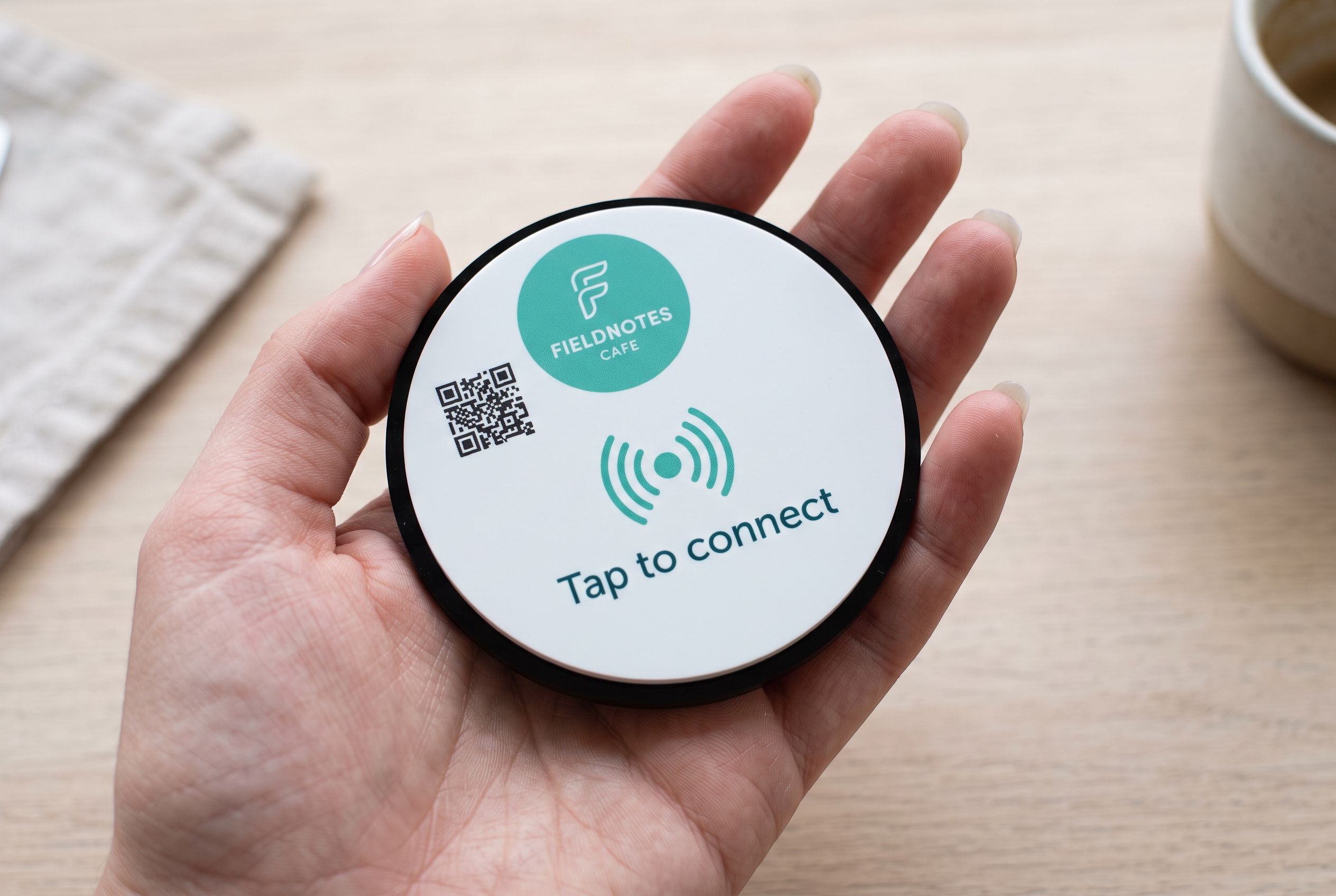
The stand is a tile with an NFC chip sealed inside and a QR code on the face. The donor holds their phone to it, or scans the code, and your giving page opens in the browser. They choose an amount and give, then put the phone away. There is no card reader to hire, charge, pair or pass along the row.
Where the tile points is up to you:
- The Managed plan’s payment portal, which takes Apple Pay, Google Pay and cards. It costs $15 a month, with a 1% fee on card payments on top of Stripe’s fee.
- Your existing giving platform, if your church or charity already has one with a link.
- A PayID page (Starter plan), for donors who prefer to send from their banking app.
Change the destination whenever you need to. The sign doesn’t change.
A QR code for charity donations, or a tap?
Both, on one tile. A printed church donation QR code is familiar and works on any phone with a camera. The NFC tap is quicker for recent phones: no camera, no framing the code in a dim hall, just hold the phone to the tile. Which phones can tap covers who can use each.
Where the signs go
- Church: on the welcome table and on the wall by the door as people leave. For a larger church, a small tile at each pew end or on the back of the seat in front.
- Op shop or charity shop: by the register, for people who want to round up or give without buying.
- Fundraiser, gala or sports club: on each table, numbered if you want to see which tables gave most. Tap counts per tile show in your account.
- Community events and school fetes: on a stand at the entrance and at each stall.
Our guide to tap to donate for churches and charities covers wording, placement and what to say from the front.
Appeals and campaigns
Because the destination is re-pointable, one set of tiles can run the whole year. Point them at general giving most weeks, at the building fund appeal for a month, at the Christmas appeal in December. For a big campaign you might want its own design; bulk orders start at 10 tiles, and for 30 or more our design service has no design fee.
Designing the sign
Open the pay tile. Use your logo and a clear line: “Tap or scan to give”. Timber suits a church foyer; acrylic stands up to a windy outdoor fete. Prices run from $39 to $430 AUD inc. GST per tile, and you see the render before you order.
The tiles that fit
Questions, answered.
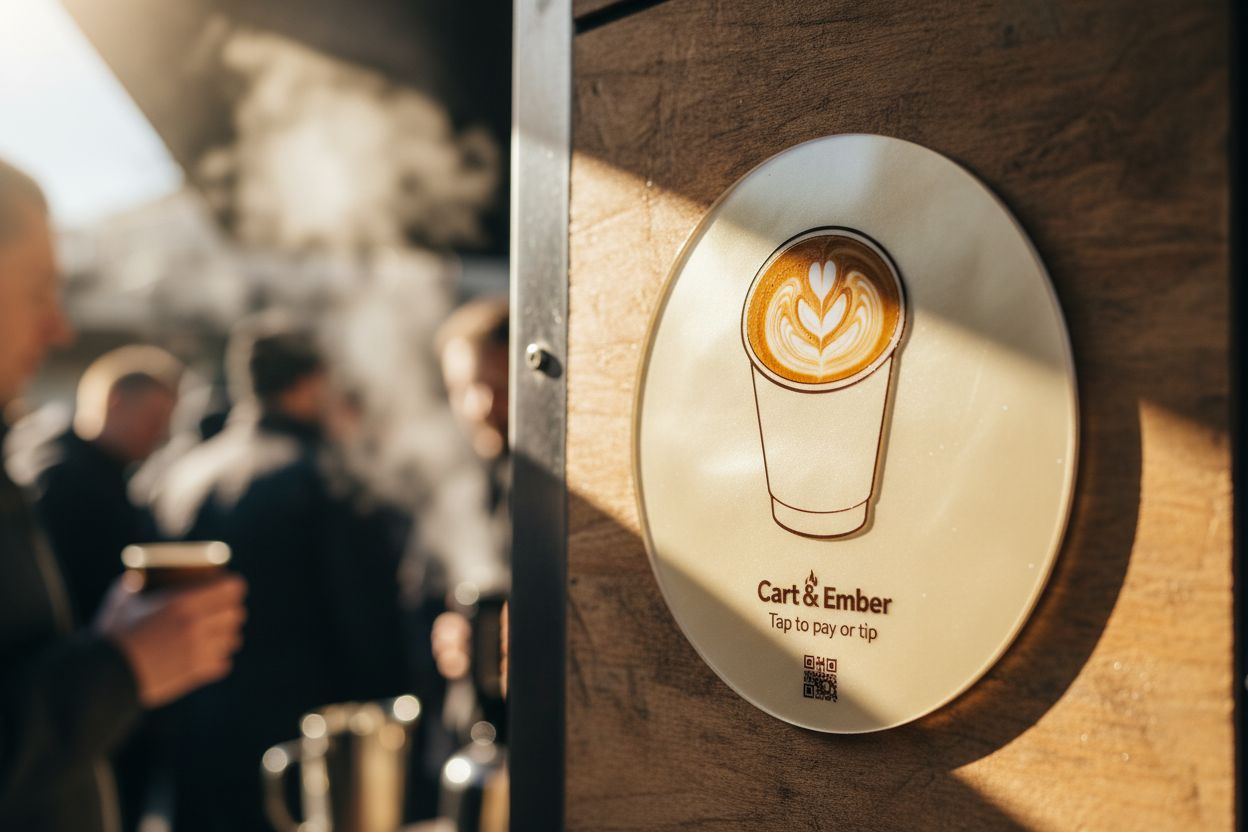
A donation tile in the foyer or on each pew end opens a giving page on the donor's phone. With the Managed plan's portal they can give by Apple Pay, Google Pay or card.
Yes. Point the tile at any donation page with a link, whether that's your denomination's giving system, a charity platform or a Stripe link.
On the Managed plan's portal, there is a 1% fee on card payments on top of Stripe's fee. If you point the tile at another platform, that platform's fees apply instead.
Yes. Order a tile for the appeal, or re-point an existing one for the duration and point it back afterwards.
Most phones tap from the lock screen with no app, and the QR code covers the rest. Keep the plate going alongside it for anyone who prefers cash.