Google review stands for hair salons at the reception desk.
Clients tap to leave a review while they admire the colour, then tap again to book the next appointment. Both from the desk, both in a second.
Rebook before they leave
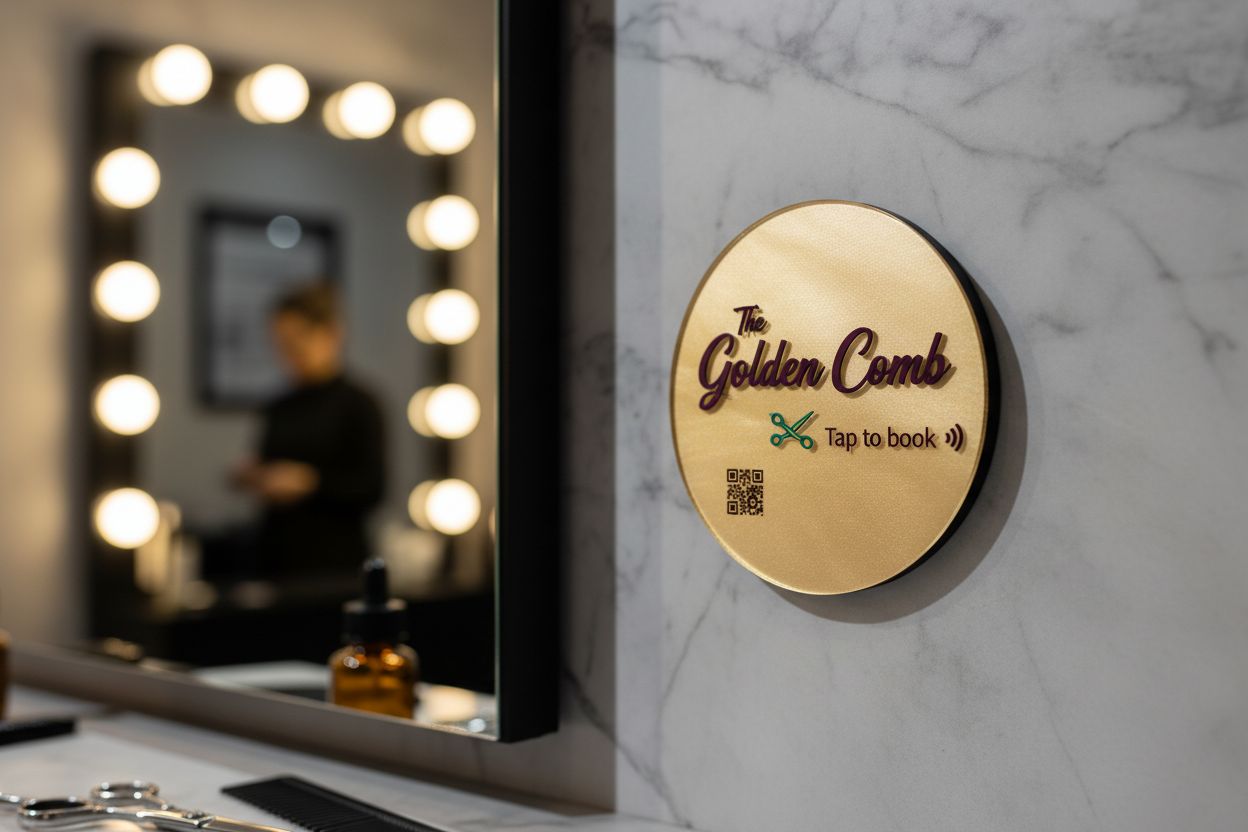
A tap-to-book tile opens Fresha, Timely, Square Appointments or Setmore, so the next visit is in the diary before the door closes.
The review, while it looks great
The best moment for a hair review is the mirror reveal. The tile at reception catches the next best moment.
Matches the fit-out
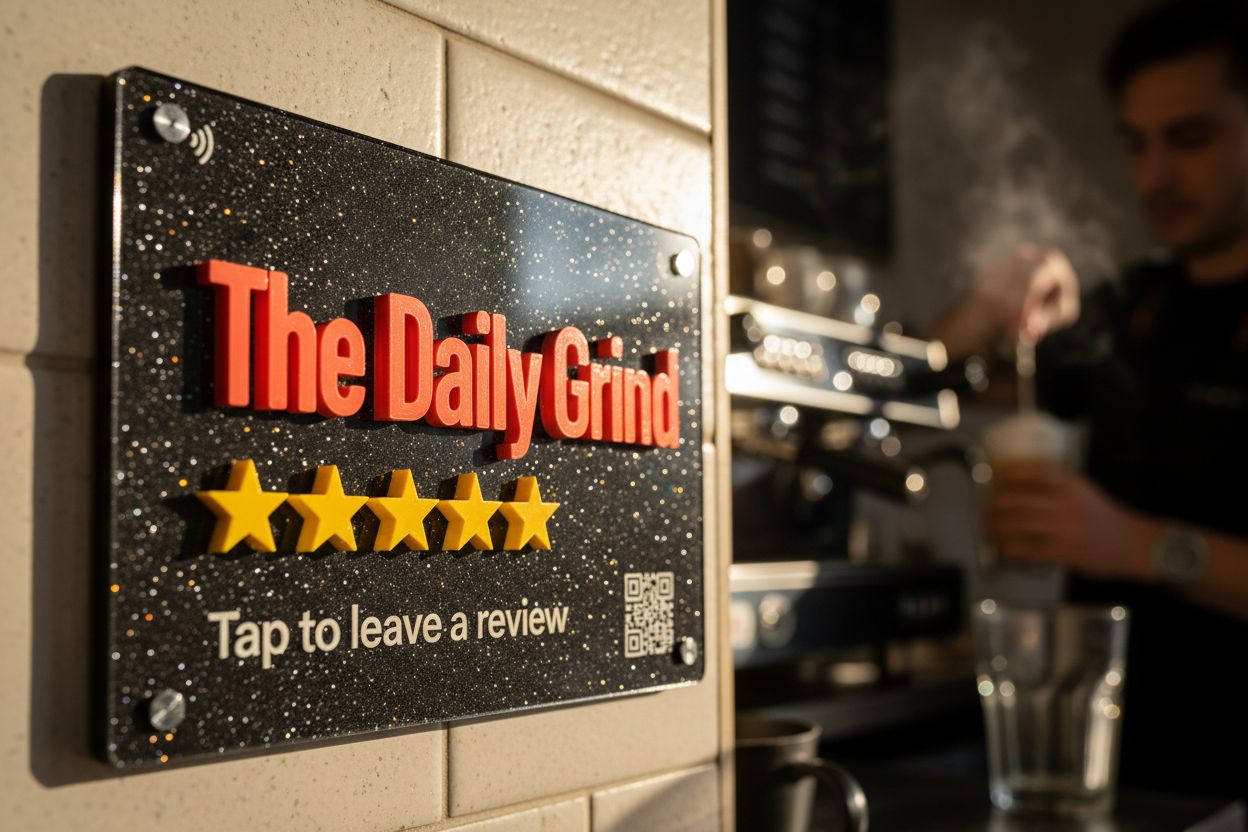
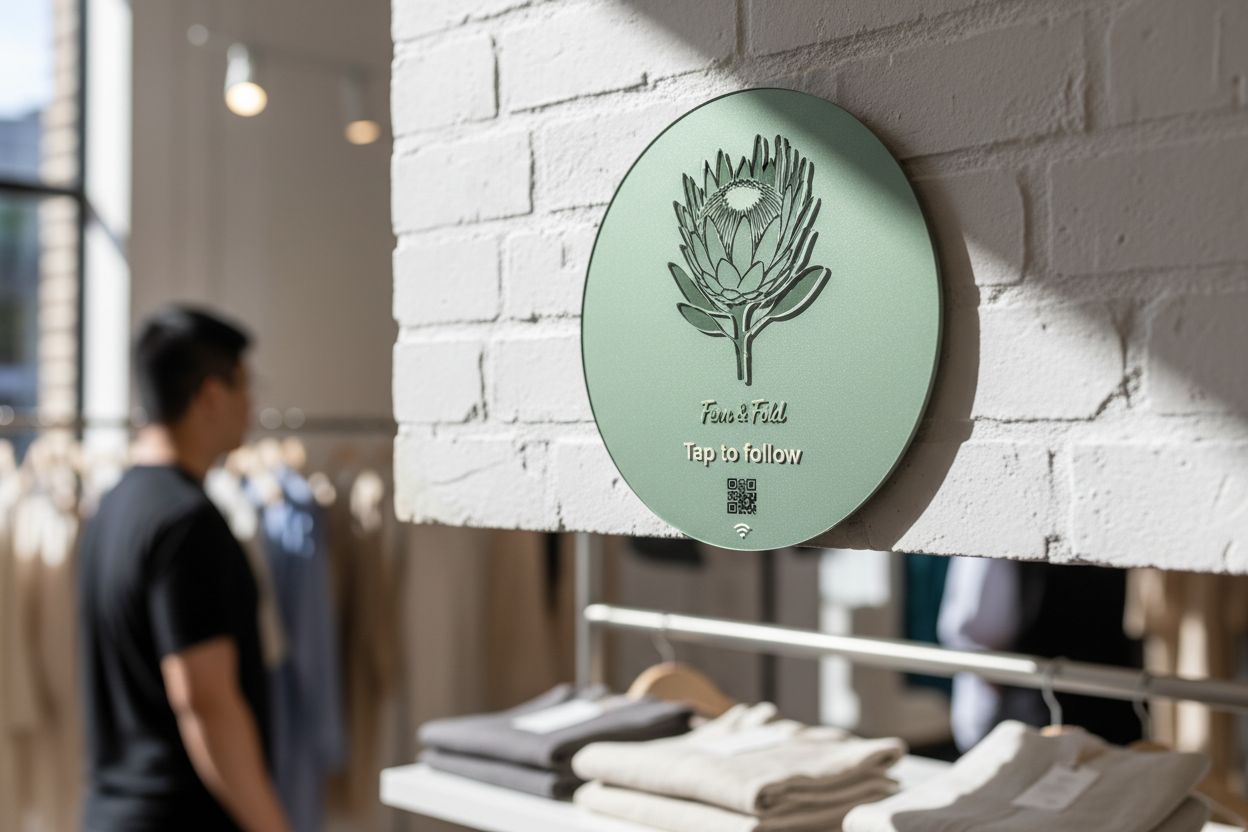
Mirror, pearl, glitter, stone-look acrylic or timber, with your logo printed on the face.
Show off the work
An Instagram tile gets clients following the stylist whose work they just paid for.
Hair is a business built on regulars and word of mouth, and both now happen on a phone. A new client picks a salon from Google Maps by its reviews and photos. A regular stays because rebooking is easy. A pair of tiles at reception looks after both.
The two-tile reception desk
Most salons land on this set-up:
| Tile | Where | What it opens | What reception says |
|---|---|---|---|
| Review | Beside the payment terminal | Your Google review form | “If you love it, a tap there helps us heaps.” |
| Book | Next to it, or on the mirror station | Your Fresha, Timely or Square booking page | “Want to lock in your next colour? Tap and pick a time.” |
Two tiles side by side can look busy, so design them as a pair: same shape, same colour, different words. The review tile and the tap-to-book tile share the designer, so it takes a few minutes.
Timing the review ask
The reveal in the mirror is the happiest moment of the appointment, but the client is still in the chair with a cape on. The ask lands better at the desk, a minute later, while they are paying. That is where the tile sits. Say the line to every client, including the ones who were quiet, because selectively asking only the happy ones is against Google’s rules.
When reviews come in, reply to them. It takes a sentence, and the next client reads it. Our guide on how to reply to Google reviews has examples for good ones and awkward ones.
At the station
Some salons put a small tile at each chair instead. It suits salons where stylists work like independents: each tile opens that stylist’s booking page, their Instagram, or their tip link. The stylist can point at it during the blow-dry: “That’s my Instagram if you want to see the before-and-after.” A social tile does that job.
A tile that belongs in the salon
Salons care how things look, and a laminated QR card on the desk does not help. Tiles come in mirror, pearl, glitter, pastel and stone-look specialty acrylic, or in timber. A gold “Tap to book” tile beside a lit mirror looks like it came with the fit-out. You see the full render in the online designer before you buy, and prices start at $39.
Salon groups and chains
Each salon should have its own tiles pointing at its own Google listing and booking link. Orders from 10 tiles get bulk pricing, and a run of 30 or more comes with free design: concepts in three business days and a render before anything is cut. If you change booking systems later, re-point every tile from your account. The tiles stay where they are.
Questions, answered.
A tile opens one link. Most salons use two tiles at reception, or a Starter plan hosted page listing review, booking and Instagram on one screen.
Yes. Any booking system that gives you a link works, including Fresha, Square Appointments, Timely, Setmore and Calendly.
If stylists take their own bookings or tips, yes. Each tile points at its own link, and your account shows taps per tile.
Yes. Point a tile at a PayID page or payment link. The Managed plan adds a payment page taking Apple Pay, Google Pay and cards.