How to get more Instagram followers from customers in store
Your best new followers are already standing at your counter. How to turn in-store customers into Instagram followers with one tap, and what to post so they stay.
By Shortfield 4 min read
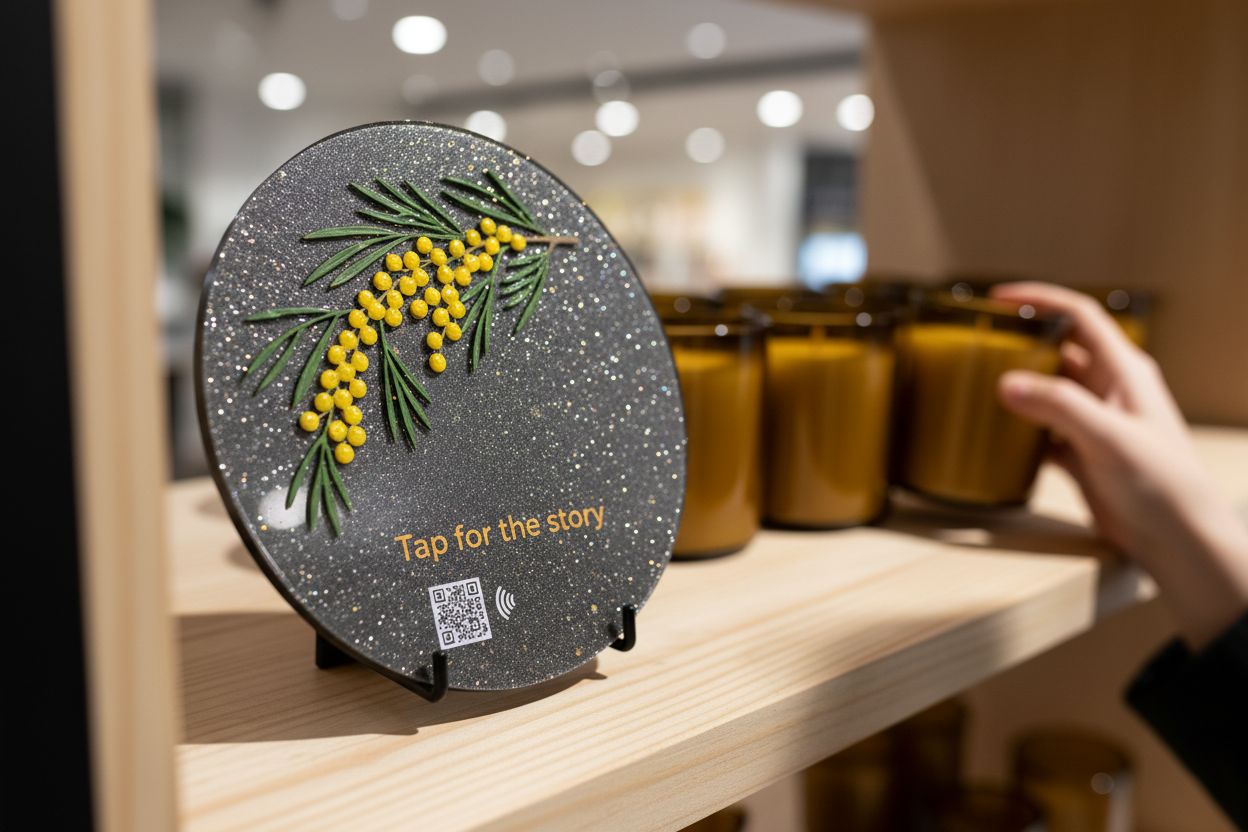
The quickest way to get more Instagram followers from in-store customers is to make following you a one-second action at the moment they’re enjoying your shop: a tap tile or QR code at the counter, on the table or by the mirror that opens your Instagram profile directly, plus a reason to follow that’s specific to your business, like new stock, weekly specials or behind-the-scenes. Customers who already like you in person are more likely to engage with your posts than followers you’d reach through ads, and they live nearby.
Here is how to set it up, where to put it and what gives people a reason to tap.
Why in-store followers are worth more
A follower who has been in your shop knows what your coffee tastes like, has seen your stock and will come back. They’re local. When they like or comment on your posts, their friends, also mostly local, see it. For a café, boutique, salon or bakery, a few hundred local followers who’ve been through the door often do more than thousands of followers from anywhere.
They’re also the easiest to get. They’re standing in front of you with their phone.
Why “Follow us @yourshop” doesn’t work well
A sign with your handle asks the customer to open Instagram, tap search, type your handle correctly, pick the right account out of similar names, and tap Follow. Most people mean to and don’t.
A link that opens your profile directly cuts all that down to one step. Your profile link is instagram.com/yourhandle. On most phones with Instagram installed, the link opens in the app; without the app it opens in the browser.
Put the link behind a tap
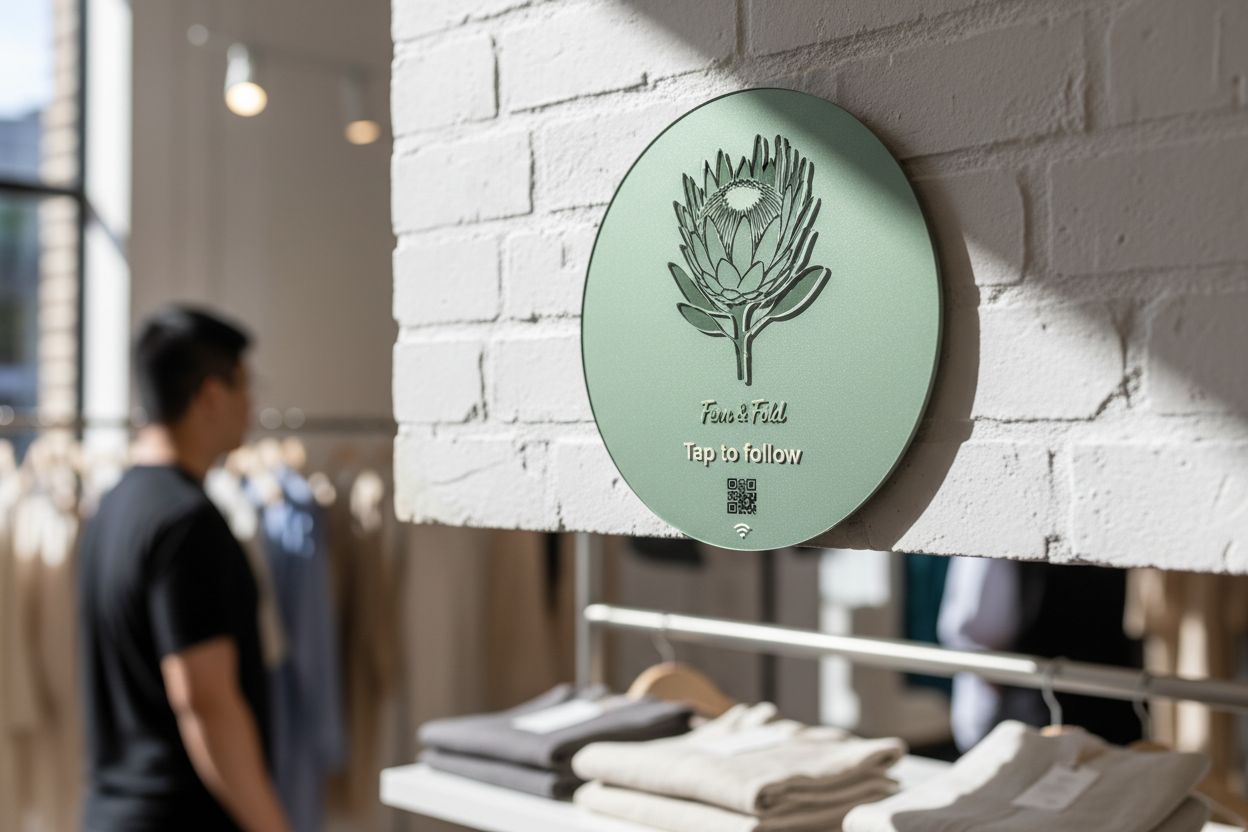
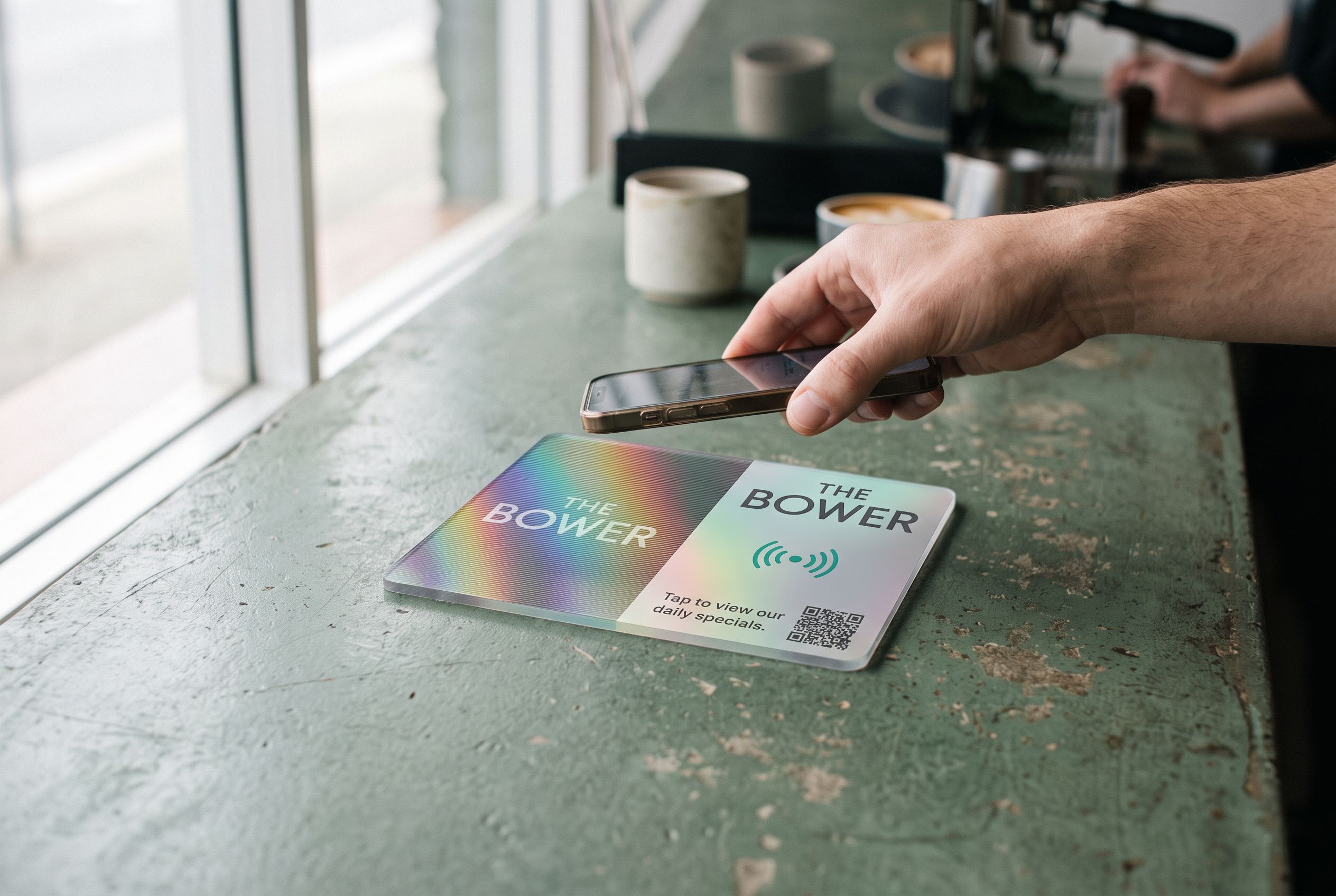
A social tile holds your profile link on an NFC chip, with a QR code on the face for everyone else. Customers with an iPhone XR or newer, or an NFC-equipped Android phone, hold it to the tile and your profile opens. No app to download beyond Instagram itself, no typing.
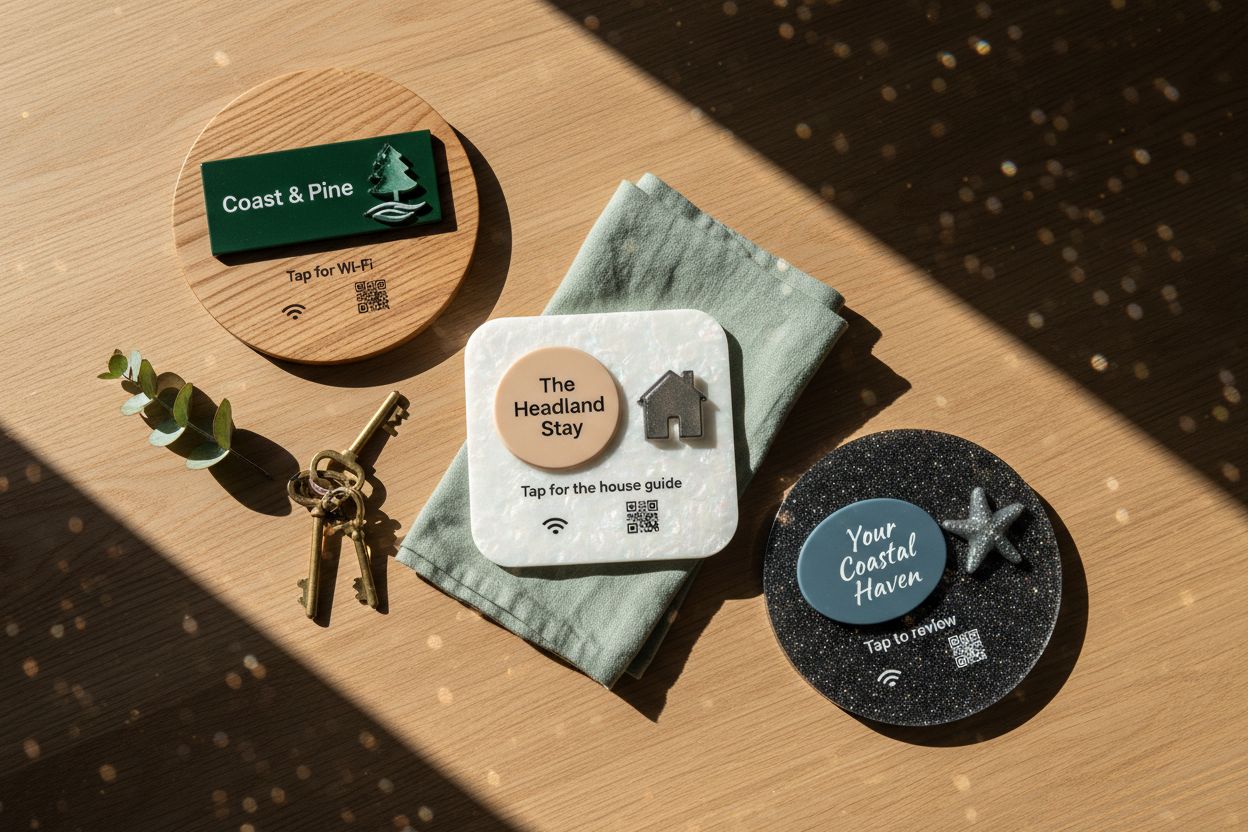
What to print on the face: your logo, “Tap to follow” or something specific (“Tap for this week’s new arrivals”, “Tap for the story”). The Instagram NFC stand page shows counter and wall versions.
If you’re on several platforms, point the tile at a links page instead (Linktree, your own, or a hosted links page on the Starter plan), so customers can choose Instagram, TikTok or Facebook. Because every Shortfield tile points at a Shortfield address, you can switch between the profile and a links page from your account any time without changing the tile.
Where should an Instagram tile go?
Where customers have a spare moment and something worth photographing is nearby:
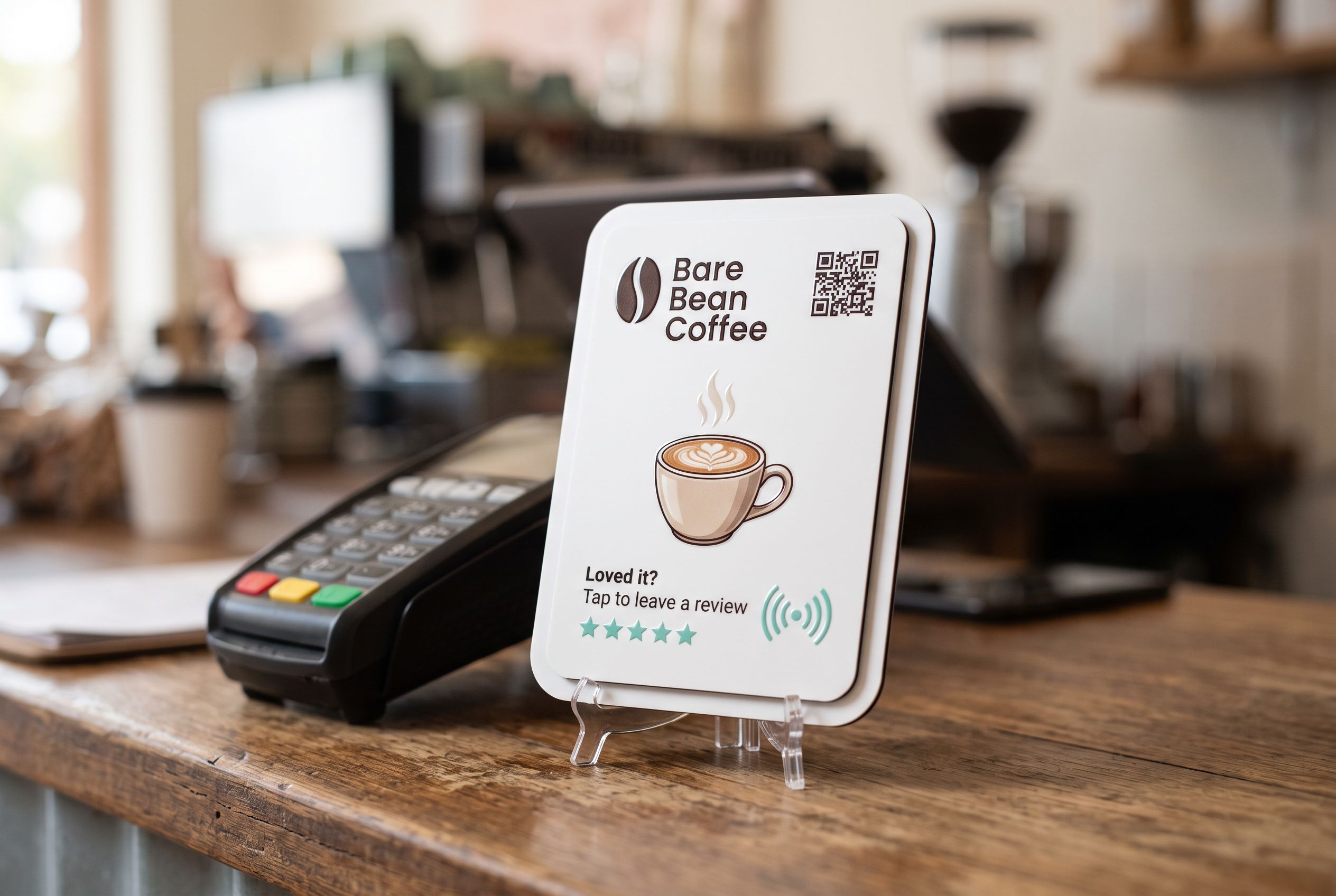
- At the counter, beside the terminal, while they wait for their order or receipt.
- On café tables, where people photograph their food anyway.
- By the mirror in a salon or barber, when the client sees the finished result. See hair salons.
- At the fitting room or wrapping station in a boutique. See retail shops.
- In the photo spot, if you have a mural, neon sign or feature wall that people already photograph.
- On a market stall, beside the payment reader. See market stalls.
If you also have a review tile at the counter, keep them distinct: different wording and colours, or one tile pointing at a small page with both options.
Give people a reason to follow
The tap gets them to your profile. Whether they hit Follow depends on what they see. Before you put a tile out:
- Pin three posts that show what the shop is about: your best product, your space, your people.
- Say what they’ll get in your bio: “New stock every Thursday”, “Daily specials in stories”, “Flash sale alerts”.
- Post regularly enough that the profile doesn’t look abandoned.
- Mention the tile in your posts so it’s familiar.
Then the line staff say: “We post new stock every week, tap there to follow.” Short, specific, not pushy.
Should I run a giveaway for followers?
Giveaways can bring a burst of follows. Check Instagram’s promotion guidelines before running one, and any state rules on trade promotions and lotteries that may apply to prize draws. Followers who come only for a prize often don’t stick around, so the steady approach of a tile at the counter and good posts tends to build a better audience.
Keep giveaways separate from review requests. Rewards for reviews break Google’s policies; see Google review rules in Australia.
How do I know it’s working?
Your Shortfield account shows tap counts for each tile. Compare that with your follower growth in Instagram’s own insights. If the tile gets taps but follows don’t move, the profile needs work. If the tile gets no taps, move it or change the wording. Starter plan analytics add more detail if you want it.
Frequently asked
Does the tile open the Instagram app or the website? The link opens in the app on most phones that have it installed, and in the browser otherwise. Behaviour depends on the phone and Instagram’s app settings.
Can one tile link to Instagram and TikTok? A tile opens one link. Make that a links page if you want several platforms.
Can I change the tile when I change my handle? Yes. Update the destination in your account; the tile and printed QR code stay the same.
What should I print on the tile? Your logo and a short, specific instruction. “Tap to follow” works; “Tap for new arrivals” works better, because it says what’s in it for them.