How to reply to Google reviews: templates for good and bad
Short, copyable reply templates for positive, negative and fake Google reviews, plus when to reply, what to leave out, and how to reply from your phone.
By Shortfield 5 min read
To reply to a Google review, open your Google Business Profile (search your business name on Google while signed in, or use the Google Maps app), find the review and choose “Reply”. Keep positive replies to one or two sentences that thank the person and mention something specific. Keep negative replies calm and short: acknowledge the experience, apologise for it without arguing, and offer a way to fix it offline. Remember that the reply is written for the next hundred people reading your reviews, not just the reviewer.
Below are templates you can copy and adjust, and the rules that keep replies from causing new problems.
Should I reply to every Google review?
Aim to. Customers reading your profile notice whether the owner responds, and a steady run of replies shows the business is paying attention. Reply to positive reviews briefly. Reply to every negative review, ideally within a day or two, once you have calmed down.
Replies to reviews with stars and no text are optional. A short “Thanks for the stars, Sam” is nice but not necessary.
How do I reply from my phone?
In the Google Maps app, switch to your business profile, open Reviews, and tap Reply under a review. On desktop, search your business name on Google while signed in to the account that manages the profile, and the reviews panel shows a Reply option. Google moves these menus around from time to time, so if you can’t find it, look under your profile’s Reviews or Customers section.
You can edit or delete your own reply later. The reviewer is usually notified that you replied.
Templates for positive reviews
Use the person’s first name if they’ve given it, and mention one real detail from their review. That detail is what stops a reply looking automated.
Short thanks
Thanks, Priya. Glad the long black hit the spot. See you next time.
Mentions a staff member
Thanks for the kind words, Tom. I’ll make sure Jess sees this, she’ll be chuffed.
Mentions a specific product or service
Thanks, Lauren. The balayage was a fun one to do. Hope it’s still looking good in a few weeks.
First visit
Thanks for giving us a go, Mark. Hope we see you again when you’re back in the area.
Tradie or service business
Thanks, Anne. Glad the hot water’s sorted. Keep our number handy if anything else comes up.
Vary the wording. A profile full of identical “Thank you for your review” replies reads like a bot.
Templates for negative reviews
The pattern is the same every time: thank, acknowledge, apologise for the experience, take it offline. No arguing, no excuses, no details about the customer.
A fair complaint
Hi Daniel, thanks for telling us. A 40-minute wait for two coffees isn’t good enough and I’m sorry. We were a staff member down that morning, which is our problem to solve, not yours. If you’re willing to give us another go, email me at [address] and I’ll look after you.
Something you’ve already fixed
Thanks for the feedback, Rachel. You were right about the booking system double-booking the Saturday slots. We’ve changed how appointments are confirmed since. Sorry it caught you out.
A complaint you disagree with
Hi Chris, sorry the visit didn’t meet your expectations. We’d like to understand what happened. Could you call us on [number] or email [address] so we can talk it through?
Notice what the last one doesn’t do: it doesn’t say “that’s not what happened”. Readers side with the business that stays calm.
A review you can’t identify
Hi Jordan, we can’t find a booking under that name and would like to look into this. Please contact us at [address] with the date of your visit.
How do I reply to a fake or unfair review?
If the review breaks Google’s policies (spam, a person who was never a customer, offensive content, a competitor), flag it through the review’s menu and let Google assess it. Google decides whether it comes down, and a review being negative or unfair isn’t by itself grounds for removal.
While you wait, a short, factual reply protects you with other readers, like the “can’t identify” template above. Don’t accuse the reviewer of lying or name who you think wrote it. More on the rules in Google review rules in Australia.
What should I never put in a reply?
- Personal or health details. Dentists, clinics, physios and vets especially: don’t confirm the person was a patient or mention treatment. Your professional and privacy obligations apply to public replies too. Keep it to “please contact the practice directly”. See medical clinics and dentists for more.
- Offers in exchange for changing the review. Offering a refund to fix a problem is fine; offering one on condition they edit or delete the review is not.
- Anything you wouldn’t say across the counter with a queue listening.
- Keyword stuffing. “Thanks for visiting the best café in Newtown for coffee and brunch” reads badly and doesn’t help.
Getting more reviews to reply to
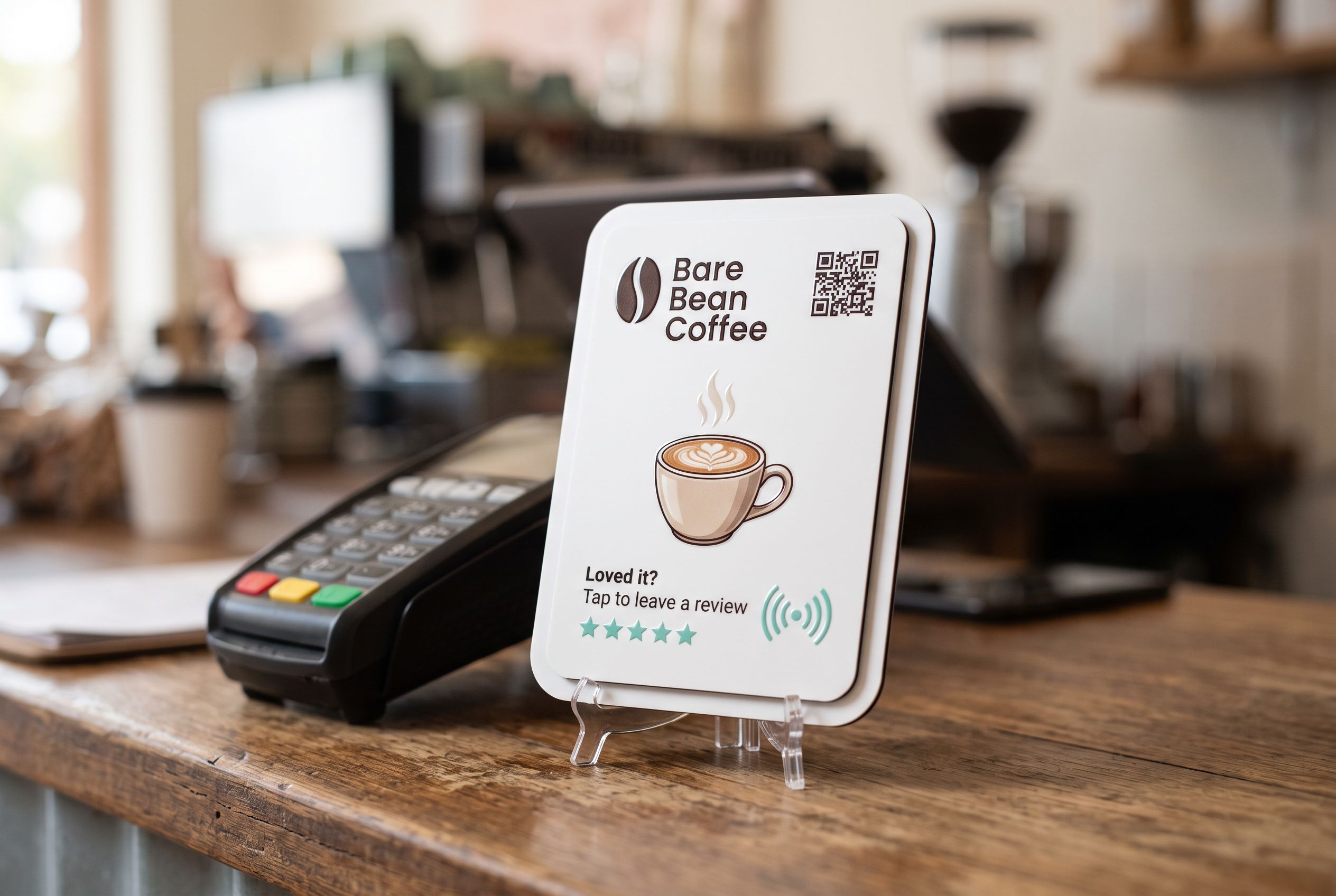
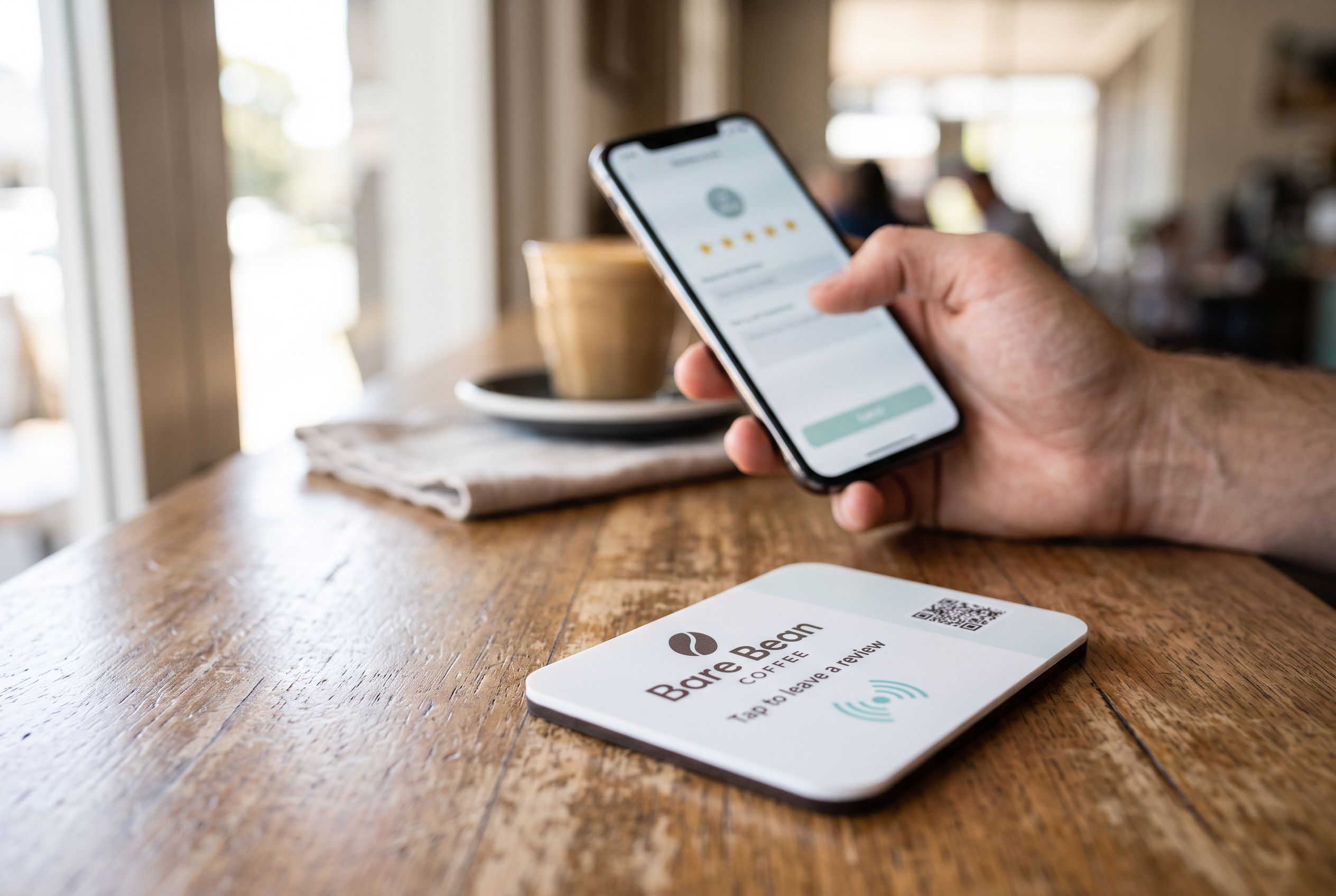
Replies matter more when there’s a steady stream of recent reviews. The simplest way to get that is asking every customer at the moment they’re happy, with a link that opens the review form directly. A Google review stand beside the terminal does that with one tap, and your account shows the tap count so you know it’s working. For the habits behind it, see NFC review plaques for small businesses.
Frequently asked
How long should a reply be? One or two sentences for good reviews, three or four at most for bad ones. Longer replies to complaints tend to read as defensive.
Can I reply to old reviews? Yes. Replying to a backlog of unanswered reviews is worth doing, oldest negative ones first.
Should the owner or staff reply? Whoever can stay calm and write clearly. Sign off with a first name so it feels personal.
Will replying improve my ranking? Google hasn’t said replies directly lift rankings, but they help customers who read your profile decide, which is the point.