Check-in and review signs for medical clinics that ask everyone.
A tile at reception opens your online check-in or new-patient form. Another opens Wi-Fi. A third asks every patient, not just the happy ones, for a Google review.
Forms before the consult
Point a tile at your new-patient or pre-appointment form so it is filled in on the patient's phone in the waiting room.
Fewer calls to reception
Tiles for online booking, after-hours information and Wi-Fi answer the questions reception hears all day.
No patient data on the tile
The tile holds a link, nothing more. Your account sees tap counts, not people.
Change the link, keep the sign
Move to a new booking platform and re-point every tile from your account.
Reception in a busy clinic handles a stream of the same requests: can I book online, what’s the Wi-Fi, where do I fill in the form, what are your after-hours arrangements. Tiles put the answers on the wall and the desk, and patients tap for them from their chair.
Where tiles earn their place in a clinic
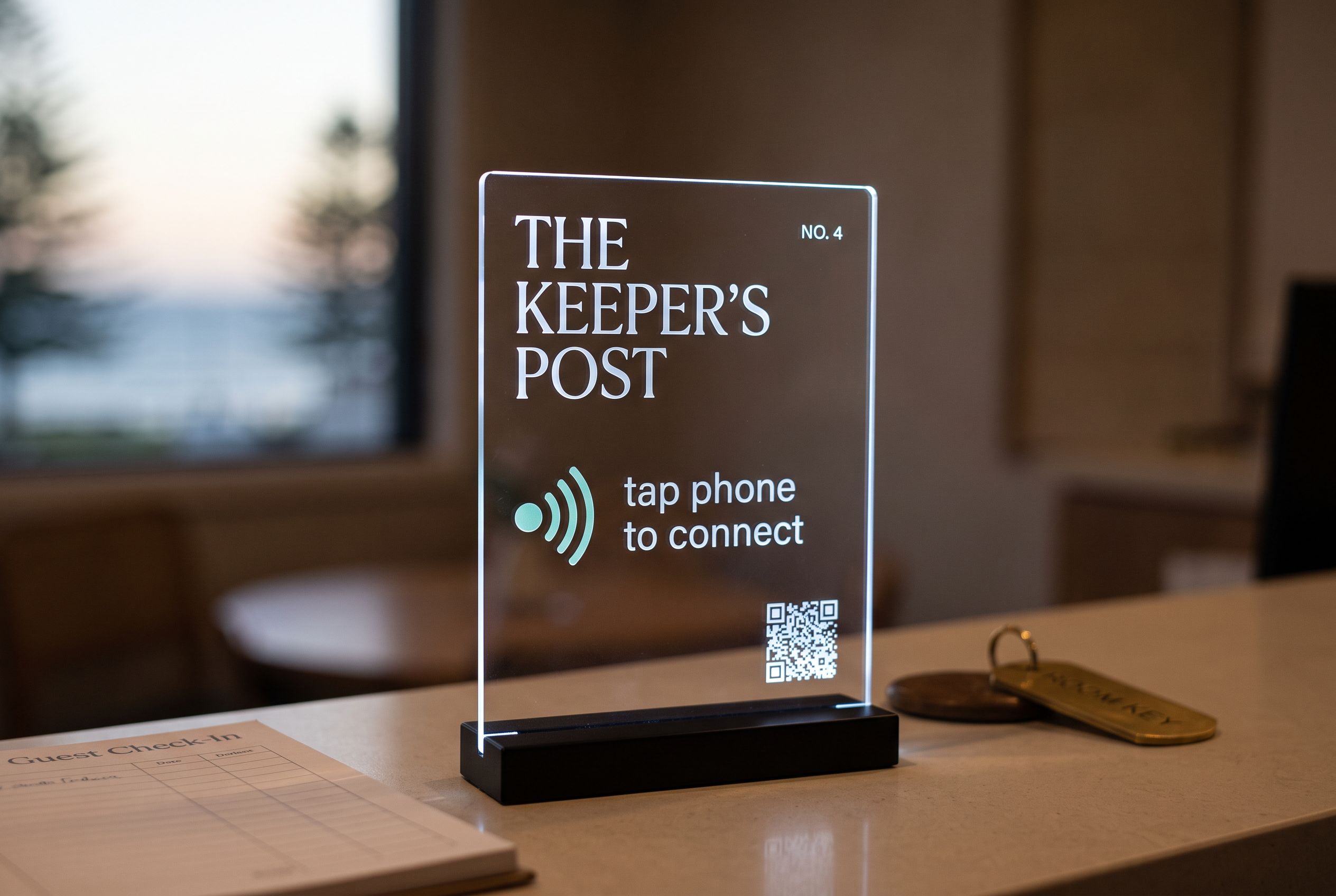
- On the reception counter: a tap-to-book tile pointing at your online booking page, and one pointing at your new-patient or check-in form if your software offers a link.
- In the waiting room: a Wi-Fi tile on the wall, and perhaps one for after-hours and telehealth information.
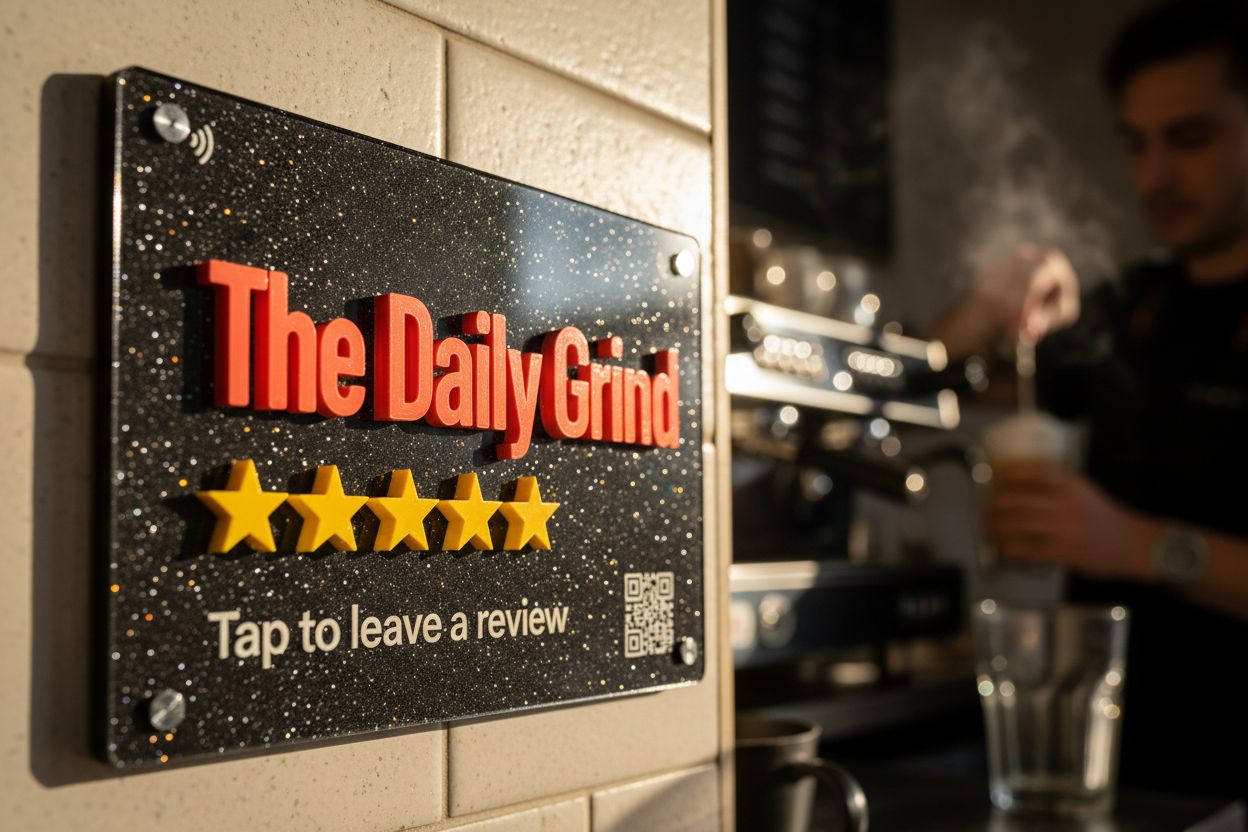
- By the exit or at billing: a Google review tile.
- In consult rooms (optional): a small tile opening a page of patient handouts you maintain, updated without reprinting.
A tile opens a link and does nothing else. It does not log in to your practice software, store anything, or know who tapped it. The privacy settings that apply to your booking or forms platform stay exactly as they are.
Reviews in a regulated profession
Doctors, nurses and allied health practitioners are registered with AHPRA, and AHPRA’s advertising guidelines apply. In short: patients leaving reviews on Google is generally not the problem. The restrictions sit on using testimonials in your own advertising, such as quoting reviews on your website, social media or in the waiting room. Keep the tile’s words plain (“Tap to leave a Google review”). Do not offer anything for a review. Check AHPRA’s advertising guidelines, or your college or professional body, before you republish any review. It is guidance to follow, not a reason to stay invisible on Maps.
Just as important: ask all patients the same way. A tile at billing that anyone can tap is even-handed by design. Staff picking out the patients who seemed pleased is review gating, which Google’s policies prohibit. Our guide to Google review rules in Australia covers the Google and ACCC position.
Every patient, every phone
Your patients range from teenagers to people in their nineties. Every iPhone from the XR onward and NFC-equipped Android phones read the tile from the lock screen, no app. For everyone else, print a QR code on the face. Our guide on which phones can tap NFC tiles has the detail, and reception can hold a phone to the tile for a patient who asks.
Changing platforms without new signage
Clinics change booking providers and form tools more often than they change signage. Because every tile points at a Shortfield address, you paste the new link in your account and every tile follows. See dynamic vs static QR codes for why this matters.
Multi-site practices
A group with several clinics can order matching tiles for every reception, each pointing at its own location’s links. From 10 tiles you get bulk pricing; from 30, free design.
Questions, answered.
Generally yes, but AHPRA restricts using testimonials in a practice's own advertising. Ask all patients evenly, offer nothing in return, and check AHPRA's advertising guidelines before republishing reviews.
If your practice software offers an online check-in or form link, the tile opens it on the patient's phone. The tile does not connect to your system itself.
The phone touches the tile, not a finger, and acrylic wipes down with the same products as your other surfaces.
Yes. A printed QR on the face opens the same link, so every patient can use it.