Wedding photo-sharing and Wi-Fi signs that guests just tap.
Guests tap a tile on the table to add their photos to your shared album, join the venue Wi-Fi, check the seating plan or open the registry.
Every guest's photos, in one album
Point a tile at your shared album link. Guests tap and upload from their seat.
Seating plan on their phone
A tile at the entrance opens the seating chart, so nobody crowds the easel.
Registry without the card insert
Point a tile at your gift registry or honeymoon fund page.
Change it after the day
Re-point the photo tile to your finished gallery. The tile becomes a keepsake.
A wedding produces two sets of photos: the ones the photographer takes, and the hundreds taken by guests on their phones that the couple never sees. The same is true of any event. A tile on each table collects them, and does a few other jobs on the way.
What a tile can open on the day
- The shared photo album. Create an album in Google Photos, iCloud Shared Albums or a photo-sharing service. Point the tile at the invite link. Guests tap, open the album, upload. The social tile handles this; it opens any link.
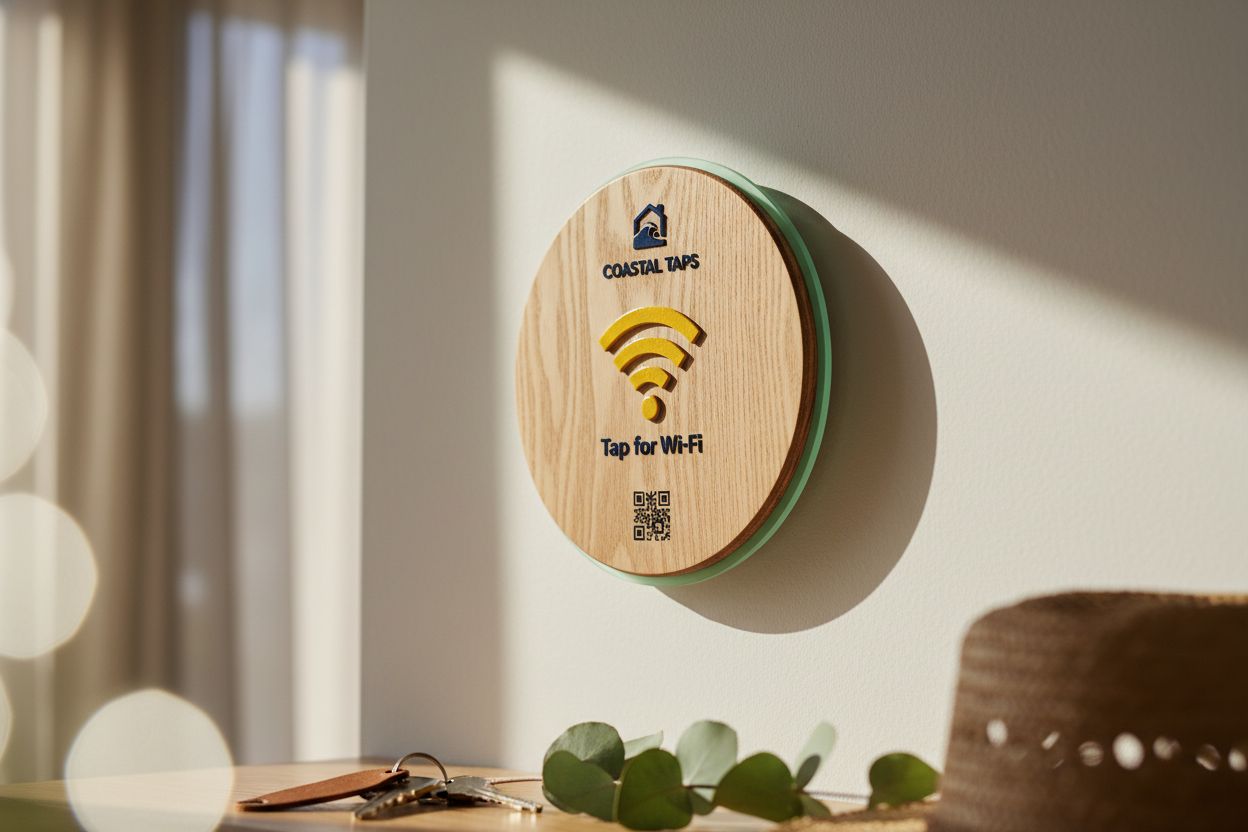
- The Wi-Fi. Country venues and marquees often have one password written on a whiteboard. A Wi-Fi tile on the bar shows the network and password with one tap to copy.
- The seating plan. A tile at the entrance opens the seating chart as a PDF or Google Doc. Guests find their table while the queue for the easel clears.
- The menu and the run sheet. A tile at each place setting can open the menu, the order of the evening, the dietary notes.
- The registry. If you’d rather not put a registry card in the invitation, a tile on the gift table opens it.
Numbered tables, your names
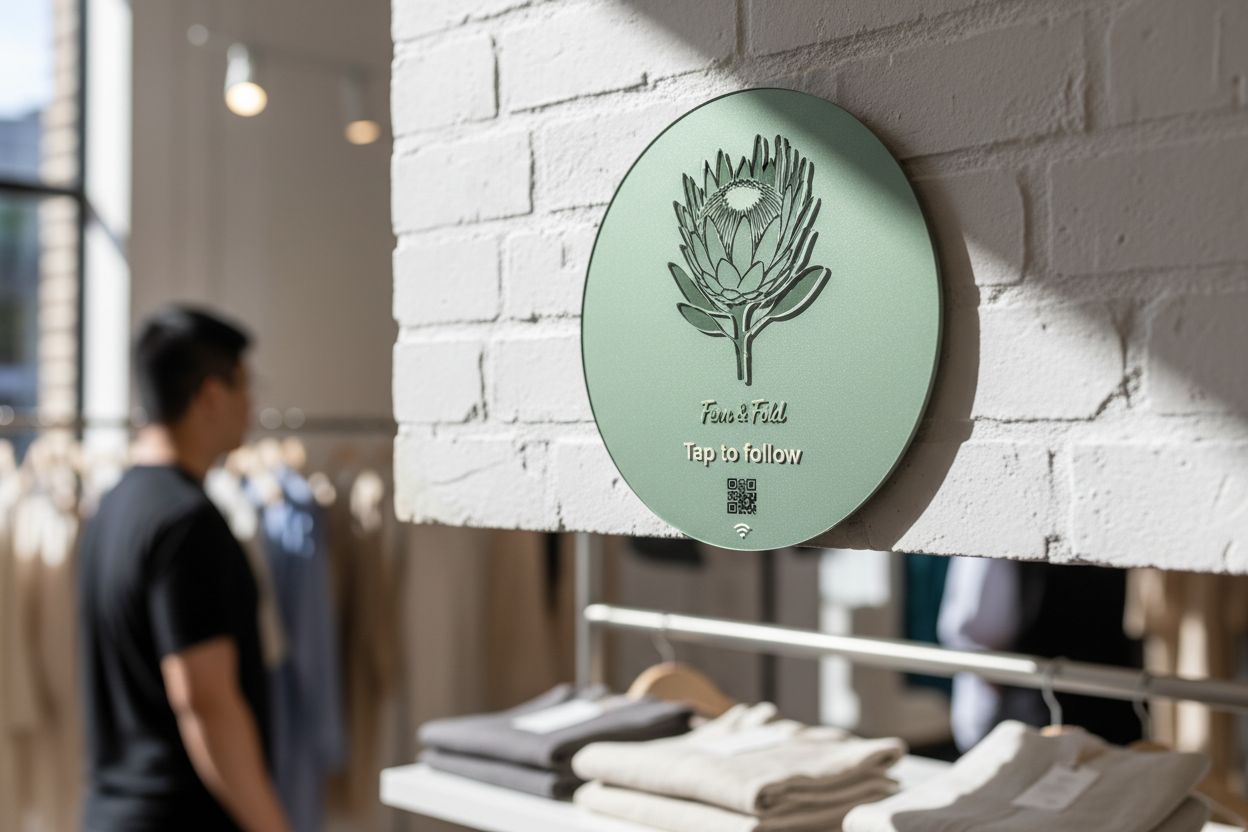
A numbered table set carries each table’s number and your names, or a monogram, on every tile. Timber tiles sit well with a rustic venue, and pearl, glitter and pastel acrylic match most colour schemes. The tile is a table number and a photo station in one object. You see the finished render in the online designer before buying. For help choosing, see acrylic vs wood.
After the day
This is where tap tiles differ from a printed QR sign. Every tile points at a Shortfield address. A month after the wedding, re-point the photo tiles to your professional gallery, or a thank-you page. Guests who took a tile home, or couples who keep one on the shelf, can tap it years later and see the photos.
For planners, stylists and venues
Event planners and venues can own a set of tiles and re-point them for every event: this Saturday’s wedding album, next Friday’s corporate dinner run sheet, a birthday playlist the week after. The free Basic account covers any number of tiles and shows tap counts per tile. Orders from 10 tiles get bulk pricing, and a set of 30 or more comes with our design service, at no design fee.
Timing
Tiles are made to order in Australia and sent by courier or Australia Post, with shipping options for your postcode shown at checkout. For larger sets, we send a render within two business days and runs up to 200 ship within two weeks of approval. Order well ahead of the date, and email hello@shortfield.com.au if the timing is tight.
Guests without NFC
Older phones and guests with NFC turned off scan the printed QR code on the same tile. Our guide to NFC vs QR codes explains why most event tiles carry both.
Questions, answered.
Create a shared album in Google Photos, iCloud or a photo-sharing service and point the tile at its link. Guests tap and upload from their phone.
Yes. Change its link in your account to the professional gallery once it's ready. The tile on your shelf keeps working.
One per table for photos, plus one each for Wi-Fi and the seating plan at the entrance. Orders from 10 tiles get bulk pricing.
Yes. Numbered table sets are available, with the table number and your names printed on each tile.
Yes. From 10 tiles you get 5% off, from 50 10% off, and runs of 30 or more include our design service with no design fee.