QR code menu stands for restaurants that know their table.
A numbered tile on every table opens the menu or the ordering page for that table. Guests tap, order, pay. Your floor staff do the hospitality.
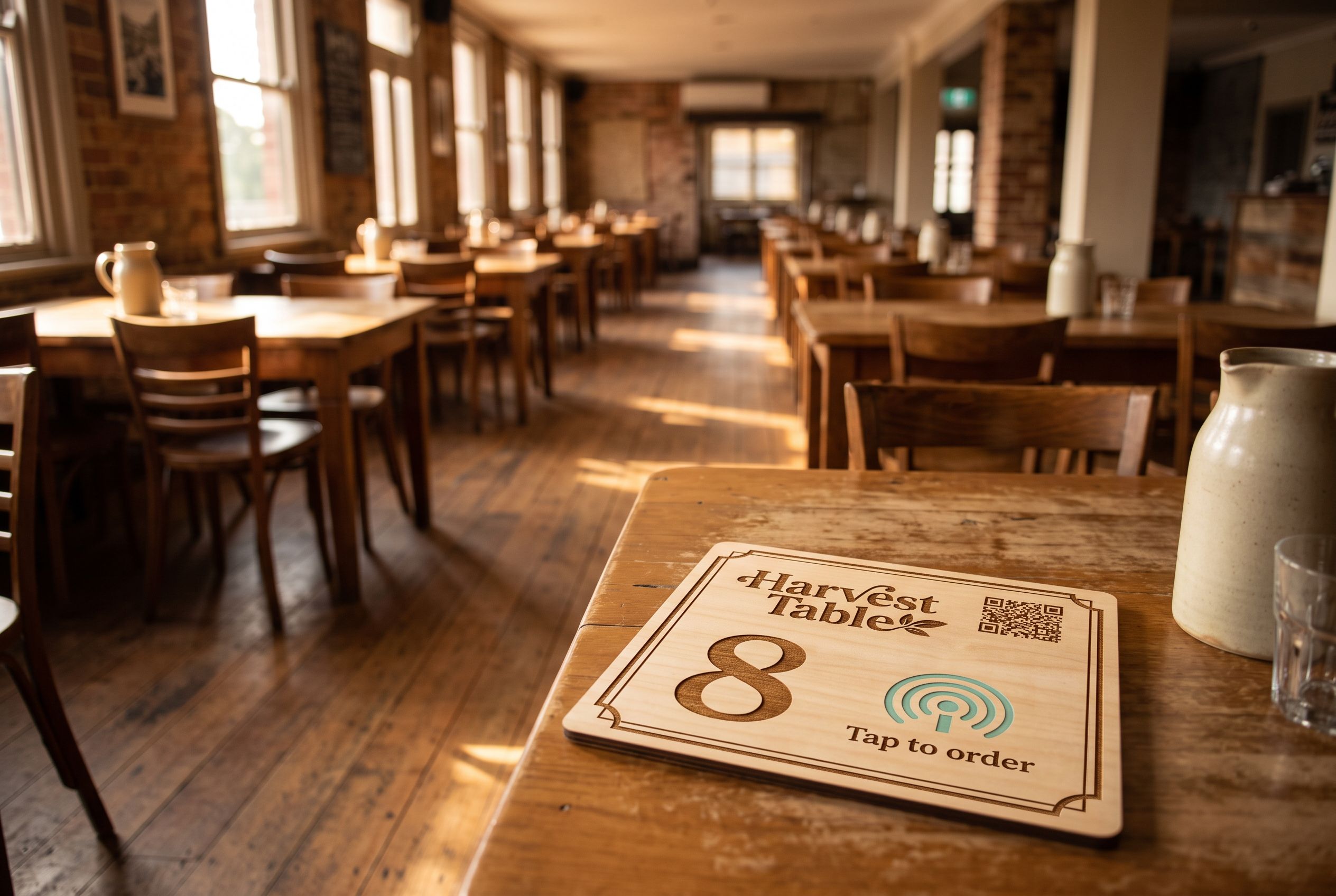
One tile per table
Each tile is encoded to its own table, so orders land in the kitchen already tagged with the right number.
Works with your system
me&u, Mr Yum, Square, Lightspeed or any ordering page with a link. We do not replace your POS.
Menu changes, tile doesn't
Point the tile at a new menu for the degustation night and back again the next morning.
Looks like your room
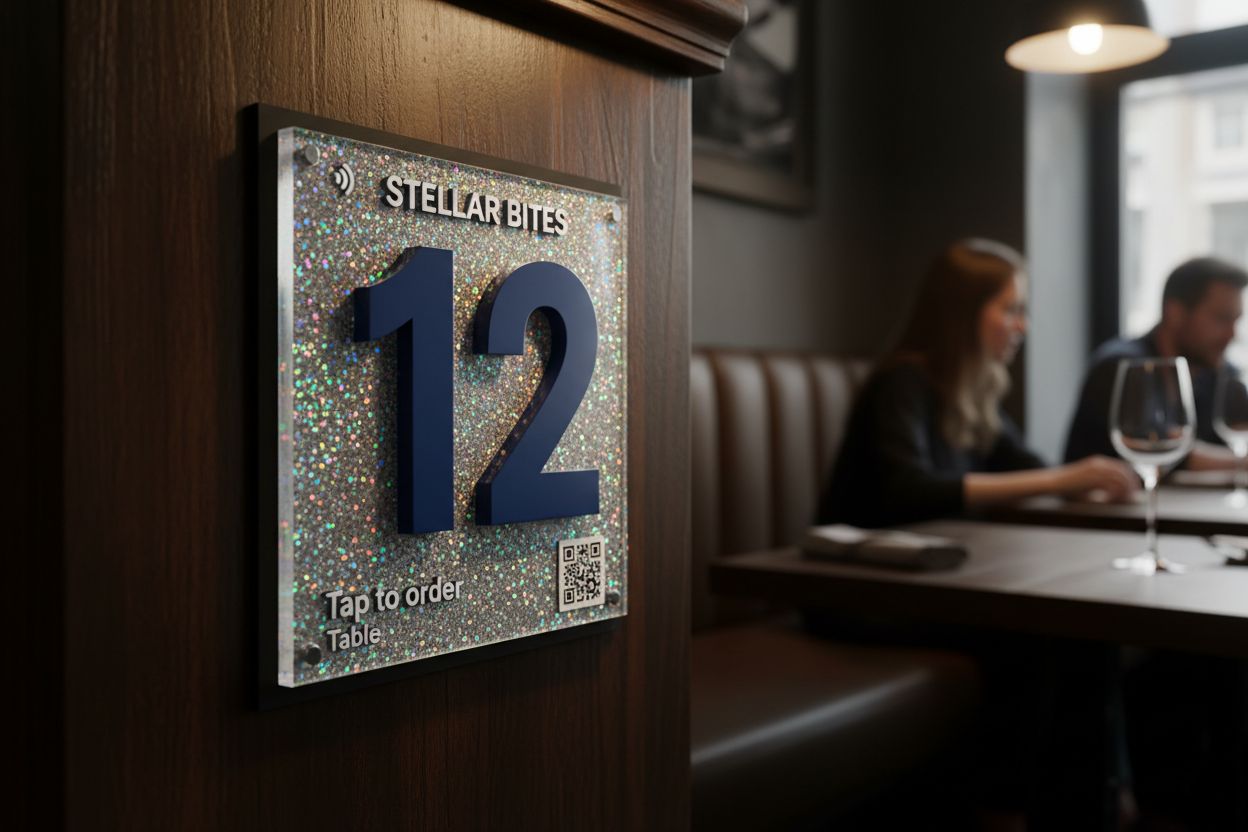
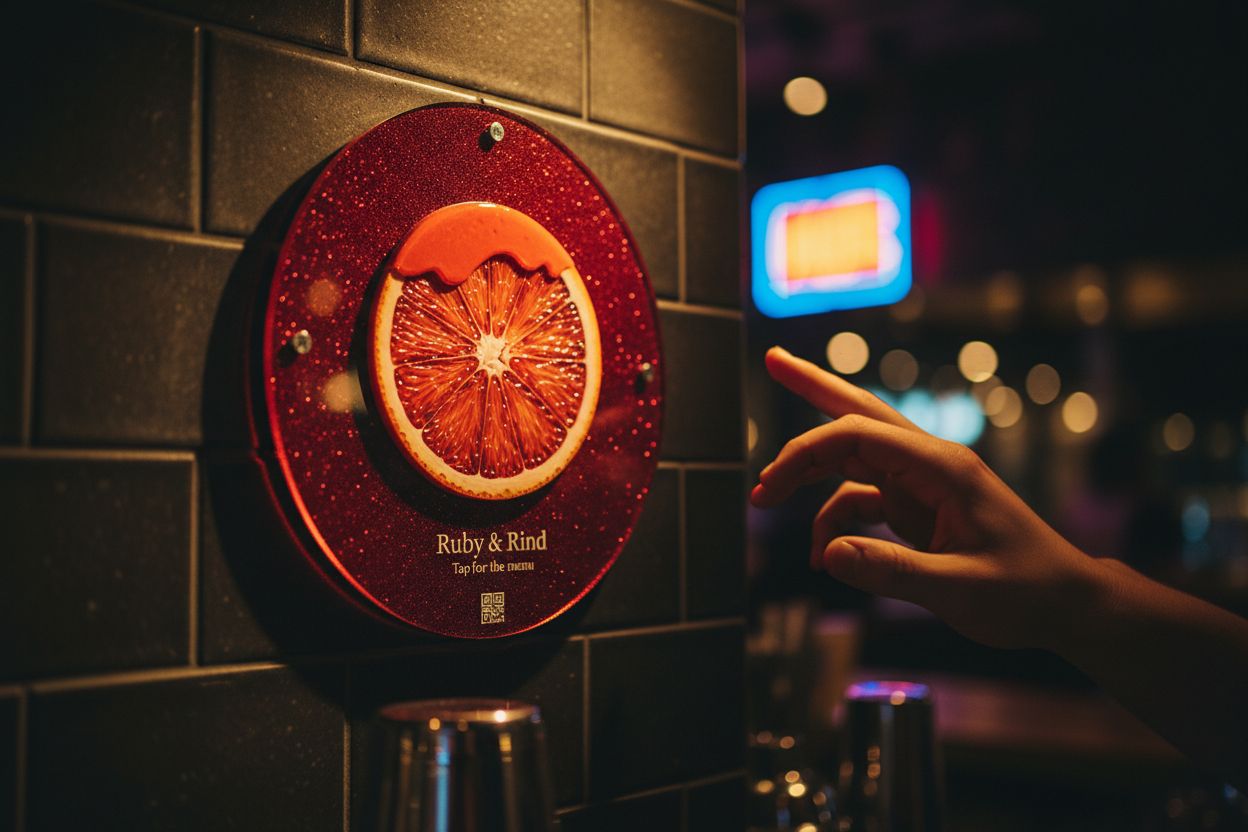
Timber for the bistro, black acrylic for the wine bar, your logo and table number printed on the face.
Restaurants moved to QR menus in a hurry and most ended up with a sticker. It peels at the corner, sits under a water glass, and says nothing about the room. A table tile does the same job as the sticker and looks like part of the fit-out. A guest can tap it with the phone they already have out, or scan it if their phone has no NFC.
Menu only, or order and pay?
Decide this first, because it changes what each tile points at.
Menu only. Every table opens the same link: a PDF, a web page or your digital menu. Staff still take the order. This suits fine dining and anywhere the conversation about the wine list is the point.
Order and pay at the table. Each table opens its own ordering page, so the kitchen knows where the food goes. This is the table ordering tile, and it suits casual dining, busy weekends and share-plate venues where guests order in rounds.
Plenty of restaurants run both: menu-only for dinner service, ordering on for weekend lunch. Because every tile is re-pointable, that is a change in your account, not a new set of tiles.
How a numbered set is made
You send us your list of tables and your ordering system’s table links. We design one face with your branding and a space for the number, then render every variant for you to approve. A sheet in the box maps each tile to its table. Our guide to setting up table ordering tiles walks through the whole process, including what to ask your ordering provider for.
Ten tables or more gets bulk pricing: 5% off from 10 tiles, 10% off from 50. Groups with several venues, or a set of 30 or more, can use our design service with no design fee and concepts in three business days.
Choosing a material for the table
Timber suits a warm dining room and sits well on bare wood tables. Acrylic wipes down between sittings and survives courtyard tables, rain and sun, because cast acrylic is UV-stable. If you are torn, acrylic vs wood sets out the trade-offs.
Size matters on a crowded table. A 106mm tile in a stand takes up less room than a salt grinder. A 147mm tile reads better from across the table in a dim room.
Where reviews fit
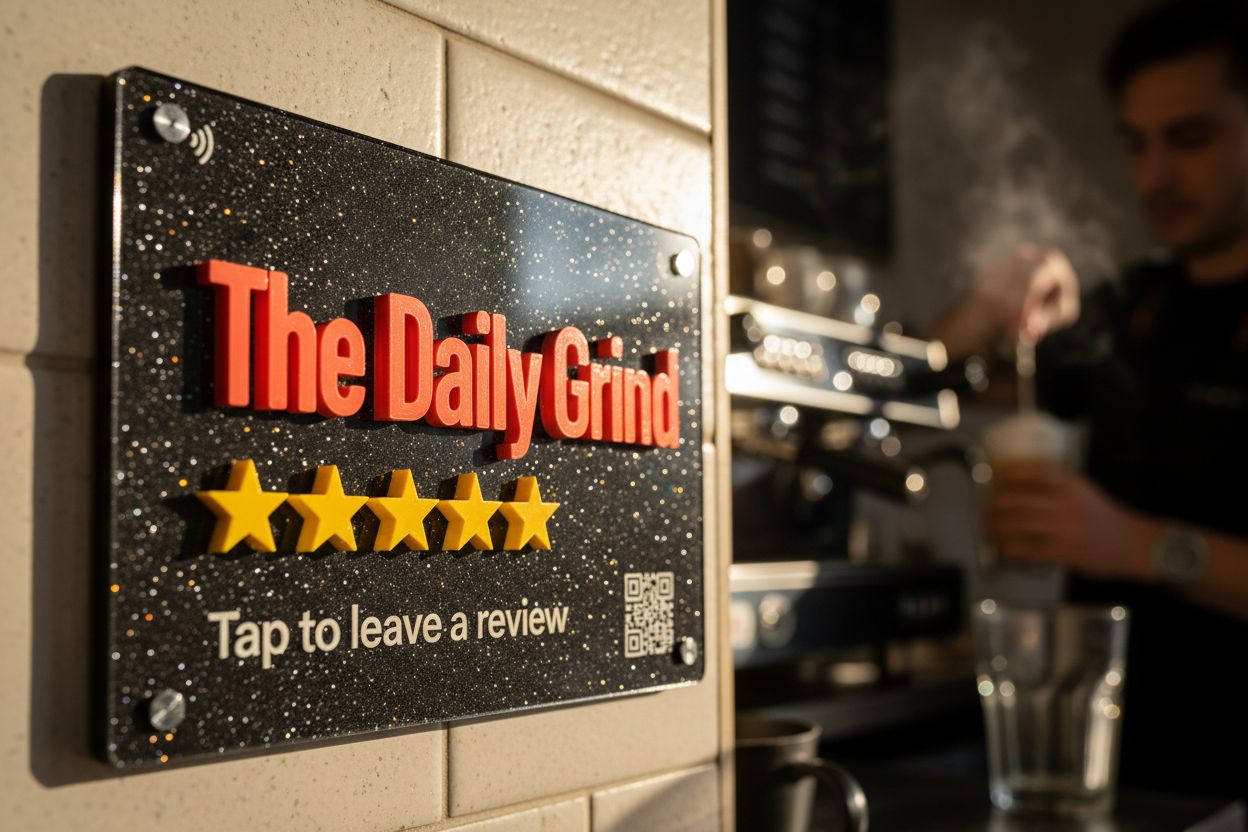
Restaurants get reviews from the bill, not the entrée. One review tile at the host stand or register, plus a staff member saying “if you enjoyed tonight, a Google review helps us a lot” as guests pay, beats a review tile on every table competing with the menu.
What guests notice
Nothing, which is the aim. They sit down, see a tile with the table number, tap it, and the menu opens. No app download, no hunting for the Wi-Fi, no waiting to catch someone’s eye to order a second bottle.
Questions, answered.
Each tile points at its own link, usually your ordering system's table-specific URL. A sheet in the box says which tile is which table.
Re-point every tile to the new provider's table links from your account. Nothing is reprinted.
Yes. Each tile can carry a printed QR code pointing at the same link, so any phone camera works.
We send a render of every variant within two business days, and runs up to 200 ship within two weeks of your approval.
Usually not. One by the register or on the bill folder works better, with staff making the ask as guests leave.