How to set up a QR code menu for a café or restaurant
Pick the menu format, host it somewhere you can edit, make the code, and put it where diners look. A step-by-step QR code menu setup that survives menu changes.
By Shortfield 5 min read
To set up a QR code menu, put your menu online as a mobile-friendly web page or PDF, make sure you can edit it without changing its address, create a QR code that points at that address, and print it on something that stays on the table or counter. Test it on a few phones, keep a printed menu for anyone who asks, and update the online menu whenever prices change. The one decision that saves the most trouble later is pointing the code at an address you control, so a new menu never means new codes.
Here is each step in more detail, plus the mistakes that make diners give up and ask for the paper menu.
Step 1: Decide what the menu is
There are three common formats:
- A PDF of your printed menu. Quickest to set up. The downside is pinch-and-zoom on a phone, and a new file every time something changes.
- A menu web page. Readable on a phone, fast to load, easy to update. Your website builder can do this, or a hosted menu page.
- Your ordering system’s menu. If you use a table-ordering system (me&u, Mr Yum, Square, Lightspeed and others), the menu is already online and diners can order from it. That’s a bigger step; see how to set up table ordering tiles.
If you’re only showing the menu, not taking orders, a web page beats a PDF for most venues. Diners scroll instead of zooming.
Step 2: Host it at an address that won’t change
This is the step people skip. If the QR code points at yourcafe.com.au/menu-autumn-v3.pdf, the code dies when you upload the winter menu under a new name. Options:
- Use one fixed page on your website (
/menu) and update its content, never its address. - Replace the PDF file while keeping the same filename and link, if your host allows it.
- Point the code at a redirect you control and change the destination each season. See dynamic vs static QR codes.
A Shortfield tile does the third one for you. Every tile points at a Shortfield address, and you change where it goes from your account, free, with any number of tiles. On the Starter plan ($9/month) there’s also a hosted menu page with your branding, so you don’t need a website at all.
Step 3: Make the code and the object
A QR code on its own is a square. What you print it on decides whether it gets used:
- Table tents and stickers are cheap and wear quickly with wiping.
- Laminated cards reflect light and curl.
- A tile or stand stays upright, survives wiping and looks like part of the table.
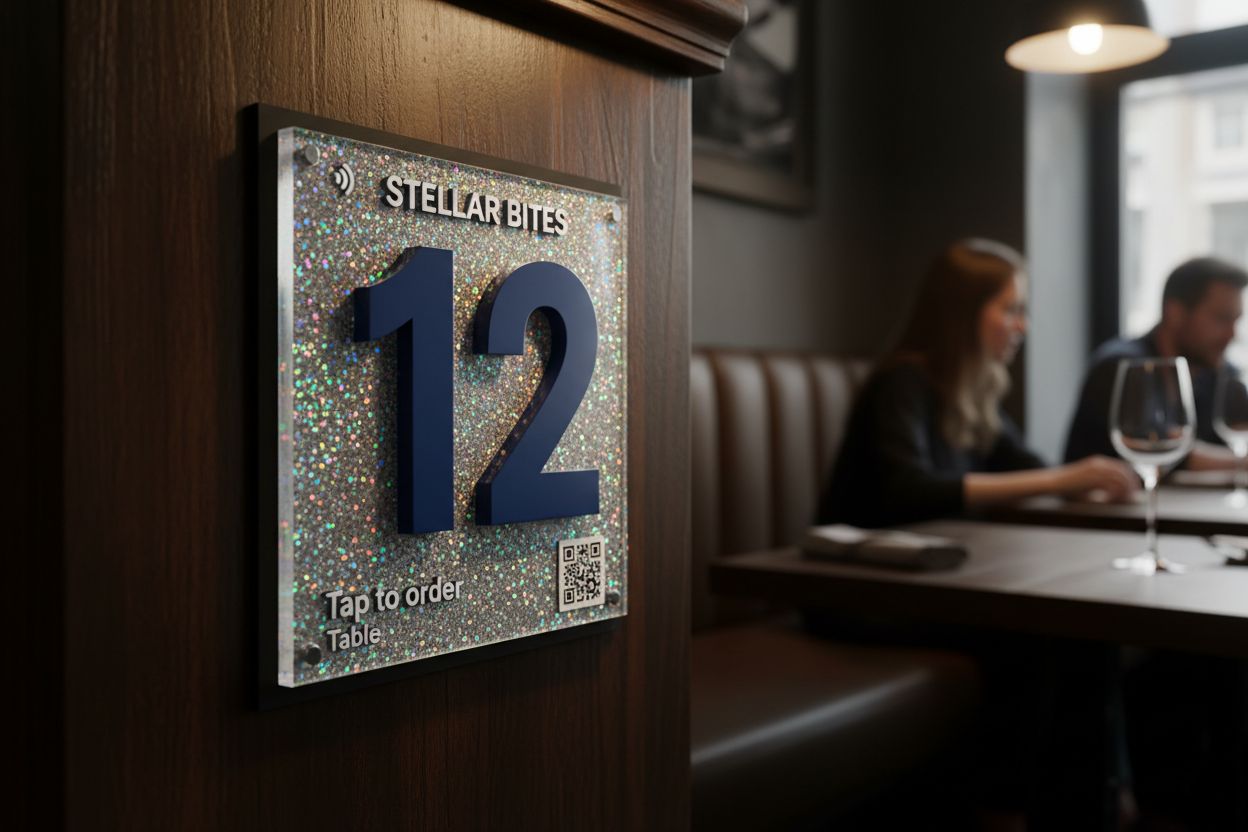
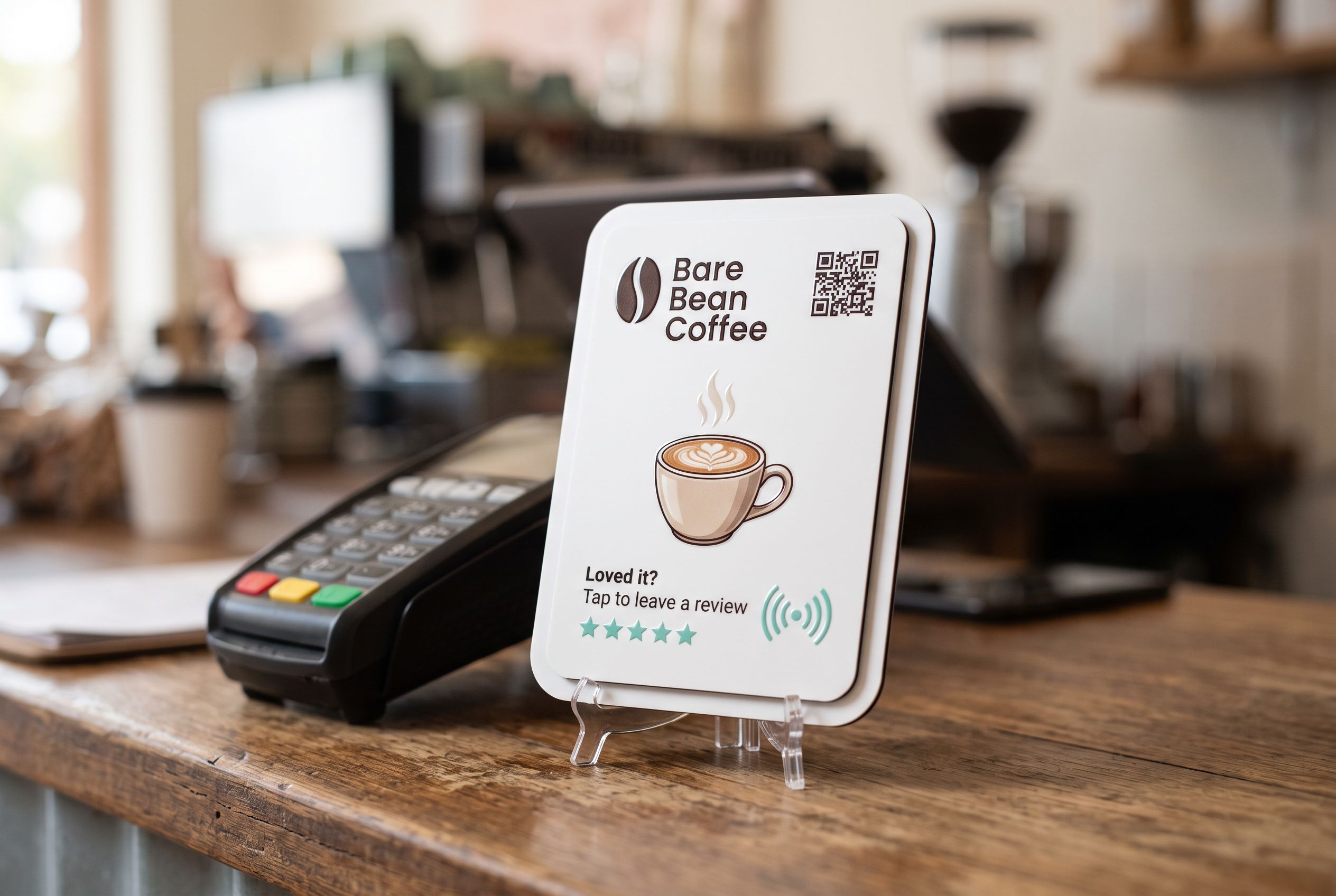
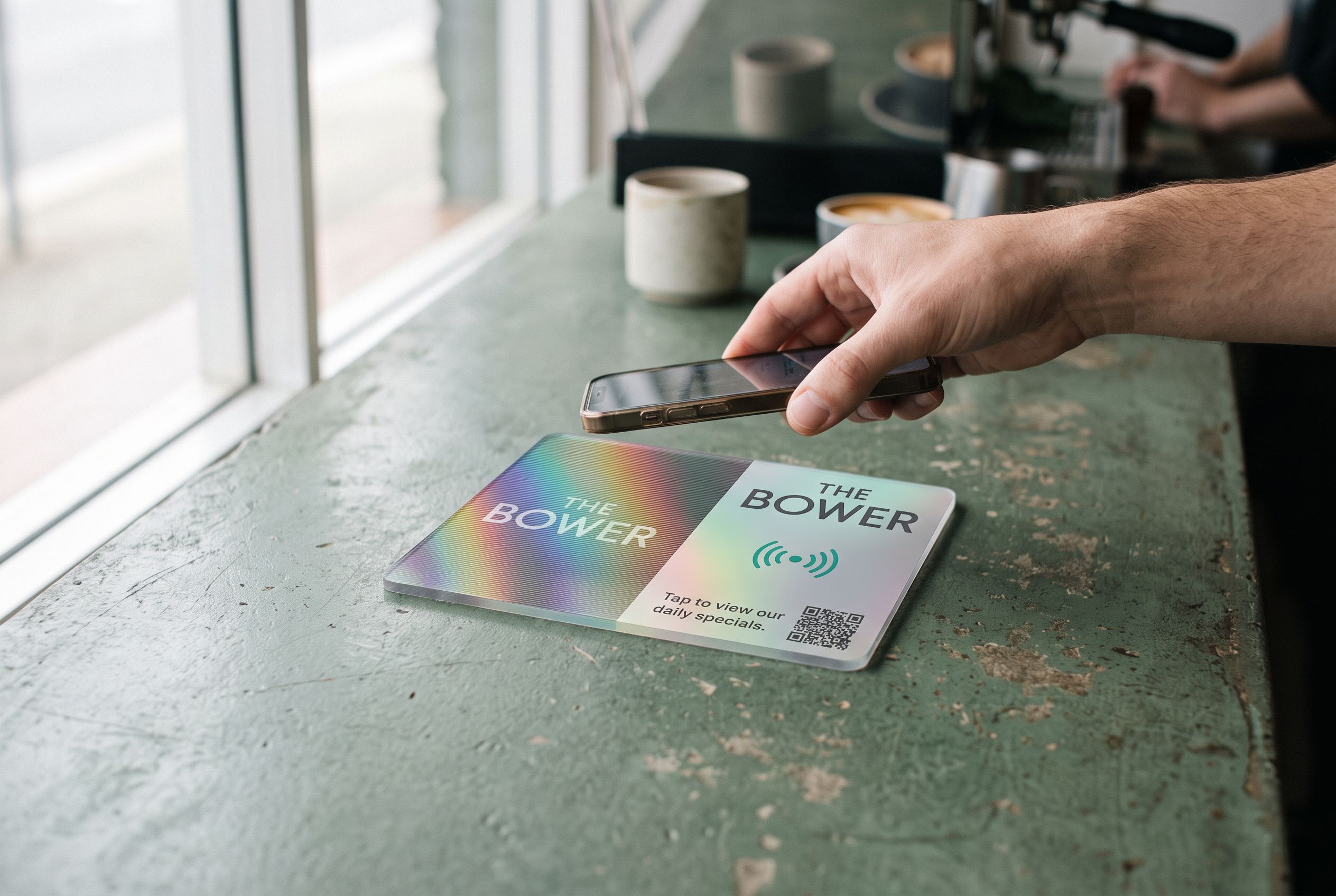
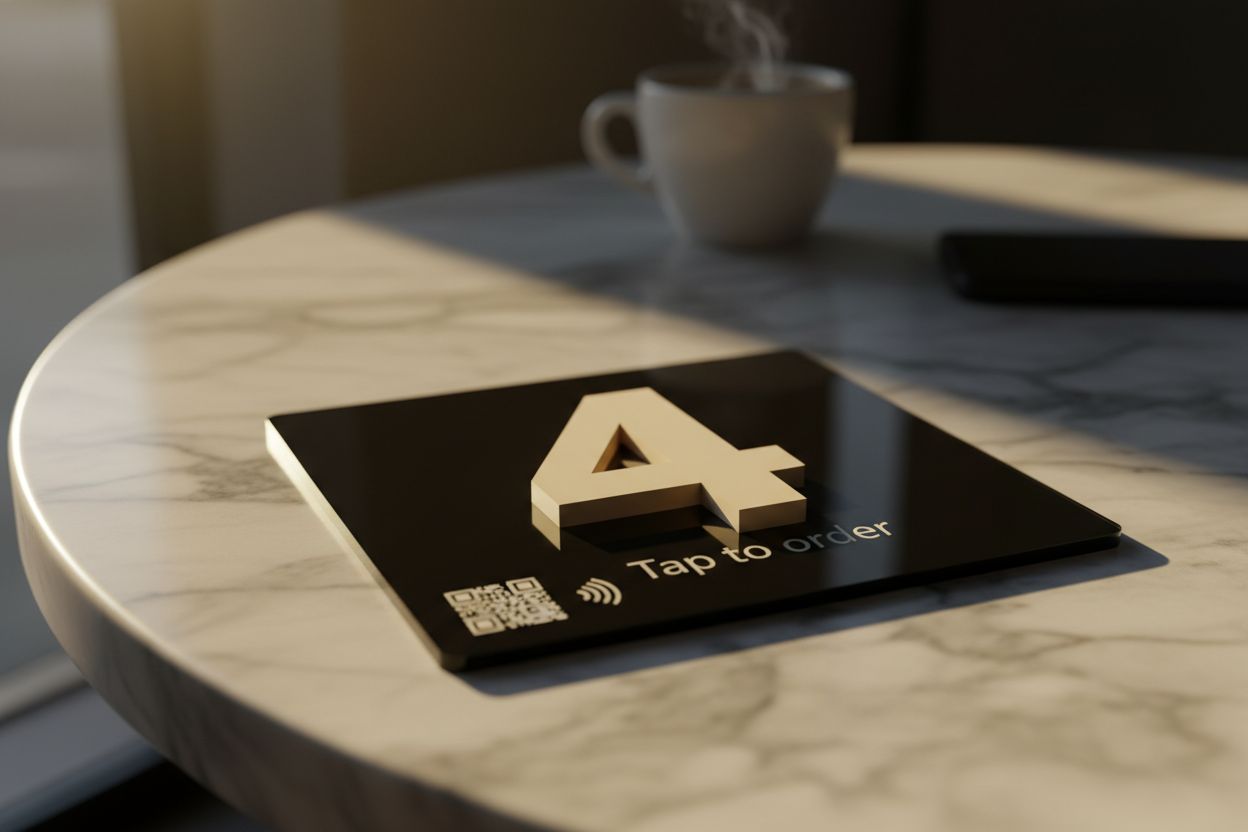
A QR menu tile carries the QR code on the face and an NFC chip inside, both pointing at the same menu. Diners with an iPhone XR or newer, or an NFC-equipped Android phone, tap and the menu opens; everyone else scans. The QR code menu stand shows the counter and table versions.
Print a short instruction on it: “Scan or tap for the menu”. Diners who aren’t sure what the square is will know.
Step 4: Put it where diners look
- On every table, where diners sit down and reach for a menu. A 106mm tile suits most tables; larger for shared benches.
- At the counter, for order-at-the-counter cafés, so people can read while queuing.
- In the window or on the door, for passers-by deciding whether to come in. NFC reads through standard shopfront glass, and the QR code works from the footpath.
- In hotel rooms, for room service; see hotels and motels.
If different areas have different menus (a bar menu and a dining menu, a breakfast and dinner menu), point different tiles at different pages, or change the destination at the time of day it switches.
Step 5: Test it properly
Before the first service:
- Scan with an iPhone and an Android phone, on mobile data, not your Wi-Fi.
- Check the menu is readable without zooming.
- Check prices, allergens and specials are current.
- Check it loads in a few seconds. A 20MB PDF on a patchy signal is a bad first impression.
- Try it at night under your actual lighting.
Common QR menu mistakes
- No paper backup. Some diners don’t have a phone handy or prefer paper. Keep a few printed menus.
- Forcing app downloads or sign-ups just to see the menu.
- Out-of-date prices online. The whole point is that the online menu is easier to update, so update it.
- A code that’s too small, or behind a condiment caddy.
- Leaving an old code live that points at an expired menu.
- Hiding allergen information that’s on your printed menu but not the online one.
Is a QR menu worth it?
For most cafés and restaurants, yes, mainly because it’s cheaper and faster to update than reprinting. It also makes specials and seasonal changes instant. It doesn’t have to replace paper or staff; it’s one more way in. Venues that already print menus often keep them and add codes for convenience. See cafés and restaurants for how venues typically combine them.
Frequently asked
Can I use the same QR code for multiple menus? One code opens one address. That address can be a page listing several menus, or you can change the destination by time of day.
How do I count how many people scan the menu? Use a code that points at a redirect with counts. Shortfield shows tap counts per tile in your account.
Can the menu tile also do ordering? Yes. Point it at your ordering system’s link instead of a menu page, and change it back whenever you like.
How many tiles do I need for a 20-table restaurant? One per table, plus one at the counter. Bulk orders from 10 tiles get 5% off, with numbered table sets available.