Where to put a Google review stand (by business type and size)
The best spot for a Google review stand is beside the card terminal, at the moment customers pay. Placement for cafés, salons, clinics and more, plus sizes.
By Shortfield 5 min read
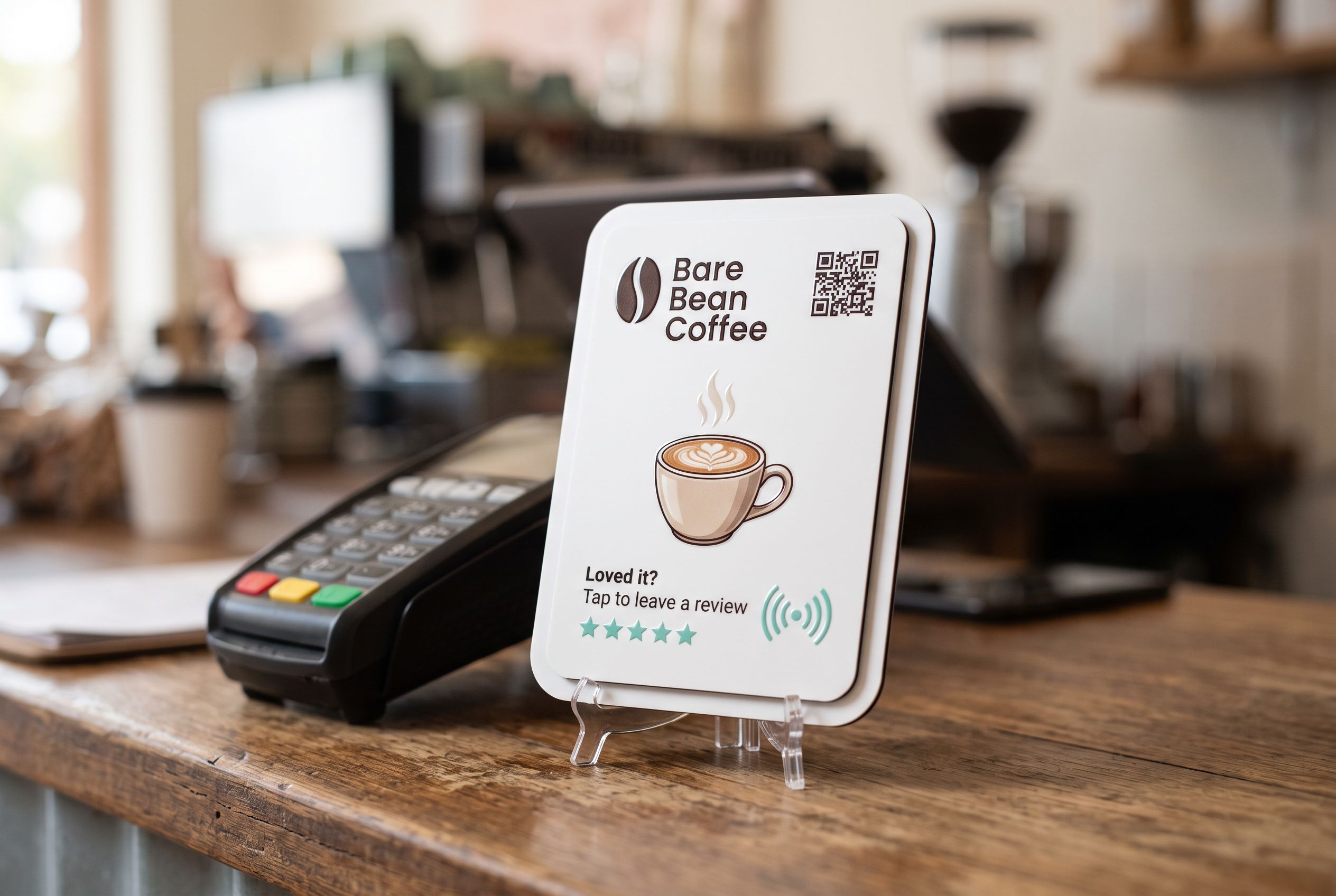
Put a Google review stand right beside the card terminal, on the side customers face, within arm’s reach of where they tap their card. That’s the one spot every customer reaches, at the end of the visit, with their phone often already in their hand. A 106mm tile fits beside most EFTPOS terminals without crowding the counter. Where there’s no counter, or payment happens at the table, a 147mm tile on the wall by the exit or on the table itself is the next best spot. Keep it at eye or hand height, clear of clutter, and within a few steps of where staff can mention it.
Why beside the terminal?
Three reasons:
- Everyone passes it. Not just the regulars, not just the happy-looking ones. That also keeps you on the right side of Google’s rule against selectively asking; see Google review rules in Australia.
- The phone is out. Customers who pay by phone already have it in their hand, and the gesture is the same: hold the phone to something.
- Staff are right there. “If you enjoyed it, tap your phone there” is easy to say while handing back a receipt.
Put the stand on the customer side of the terminal, facing them, with the top of the tile clear so a phone can reach it. If the terminal moves on a cable, leave enough room that it doesn’t knock the stand over.
Which size should I choose?
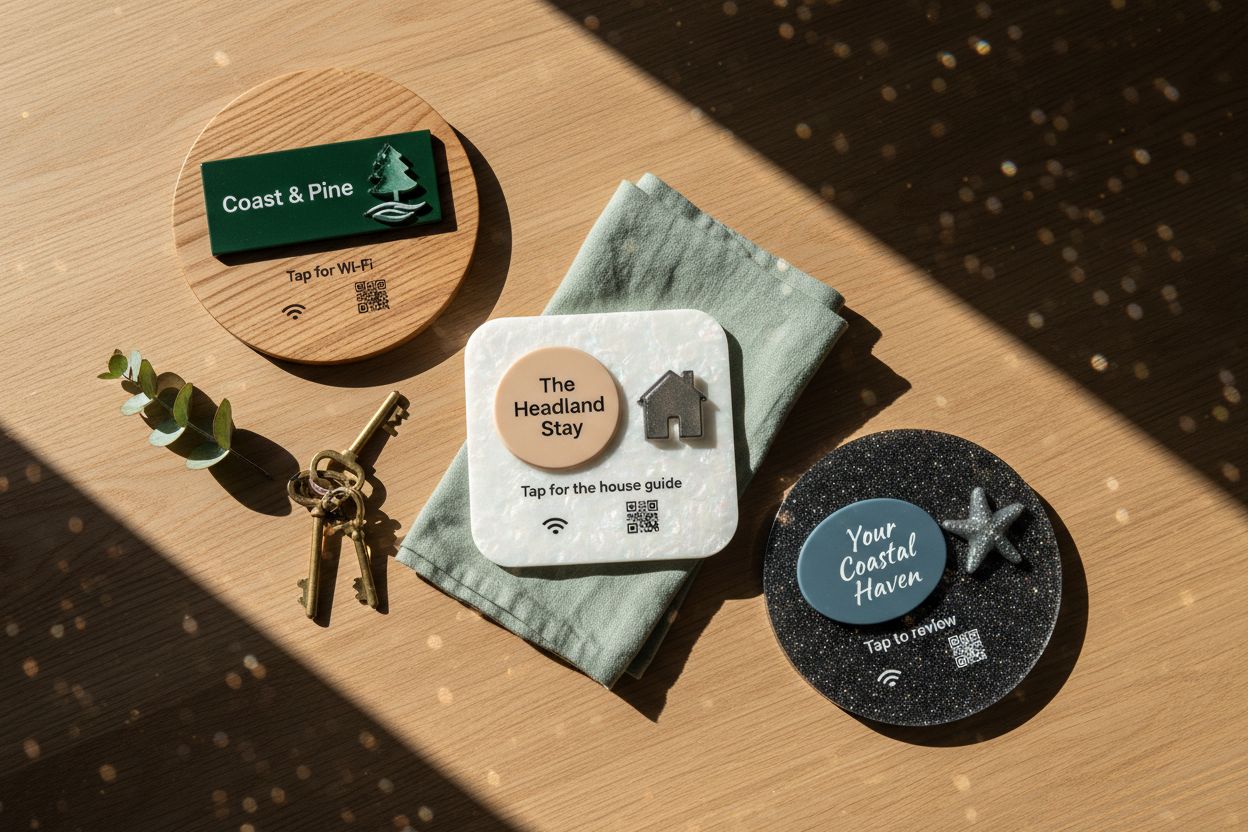
Shortfield tiles come in 106, 147, 198 and 237mm, circle or square. A backing rim can take the footprint up to 297mm.
- 106mm: beside an EFTPOS terminal, on a small counter, on a café table, at a market stall. Small enough not to crowd; big enough to read the instruction.
- 147mm: on a table, a reception desk with more room, or fixed to a wall at close range.
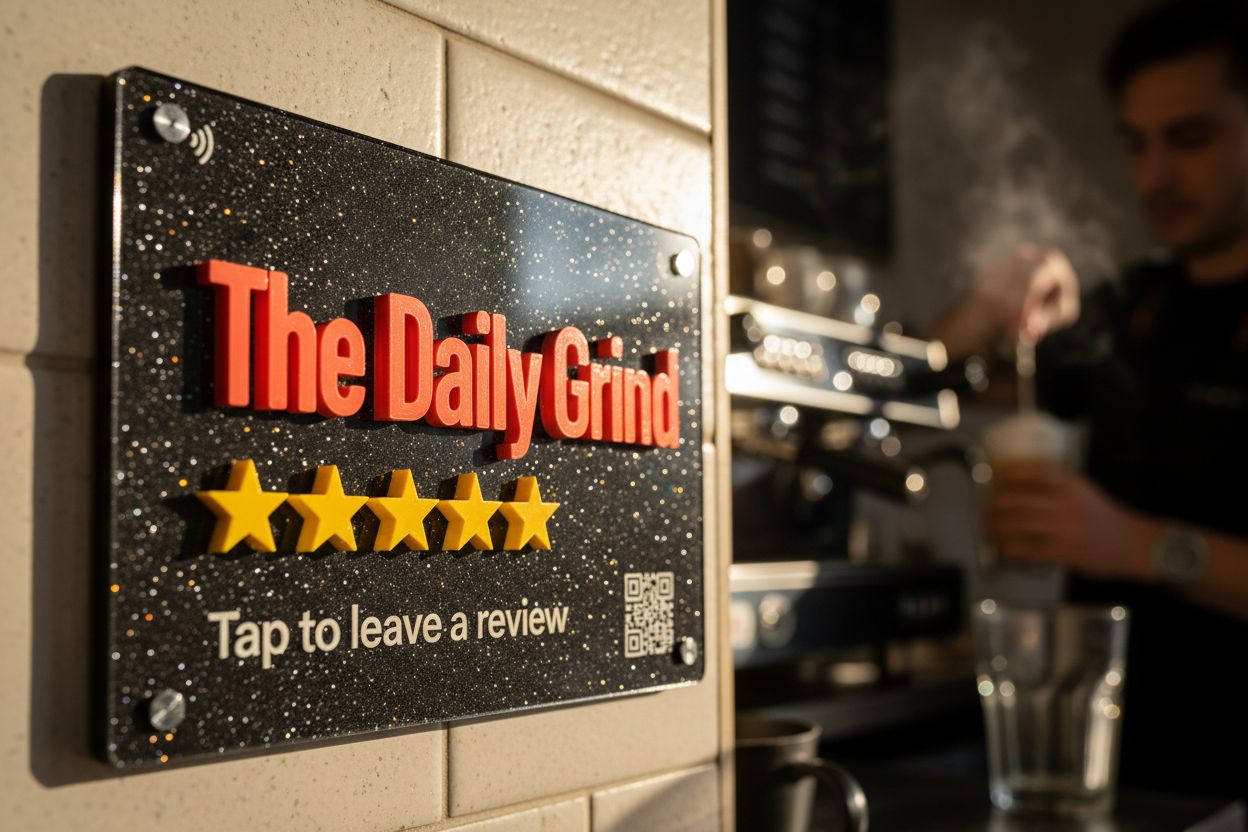
- 198mm and 237mm: walls, doors and windows, where people see it from a few metres away before they reach it.
- Up to 297mm with a backing rim: a feature piece on a large wall or behind the bar.
On a wall, bigger isn’t only about visibility; it tells people from across the room that the object is there for them. The phone still has to reach the chip, so fix it where hands naturally go, roughly chest height.
Placement by business type
Cafés and bakeries. Beside the terminal at the register. If you have a pickup counter where people wait for coffee, a second tile there catches people with time to kill. See cafés.
Restaurants. At the pay counter if diners pay there. If staff take the terminal to the table, a 106mm tile on each table or a plaque by the exit. The bill folder or the table is where the moment happens.
Pubs and bars. Fixed to the bar wall or the bar front at the ordering point, or by the exit. Loose stands on a busy bar get knocked over or walk off. See pubs and bars.
Hair salons, barbers, beauty. At reception beside the terminal. Some salons also put a small tile at each station mirror, where the client sees the finished look. See hair salons.
Dentists, physios, clinics, vets. At reception for checkout, and a wall tile in the waiting room, where people sit with their phones for several minutes. Keep it away from anything that feels like part of the treatment.
Gyms. By the exit or the check-in point, not in the middle of the floor.
Retail shops. At the register. For boutiques, beside where you wrap purchases.
Tradies. On the van, near where you talk to the customer at the end of a job, or a tile you hand over. Show it after the job, not before.
Hotels and motels. At reception for checkout, and a tile in the room that opens a page with the review link alongside Wi-Fi and room info.
Placement mistakes to avoid
- Behind the tip jar, the lolly display or the business cards. If a phone can’t get to it, it doesn’t exist.
- Flat on the counter under a pile of receipts. Use the stand.
- On bare metal. A steel counter or metal wall can stop the chip reading reliably. Use the stand, a backing rim or a board behind it, and test before fixing. See how long do NFC tags last.
- Behind thick glass. Standard shopfront glass is fine; a thick glass counter-top isn’t.
- Out of staff’s line of sight. The line from staff matters more than the spot.
- Too many. One per point of sale. Three tiles on one counter confuse people.
How do I know if it’s in the right place?
Check the tap counts in your account. Each tile shows its own count, so if the counter tile gets taps and the wall tile doesn’t, move the wall tile. Try a spot for two weeks, compare, and adjust. Pausing a tile or re-pointing it costs nothing.
Stand or fixed?
A clear stand lets you move the tile around until you find the spot. Once you know where it belongs, you can leave it in the stand or fix it with adhesive or screws. For the trade-offs between formats, see NFC review cards vs stands vs plaques.
Design yours on the Google review tile page and see it rendered before you buy. For wall versions, see the Google review plaque.
Frequently asked
Should the stand face the customer or staff? The customer. Staff can see it from behind; it’s the customer who needs to read “Tap to leave a review”.
Can I put one outside the shop? Yes, on a window or wall. Acrylic is weatherproof for outdoor spots, and NFC reads through standard shopfront glass, so a tile inside the window works for people outside.
Should I put one on every table? In most venues, no. One at the pay point with a staff line beats ten on tables. The exception is venues where everyone pays at the table.
What if my terminal is on a swivel? Put the tile on the side it swivels toward, so it faces customers while they pay.