Tap to review us on Google, in one gesture.
The same motion customers use to pay. They hold their phone to the sign and your Google review form opens, stars showing, from the lock screen.
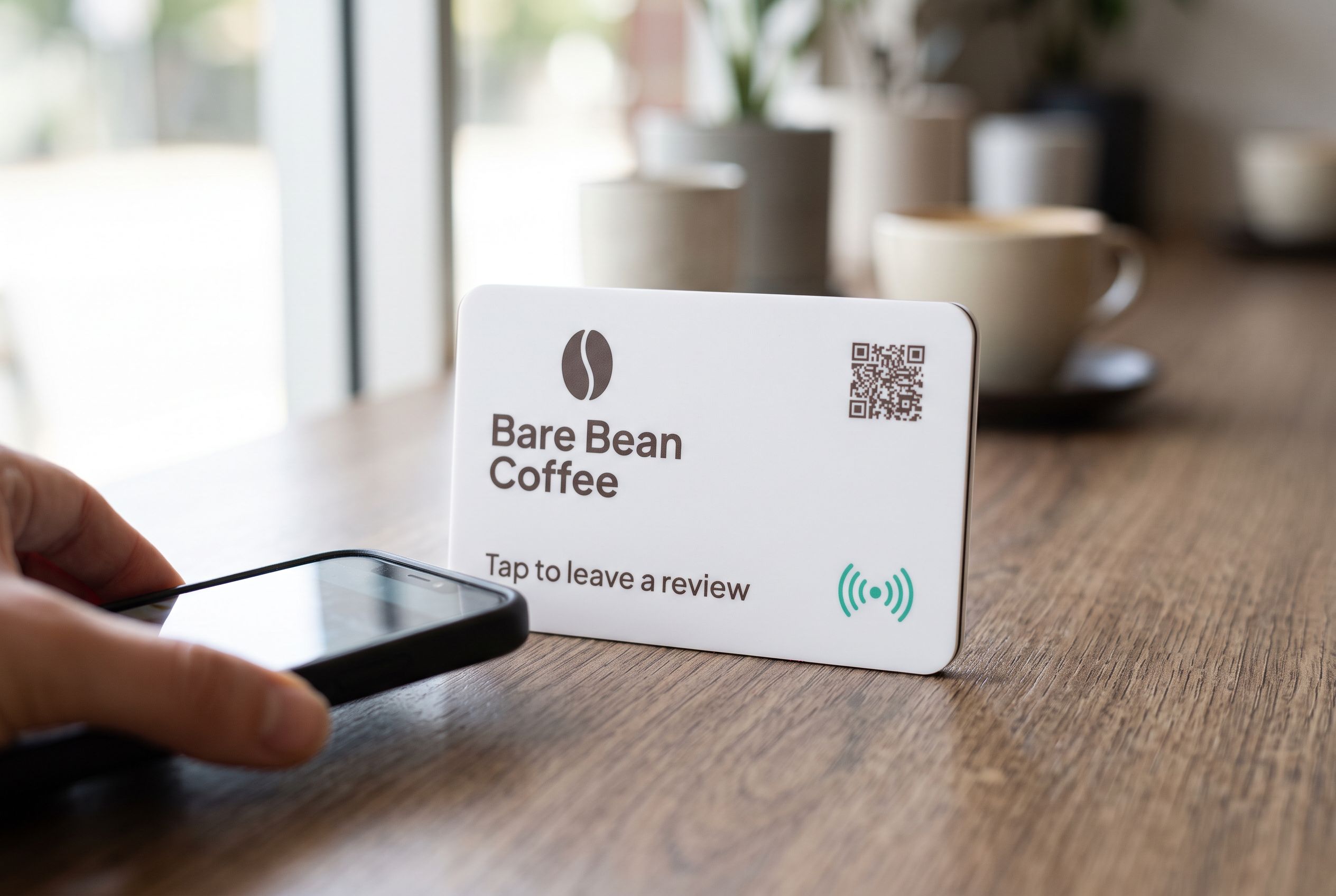
No camera, no app
The phone reads the NFC chip from the lock screen. Nothing to open, nothing to aim.
A gesture people know
Customers tap to pay dozens of times a week. Tapping to review is the same move.
Works through cases
Thick case, wallet case, card holder on the back: the chip still reads.
No battery
The phone powers the chip for the moment of the tap. There is nothing to charge or replace.
“Tap to review” is a gesture, and that is its whole advantage. Your customers already tap their phones to pay, to board a train, to get through a gate. Ask them to tap the same phone on a sign and they understand immediately. There is no app to open, no camera to aim, no link to type. The Google review form appears with the stars showing, and they leave a rating in the time it takes to put their card away.
A Shortfield tap to review sign is a tile with an NFC chip sealed inside. It can stand on the counter, fix to a wall, or sit on a table. What makes it a tap to review sign is the chip and the words on the face telling people to use it.
What happens during the tap
NFC stands for near-field communication. The chip in the sign has no battery. When a phone comes within a few centimetres, the phone’s own field powers the chip for a fraction of a second and reads the link stored on it. The phone shows a notification or opens the page straight away, depending on the model. The customer does not need to unlock anything first on most phones.
The link points at a Shortfield address, which forwards to your Google review form. That is why you can change where the tap goes later, from your account, without reprogramming anything.
Where to hold the phone
This is the one thing customers get wrong, and it is easy to fix:
- iPhone: the top edge of the phone, near the camera.
- Most Android phones: the back, around the middle.
A small phone icon printed on the sign, or a staff member showing it once, is enough. After the first tap, people remember. Our guide on which phones can tap NFC tiles covers the models in detail.
Why tapping gets more reviews than asking
A spoken request, a card with a web address or a receipt footer all leave the customer with a task for later. Later rarely comes. A tap happens now, while they are standing in front of you and still pleased. Reducing the review to a gesture removes every step where people drop off: searching for your business, finding the right listing, finding the review button.
It also means the ask can be the same for everyone. Say the line to every customer, “If you enjoyed it, tap your phone there for our Google reviews”, and never offer anything in return. Asking everyone and rewarding no one keeps you within Google’s policies.
What about phones that do not tap?
Every iPhone XR and newer reads the sign, as do NFC-equipped Android phones. For anything older, or for an Android with NFC switched off, add a QR code to the face of the sign. It points at the same link, so the page is identical either way. NFC vs QR codes for venues explains when each one wins, and our Google review QR code sign page covers the scanning side. If a customer’s Android does nothing, turning on NFC takes two taps in settings.
Choosing the sign
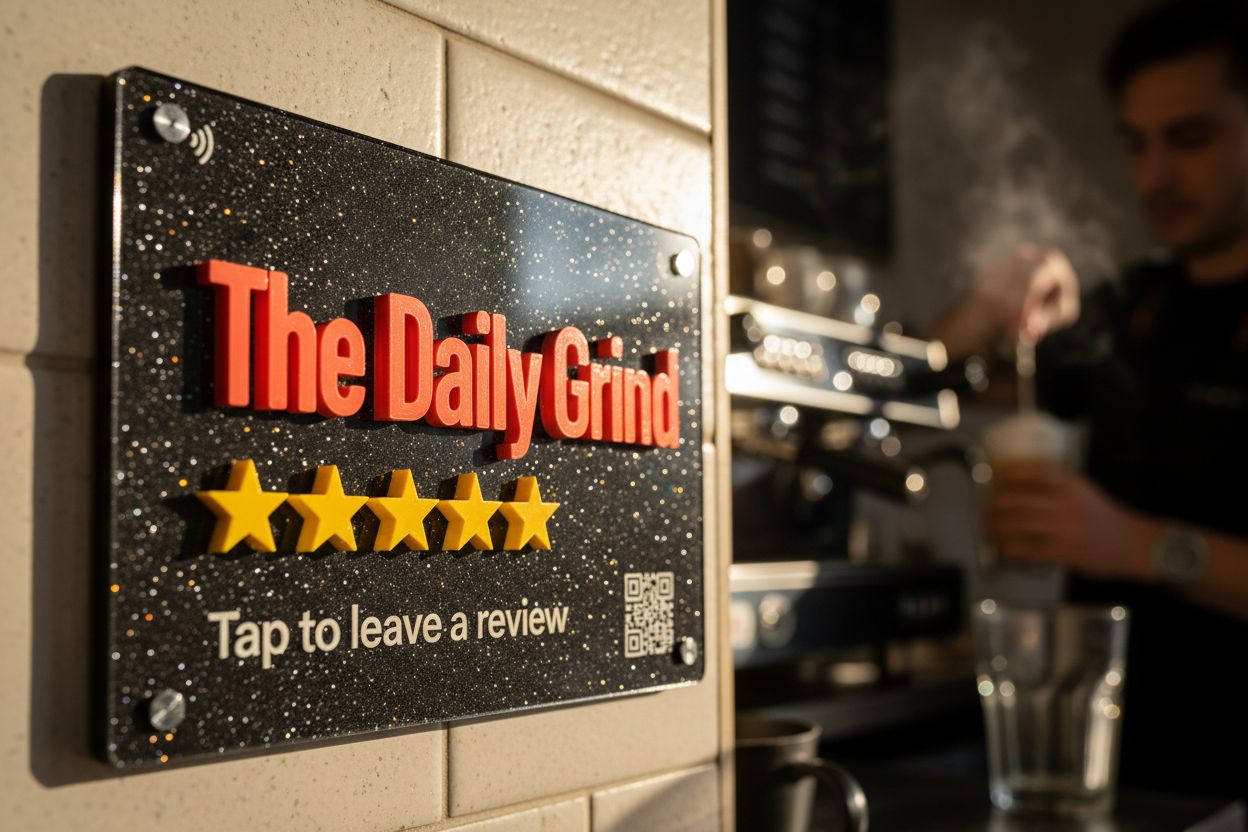
Where the sign lives decides its shape. Beside a card terminal, a 106mm tile in a clear stand; see the Google review stand. On a wall or door, a fixed Google review plaque. Either way, the face should say “Tap to leave a review” in large type, with your logo.
Design it on the Google review tile page, see the finished render, and order. Tiles run from $39 to $430 each, AUD inc. GST, with no subscription required.
The tiles that fit
Questions, answered.
An NFC chip sealed inside the sign holds a link. When a phone comes within a few centimetres, it reads the link and opens your Google review form in the browser.
On an iPhone, the top edge of the phone. On most Android phones, the back middle. Staff can show it once and customers remember.
Every iPhone XR and newer, and NFC-equipped Android phones, read the sign from the lock screen. For older phones, a QR code on the face opens the same page.
NFC may be switched off in their settings. It is usually in the quick settings panel; otherwise they can scan the QR code on the sign.
Yes. The sign opens whatever link you set, and you can change it from your account without touching the sign.