An Airbnb Wi-Fi sign for the first five minutes.
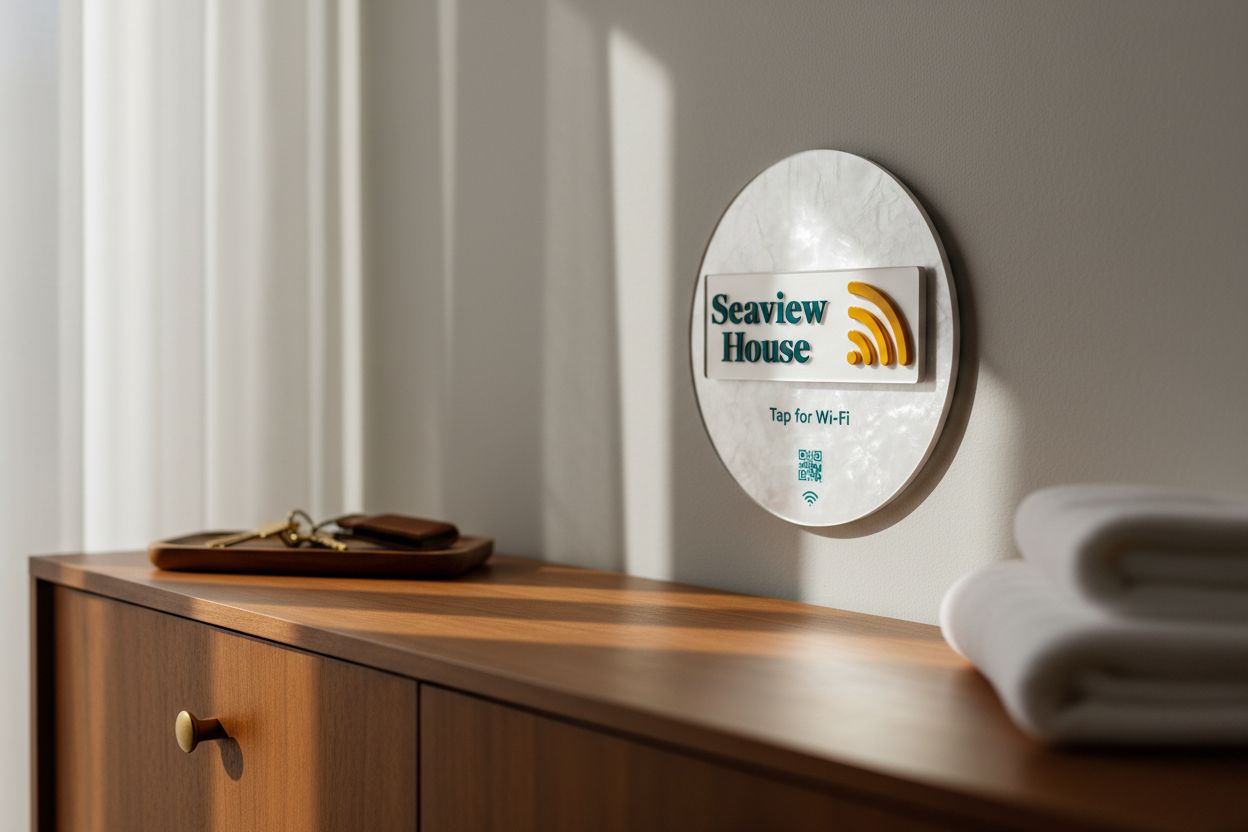
Guests walk in, drop their bags and look for the Wi-Fi. A tile by the door answers before they message you.
Fewer arrival messages
The Wi-Fi question is the one most guests ask first. The sign answers it where they are standing.
New password per stay
Change the password between bookings from your phone. The sign in the hallway doesn't change.
Looks like it belongs
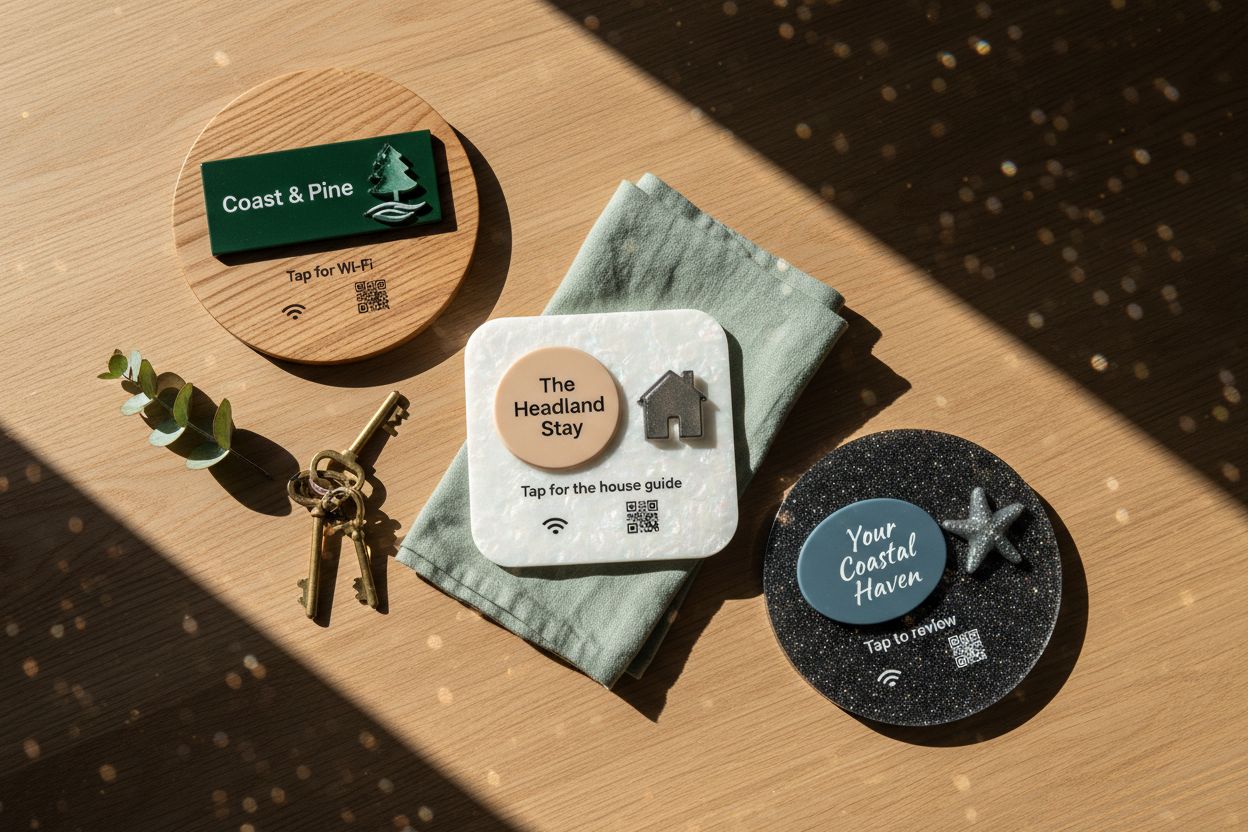
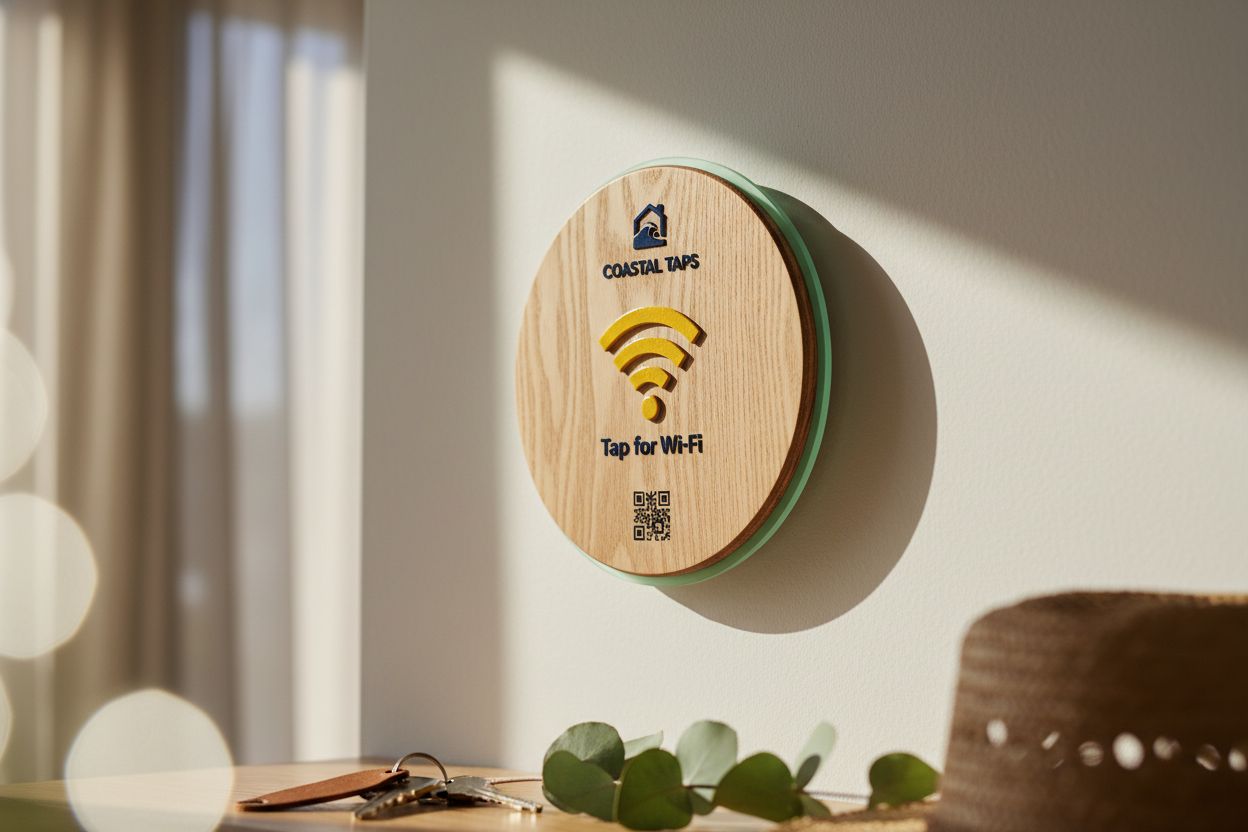
Wood or acrylic, your property name and your colours, so it sits with the décor rather than on a sticky label.
Tap or scan
Recent phones tap from the lock screen. A QR code on the face covers everyone else, including international guests.
Ask any host what guests message about in the first hour and the answer is the Wi-Fi. They have arrived, the phone is low on data, and the password is on page four of a welcome book or on a card that has slid behind the kettle. An Airbnb Wi-Fi sign by the door ends that conversation, and it can do something a printed card can’t: stay correct when you change the password.
What the guest sees
The sign is a tile with an NFC chip sealed inside and a QR code printed on the face if you want one. The guest holds their phone to it, or scans the code, and a page opens with your property name, the network name and the password. Each has a copy button. They copy the password, open Wi-Fi settings and paste it in. The page comes over their mobile data, so it opens before they are connected.
Nothing about your network is stored on the chip or in the QR code. Both point at a page you control, which is why the next part matters.
Changing the password between stays
Many hosts leave the same password on the router for years because changing it means changing the card, the welcome book and the listing. With the password on a page, you change it on the router after check-out, update the page from your phone, and you are done. The sign in the hallway never changes. It is a small step that means a guest from last summer isn’t still on your network.
If your router offers a guest network, put that one on the page and keep your smart lock, cameras and your own devices on another.
Airbnb Wi-Fi QR code sign or a tap sign?
A QR-only sign made with a free generator stores the password in the code. It works until the password changes, then it’s wrong. Ours is both at once: a tap sign for recent phones and a QR code sign for everyone else, pointing at the same page. Which phones can tap covers the details; for most guests it is just “hold your phone here”.
Designing an Airbnb Wi-Fi password sign
Use your property name on the face, not the network name, and a short instruction: “Welcome. Tap for Wi-Fi.” Choose a material that suits the house. Timber reads well in a beach house or cabin; a pastel or pearl acrylic suits a city apartment. Standing tiles go on a hall table in a clear stand; wall tiles fix with adhesive or screws. The Wi-Fi tile page has every option, and you see the render before you buy.
Wi-Fi, then everything else
Wi-Fi is the first thing guests need, not the only thing. The Airbnb host kit adds a house guide and a review request to the Wi-Fi tile, so check-out times, bin nights and the review link are as easy to find as the password. If you host several properties, bulk orders start at 10 tiles.
Questions, answered.
Just inside the front door, where guests put their bags down. A second tile in the living area helps on day two, when they have forgotten where the first one was.
Any iPhone XR or newer and NFC-equipped Android phones tap it with no app, whatever country they are from. Anyone else scans the printed QR code.
Yes. The password sits on a page in your Shortfield account, not on the tile, so you edit it after check-out and the next guest sees the new one.
Yes. Order each property's tile with its own name and point it at its own page. From 10 tiles, bulk pricing applies.
No. The NFC chip is powered by the phone that taps it, so there is nothing to charge or replace between stays.